
Last updated 07-01-2026
Category:
Reviews:
Join thousands of AI enthusiasts in the World of AI!
Text 2 Quiz
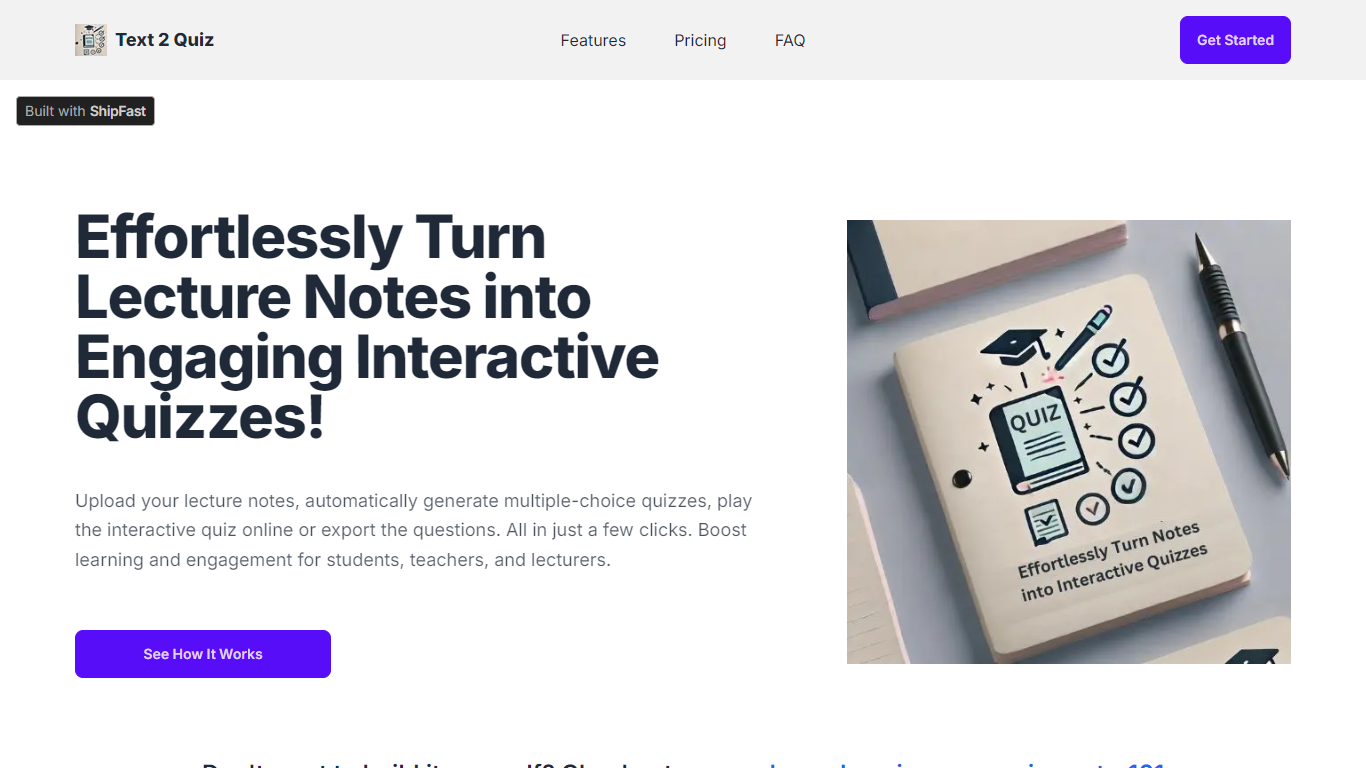
Text 2 Quiz converts lecture notes and PowerPoint slides into multiple-choice quizzes. Upload a PDF, and the site scans the content to generate questions you can play interactively online or export for later use. It is built for students, teachers, lecturers, and tutors who need quizzes without writing every question by hand.
The workflow centers on upload, review, and share. After your file is processed, you can customize the generated questions, run the quiz in the browser, or export it. An optional Bloom's Taxonomy setting shapes questions toward different learning levels, from recall through critical thinking.
Paid plans scale from a single student account to school-wide deployments with shared quizzes, Excel downloads, and higher monthly token limits. The site also points users to QuizMaster101 for ready-made quizzes when they prefer not to build from their own notes.
Upload PDF lecture notes or PowerPoint slides and get multiple-choice questions generated automatically
Review and customize generated questions before playing or exporting the quiz
Play quizzes interactively in the browser or export questions for offline use
Optional Bloom's Taxonomy mode to target different levels of learning
Share quizzes with users on your account on Class and School plans
Download quizzes as Excel files on Class and School plans
Generates multiple-choice quizzes from uploaded PDF lecture notes or slides without manual question writing.
Optional Bloom's Taxonomy setting helps target different learning levels in generated questions.
Class and School plans add collaboration features like shared quizzes and Excel exports.
Only paid plans are listed on the pricing page with no free tier shown.
Uploads are limited to PDF format with per-plan file size caps.
Class and school leaderboard features are marked as coming soon.
How are the quizzes generated?
After you upload lecture notes or PowerPoint files in PDF format, Text 2 Quiz scans the content and automatically creates multiple-choice questions. You can review and adjust the results before playing or exporting the quiz.
What kind of questions does Text 2 Quiz create?
The tool generates multiple-choice questions based on your uploaded PDF content. You can also enable Bloom's Taxonomy to produce questions aimed at different learning levels, from basic recall to higher-order thinking.
Is Text 2 Quiz suitable for all education levels?
Yes. The site states it works for students, teachers, and lecturers from K-12 through higher education, whether you are preparing for exams or running classroom sessions.
What file formats can I upload?
Text 2 Quiz accepts lecture notes and PowerPoint presentations uploaded as PDF files. File size limits depend on your plan, ranging from 5 MB on the Student plan to 20 MB on the School plan.
Is there a free plan?
The public pricing page lists only paid Student, Class, and School plans. There is no free tier shown on the site at the time of this update.
Can I get a refund?
The terms of service note that refund requests can be sent by email within 7 days of purchase. Contact details are listed on the site footer and legal pages.