
Last updated 10-23-2025
Category:
Reviews:
Join thousands of AI enthusiasts in the World of AI!
The Reply Project By GMass
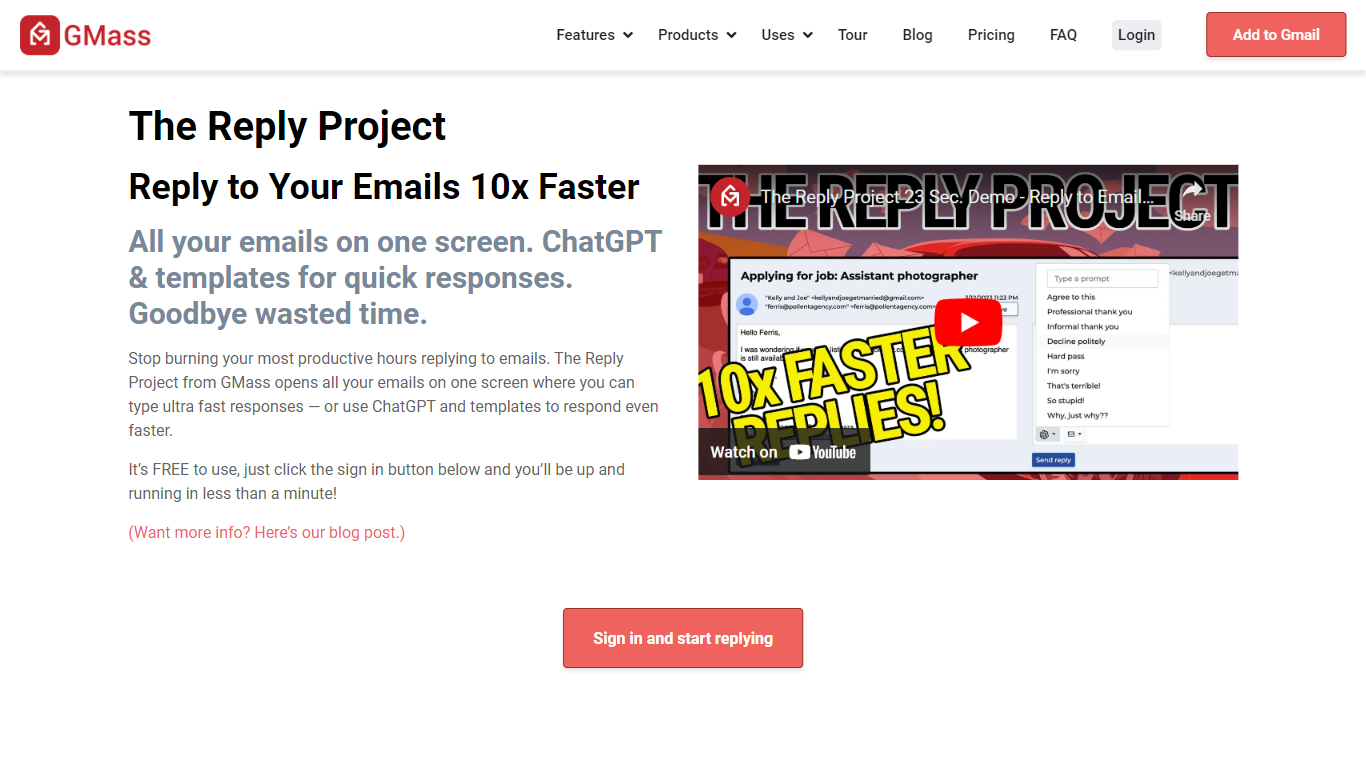
The Reply Project offers an innovative solution to streamline email communication, enhancing productivity by a significant margin. With the clever use of proprietary technology, users can now send larger email campaigns than what's typically allowed by Gmail. The smooth integration with Google Sheets allows for reading merge fields and automatic email dispatch to new rows, simplifying the process of managing email lists and campaigns. Moreover, comprehensive campaign analytics grant accessible insights into email opens, clicks, replies, and much more, all shareable with your team for performance review and strategy planning.
Personalization is at the heart of The Reply Project, providing users the ability to customize emails at scale through mail merges and conditional logic. Follow-up emails are automated, improving response rates considerably by engaging recipients consistently. Scheduling features enable users to plan their campaigns effectively, either for the future or on a recurring basis. Additionally, unique features like email polling add an interactive element to campaigns, while settings allow emails to be sent as direct replies, maintaining the continuity of conversations.
Segmented campaigns refine targeting, and advanced reply management keeps inboxes clutter-free. With robust unsubscribe and bounce management, users maintain high-quality mailing lists. Building new, targeted lists through Gmail searches and A/B testing features facilitate optimized campaign performance. The integration options with SMTP services, transactional email enhancement, and an API for advanced connectivity, all ensure that The Reply Project can adapt to various email marketing needs.
Break Gmail's Limits: Utilize proprietary technology to send larger email campaigns than Gmail's standard limits.
Talk to Google Sheets: Merge fields and auto-send capabilities that streamline the process of sending out emails.
Personalization Tools: Customize your email campaigns on a large scale using mail merges and conditional logic.
Campaign Analytics: Gain insights with sharable reports on email opens clicks and responses.
Automatic Follow-up Emails: Increase your response rates with automated follow-up sequences.