
Last updated 07-16-2026
Category:
Reviews:
Join thousands of AI enthusiasts in the World of AI!
Travel Buddy AI
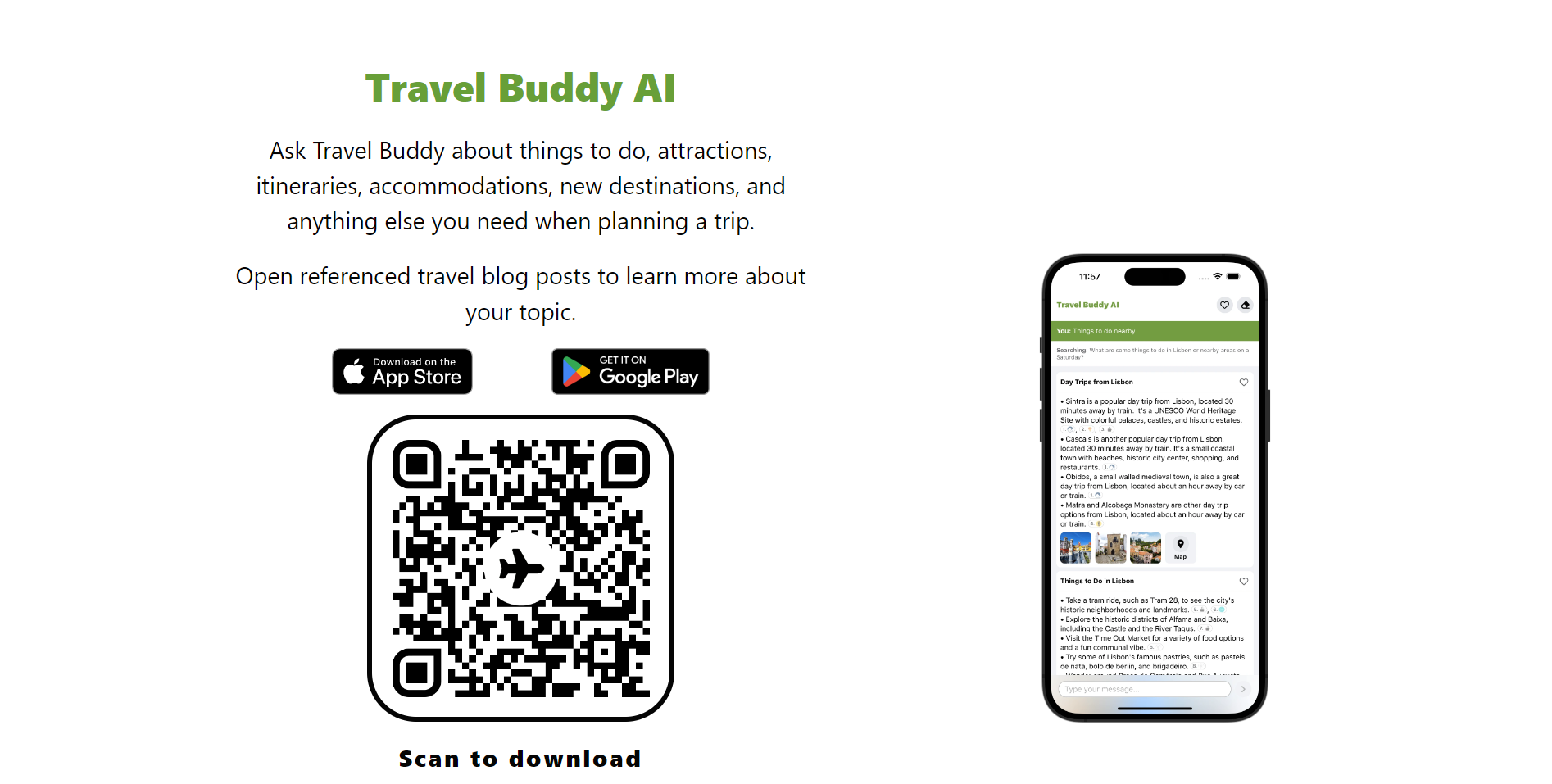
Travel Buddy AI is a mobile trip planner that builds personalized travel itineraries in seconds. It is built for travelers who want to skip hours of research and start with a route shaped around their destination and interests.
The app works as a smart travel companion in your pocket. It surfaces unique places to visit and delivers tailored suggestions so you can explore with a plan already in hand.
Travel Buddy AI is available on iOS and Android through the App Store and Google Play. The marketing site also offers English, German, and Spanish landing pages for international travelers.
A subscription unlocks unlimited AI chat questions about travel, billed on a recurring schedule through your app store account. The free experience still lets you explore the core planner before upgrading.
Builds a personalized trip itinerary in seconds from your destination and interests
Surfaces unique places to visit along your route
Delivers tailored travel suggestions as you plan
Runs as a pocket travel companion on iOS and Android
Subscription unlocks unlimited AI chat questions about travel
Generates a personalized itinerary in seconds instead of manual research.
No account registration required according to the published privacy policy.
Subscriptions can be canceled anytime through App Store or Google Play settings.
Specific subscription prices are not listed on the official website.
Unlimited AI travel chat requires a paid subscription per the terms of service.
Mobile-only product with no web-based trip planner on gettravelbuddy.ai.
Is Travel Buddy AI free to use?
Travel Buddy AI offers a free app with core trip planning features. A paid subscription unlocks unlimited AI chat questions about travel, billed through the App Store or Google Play on a recurring schedule.
What platforms does Travel Buddy AI support?
Travel Buddy AI is a mobile app available on iOS and Android. Download links are on gettravelbuddy.ai for the App Store and Google Play.
Do I need an account to use Travel Buddy AI?
No registration is required to use Travel Buddy AI, according to its privacy policy. You can download the app and start planning without creating an account.
How do I cancel a Travel Buddy AI subscription?
Cancel anytime through the subscription settings in the App Store or Google Play on your device. Cancellation takes effect at the end of your current paid billing period.
What languages does Travel Buddy AI support?
The Travel Buddy AI website offers English, German, and Spanish landing pages. The mobile app is distributed through US App Store and Google Play listings linked from the site.
How do I contact Travel Buddy AI support?
Email [email protected] for questions about Travel Buddy AI terms, privacy, or the app. The service is governed under Polish law per the published terms.