
Last updated 08-22-2026
Category:
Reviews:
Join thousands of AI enthusiasts in the World of AI!
VEME
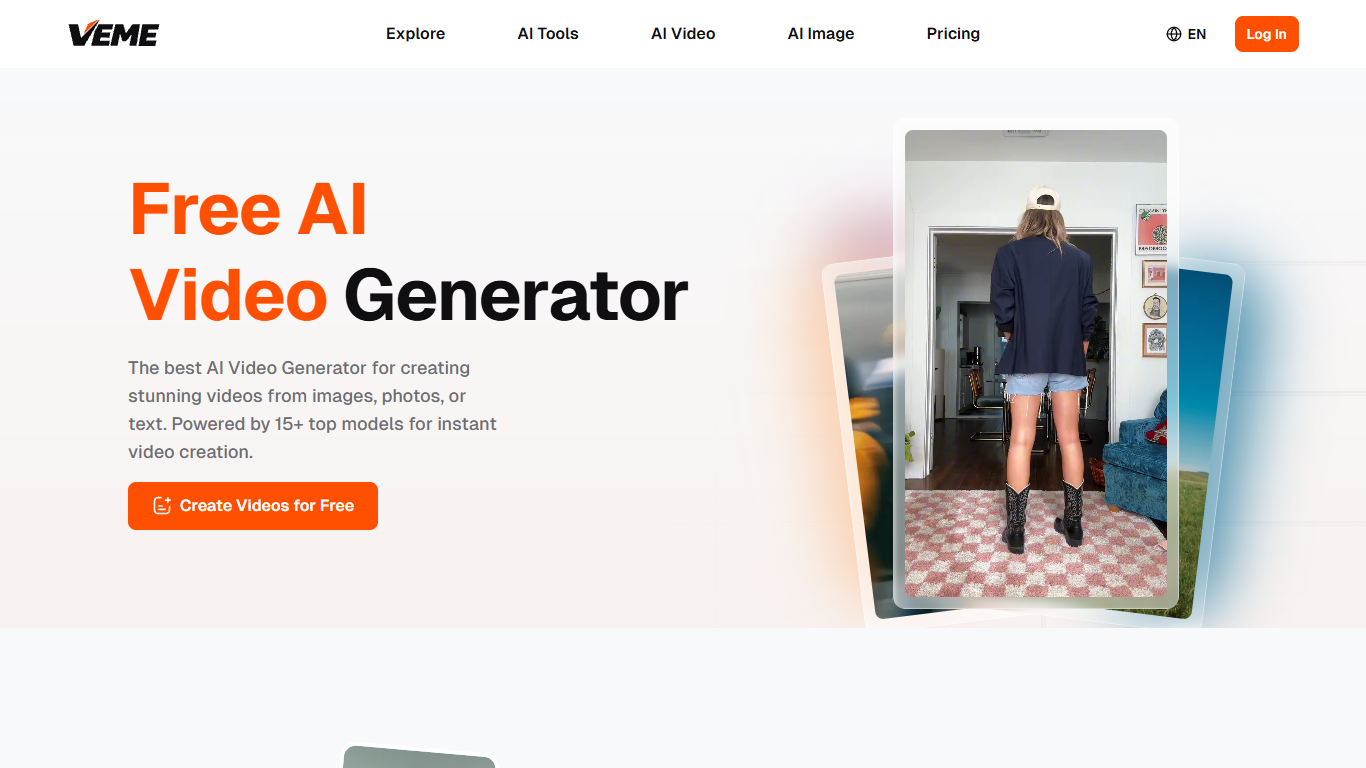
VEME turns text prompts, photos, and still images into short video clips from your browser, with no timeline editor required. Pick from models like Sora, Veo, Kling, Seedance, and Wan, then generate motion for social posts, ads, and product demos from a single dashboard.
Most video-only tools stop at text-to-video. VEME bundles image generation, upscaling, style transfer, voice cloning, and talking avatars in the same account, so you can build a full campaign asset set without switching subscriptions. That trade-off matters if you run product launches or agency work where you need both stills and motion from one credit balance.
It fits YouTube creators, social media managers, e-commerce sellers, and small agencies who want broadcast-style clips without hiring a crew. Common jobs include turning product photos into TikTok ads, extending 15-second footage to 30 seconds, and localizing onboarding videos with talking avatars.
Text-to-video with Sora, Veo, Kling, Seedance, and Wan model selection per project
Image-to-video converts a single still into motion clips in one click
Extend Video stretches short clips while matching motion continuity
Free plan includes 10 monthly credits for up to 10 images and 2 videos
Pro plan at $15 per month includes 13,200 annual credits and watermark-free downloads
Talking avatars and lip-sync tools for multilingual demo and training videos
Bundles video, image, audio, and character tools behind one login and credit wallet
Switch between 15+ named models like Sora, Flux, and Kling per project
Free tier needs no credit card and includes 10 monthly credits
Paid plans remove ads and include commercial usage rights
Free plan caps output at 10 images and 2 videos per month
Credit costs vary by model and resolution, so heavy users need paid tiers
Browser-only workflow with no dedicated mobile app listed on the site
Is VEME free to use?
Yes. VEME has a free plan with 10 credits per month, enough for up to 10 images and 2 videos. Paid Plus, Pro, and Professional plans add more credits, private generation, and ads-free output.
Which AI models does VEME support?
VEME routes video generation through Sora, Veo, Kling, Seedance, and Wan. For images, it includes GPT Image, Flux, Ideogram, Qwen, Nano Banana, and Seedream families, so you can switch models per project without leaving the platform.
How much does VEME Pro cost?
VEME Pro is $15 per month on the annual plan, billed as $180 per year, down from a $29 monthly list price. The Pro tier includes 13,200 credits per year, private generation, ads-free use, and unlimited storage.
Can I use VEME content commercially?
Yes. VEME grants commercial usage rights on paid plans, so videos and images you generate can go into client work, ad campaigns, and product listings. The site recommends Plus, Pro, or Professional for watermark-free commercial output.
Does VEME animate photos into video?
Yes. VEME's image-to-video workflow uploads a still and returns a motion clip without keyframes or a timeline. Product sellers and social teams use it to turn catalog photos into short video ads in under a minute.
What makes VEME different from video-only generators?
VEME combines video and image generation, upscaling, style transfer, voice cloning, and talking avatars behind one login and credit system. You can extend clips, edit backgrounds in batches, and reuse assets across video and still workflows.