
Last updated 07-30-2026
Category:
Reviews:
Join thousands of AI enthusiasts in the World of AI!
Video Iggy
Video Iggy builds nine-day LinkedIn video campaign plans for people heading to conferences, expos, and trade shows. A four-step web form collects your event URL, website link, goal for attending, and email address, then returns a structured plan with daily post descriptions, what to film, suggested post times, and event location context.
Where typical video generation tools render clips from a prompt, Video Iggy stops at strategy. It uses OpenAI's chatgpt-4o-latest model through the browser to draft narrative arcs covering pre-event prep, live coverage, and post-event follow-up, then lets you view the schedule in timeline or grid layouts, regenerate the plan, or export a PDF.
That narrow focus suits booth teams, founders, and nonprofit reps who want LinkedIn visibility around a fixed event date but do not have a content strategist on staff. The wizard saves partially entered URLs in localStorage so you can finish the form later, and completed campaigns can be copied day by day from the results screen.
Nine-day LinkedIn campaign output with daily post copy, video shoot notes, and suggested post times
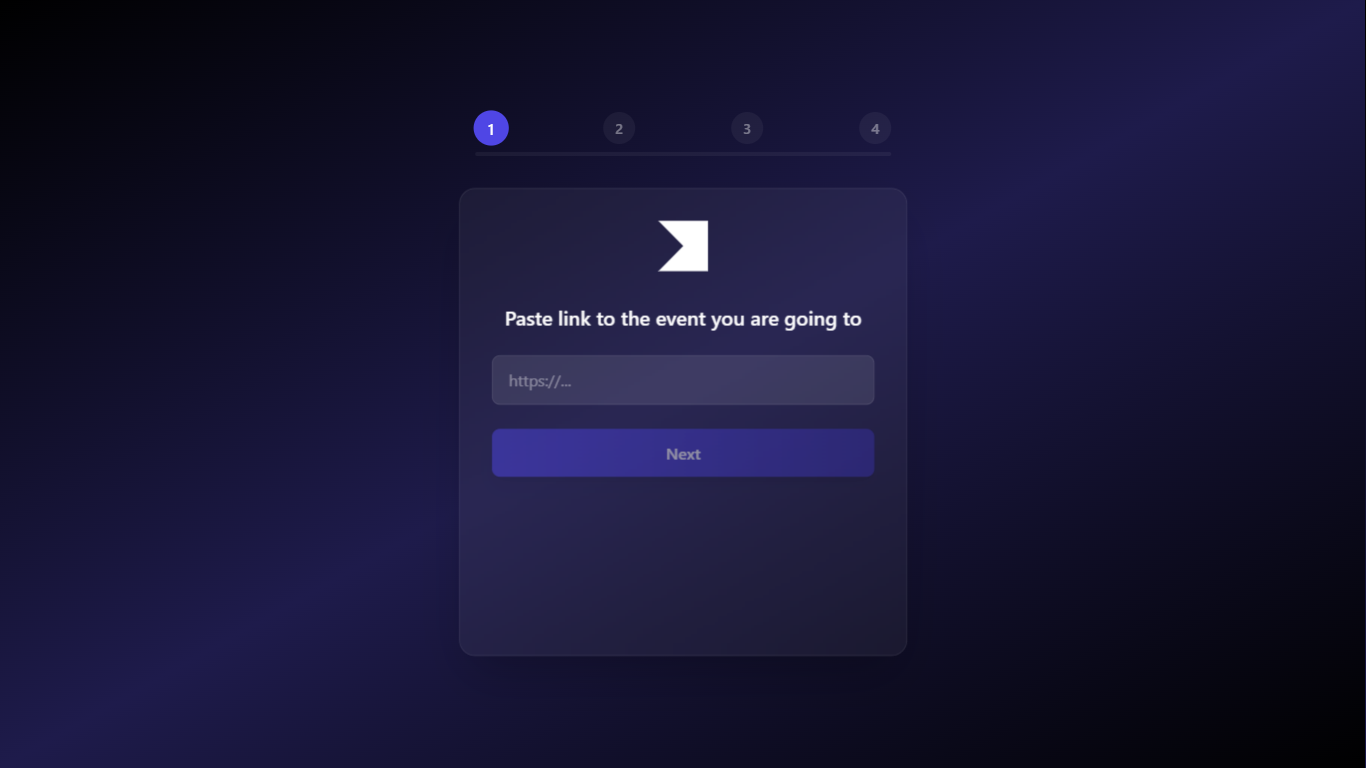
Four-step intake asks for an event URL, your website, your attendance goal, and email before generating
Built on OpenAI chatgpt-4o-latest with JSON-structured responses for each campaign day
Timeline and grid views for the full schedule, plus a regenerate option if the first draft misses the mark
Export the finished plan to PDF through an in-browser jsPDF download
Free with no visible paid tier or checkout step in the web app.
Plans cover pre-event, live, and post-event LinkedIn posts in one nine-day pass.
PDF export and per-day copy buttons make it easy to share the schedule with a teammate.
Campaign generation runs through client-side OpenAI calls, which is an unusual and risky pattern for a public web app.
Output is LinkedIn-only, with no parallel plans for Instagram, TikTok, or email newsletters.
You must provide an email address before the tool generates a campaign.
Is Video Iggy free to use?
Yes, Video Iggy is free. The web app generates full nine-day LinkedIn campaign plans without a visible paid tier, subscription gate, or checkout step in the interface.
Does Video Iggy render finished videos?
No. Video Iggy writes campaign strategy, not video files. It returns nine days of LinkedIn post copy, video shoot descriptions, timing notes, and objectives you can film yourself.
What inputs does Video Iggy require?
Video Iggy asks for four items: a link to the event you are attending, a link to your website, a short goal for going to the event, and a valid email address before it generates the plan.
How long is the Video Iggy campaign plan?
Video Iggy builds a nine-day schedule. Each day includes post copy, video content guidance, a key objective, relative timing around the event, and a suggested post time with timezone context.
Can I download my Video Iggy plan?
Yes. After generation, Video Iggy lets you download the campaign as a PDF that lists client details, event location, timezone, and the full day-by-day post and video brief schedule.
Which platform does Video Iggy target?
Video Iggy is built for LinkedIn event marketing. The generator prompt and output fields are tuned to daily LinkedIn posts and supporting video ideas rather than short-form apps like TikTok or Reels.