
Last updated 08-22-2026
Category:
Reviews:
Join thousands of AI enthusiasts in the World of AI!
VideoAI
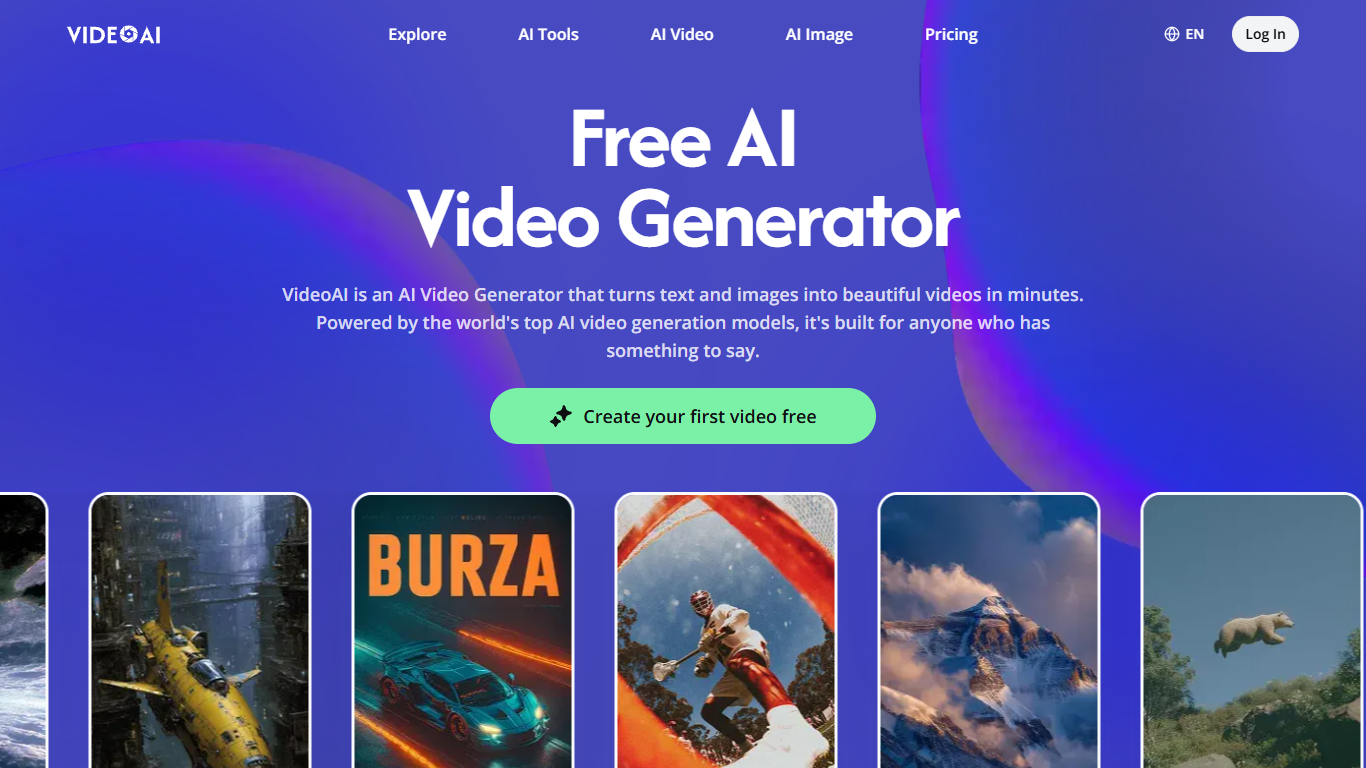
VideoAI turns text prompts and still images into short video clips through a browser-based workspace. You pick from multiple generation models including Kling, Wan, Seedance, and Veo, then describe the motion you want in plain language. The free plan includes 10 monthly credits with no credit card required, enough for about 2 videos and 5 images.
Most AI video tools lock you into one model, which limits style and motion quality. VideoAI puts Kling, Seedance, Veo, and Wan behind the same chat interface so you can switch models mid-project without exporting files elsewhere. That multi-model access is the main reason to use it over single-engine alternatives like Runway alone. The trade-off is a credit system where Veo 3 Quality costs significantly more credits per clip than Seedance Fast.
Content marketers use VideoAI for social clips and ad concepts without learning Premiere. Small business owners turn product photos into motion ads through the image-to-video workflow. Educators create short explainer clips from still slides and text prompts.
Switch between Kling, Wan, Seedance, and Veo video models in one project
Free plan includes 10 monthly credits for up to 2 videos with no credit card
Image-to-video workflow uploads a photo and animates it from a text prompt
Extend existing AI video clips without restarting the generation
Pro annual plan includes 21,600 credits per year at $360 ($30/month equivalent)
Built-in tools for motion control, music creation, upscaling, and background removal
Multiple video models (Kling, Seedance, Veo, Wan) accessible in one interface
Free tier with real generation access, not just a preview
Chat-based creation removes the need for video editing skills
Built-in image tools including upscaling and background removal
Free plan caps output at 2 videos and 5 images per month
Premium models like Veo 3 Quality consume credits quickly
Higher resolutions and advanced models require paid subscriptions
Is VideoAI free to use?
Yes, VideoAI includes a free plan with 10 monthly credits for about 2 videos and 5 images. Signup needs only an email address. Plus, Pro, and Professional plans add more credits and higher-resolution exports.
Which AI models does VideoAI include?
VideoAI provides access to Kling, Wan, Seedance, and Veo for video generation, plus Nano Banana, Flux, and GPT Image 2 for images. You can switch between models freely within the same project on videoai.ai.
How does VideoAI image-to-video work?
VideoAI lets you upload a still image and describe the motion you want in a text prompt. The AI reads both the image and your description to produce a video clip where movement follows your instructions.
How much does VideoAI Pro cost?
VideoAI Pro is $49.90 per month on monthly billing, or $360 per year ($30/month equivalent) on annual billing. The Pro plan includes 1,800 monthly credits or 21,600 annual credits for video and image generation.
Do I need video editing experience for VideoAI?
No, VideoAI uses a chat-based interface where you describe what you want in plain language. Built-in templates and preset effects let most users go from idea to a shareable video in one session without editing software.
Can VideoAI extend an existing video clip?
Yes, VideoAI includes an extend feature that continues an AI-generated video past its original endpoint. Motion stays smooth and consistent through the extension without restarting the generation from scratch.