
Last updated 08-10-2026
Category:
Reviews:
Join thousands of AI enthusiasts in the World of AI!
Voicy
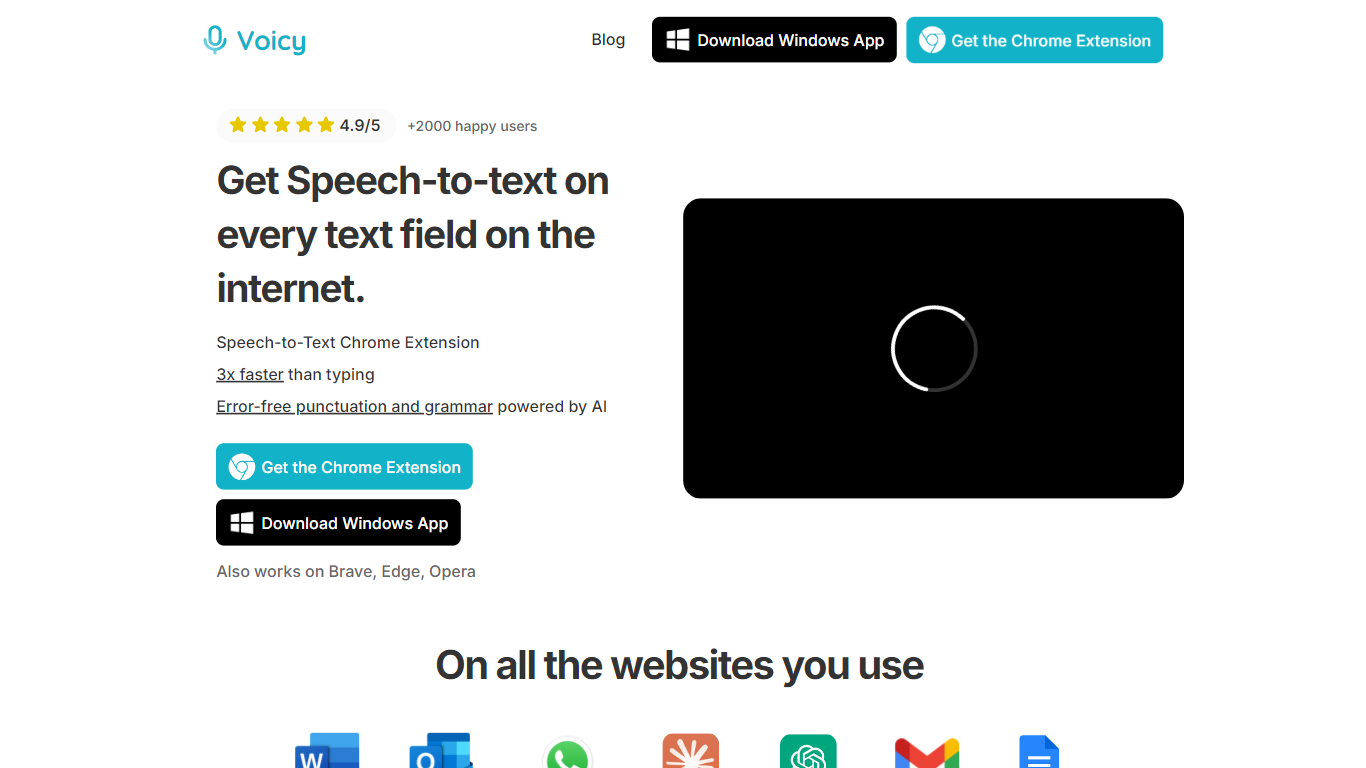
Voicy turns spoken words into typed text across every app and website on your computer. Install the Mac, Windows, or Linux desktop app, pick a keyboard shortcut, and dictate into Gmail, Slack, Word, ChatGPT, or any of 20,000 supported sites. It claims over 99% accuracy in 50 languages with automatic punctuation added as you speak.
Built-in OS dictation on Mac and Windows tops out around 90% accuracy and skips auto punctuation. Voicy adds an AI writing assistant, works in terminals and IDEs for vibe coding, and ships dedicated iOS and Android keyboard apps. Transcripts stay on your device because Voicy says it does not store recordings or use them for model training.
Writers, developers, support staff, and students use it to hit roughly 120 words per minute instead of the 40 wpm average for typing. The free tier includes 30 minutes of recording with full feature access. Pro costs $8.49 per month on annual billing for unlimited recording across desktop and mobile.
Over 99% accuracy across 50 languages including English, German, French, Spanish, and Mandarin
Works in every desktop app and on more than 20,000 websites via Mac, Windows, and Linux clients
Automatic punctuation and formatting applied to dictated text without manual cleanup
30 minutes of free recording time with full feature access and no credit card required
Dedicated iOS App Store and Google Play keyboard apps for mobile dictation
AI rewriting assistant for polishing emails, documents, and chat messages
Pro plan at $8.49 per month on annual billing includes unlimited recording on desktop and mobile
System-wide dictation across apps, browsers, and 20,000 plus websites
Privacy policy states no transcript or recording storage on company servers
50-language support with automatic punctuation beats native OS dictation
Desktop and mobile apps plus a generous 30-minute free trial
AI rewriting assistant for polishing dictated text before sending
No offline mode unlike Apple and Windows built-in dictation
Pro subscription required after the 30-minute free allowance
Team plan requires a minimum of 3 users to purchase
How much does Voicy cost?
Voicy offers 30 minutes of free recording with no credit card. Pro costs $8.49 per month on annual billing for unlimited recording, and a $260 lifetime plan covers unlimited use on desktop and mobile.
What platforms does Voicy support?
Voicy runs on Mac, Windows, and Linux desktop apps plus iOS and Android keyboard apps. It also works as a Chrome extension and dictation layer across more than 20,000 websites.
How many languages does Voicy support?
Voicy supports over 50 languages with more than 99% accuracy according to the site. This includes English, German, French, Spanish, Portuguese, and Mandarin among others.
Does Voicy store my recordings?
No, Voicy states it does not store transcripts or recordings in its database. Dictation output stays on your device locally, and recordings are not used to train AI models.
Is Voicy better than built-in Mac or Windows dictation?
Voicy claims over 99% accuracy compared to roughly 90% for Apple and Windows native dictation. It also adds automatic punctuation, an AI writing assistant, and fast support that built-in tools lack.
Can I use Voicy in ChatGPT and coding tools?
Yes, Voicy works for speech-to-text in ChatGPT, Claude, Gemini, Slack, Teams, and terminal or IDE workflows. The site lists dedicated pages for Cursor IDE and Claude Code dictation.