
Last updated 07-30-2026
Category:
Reviews:
Join thousands of AI enthusiasts in the World of AI!
Wand
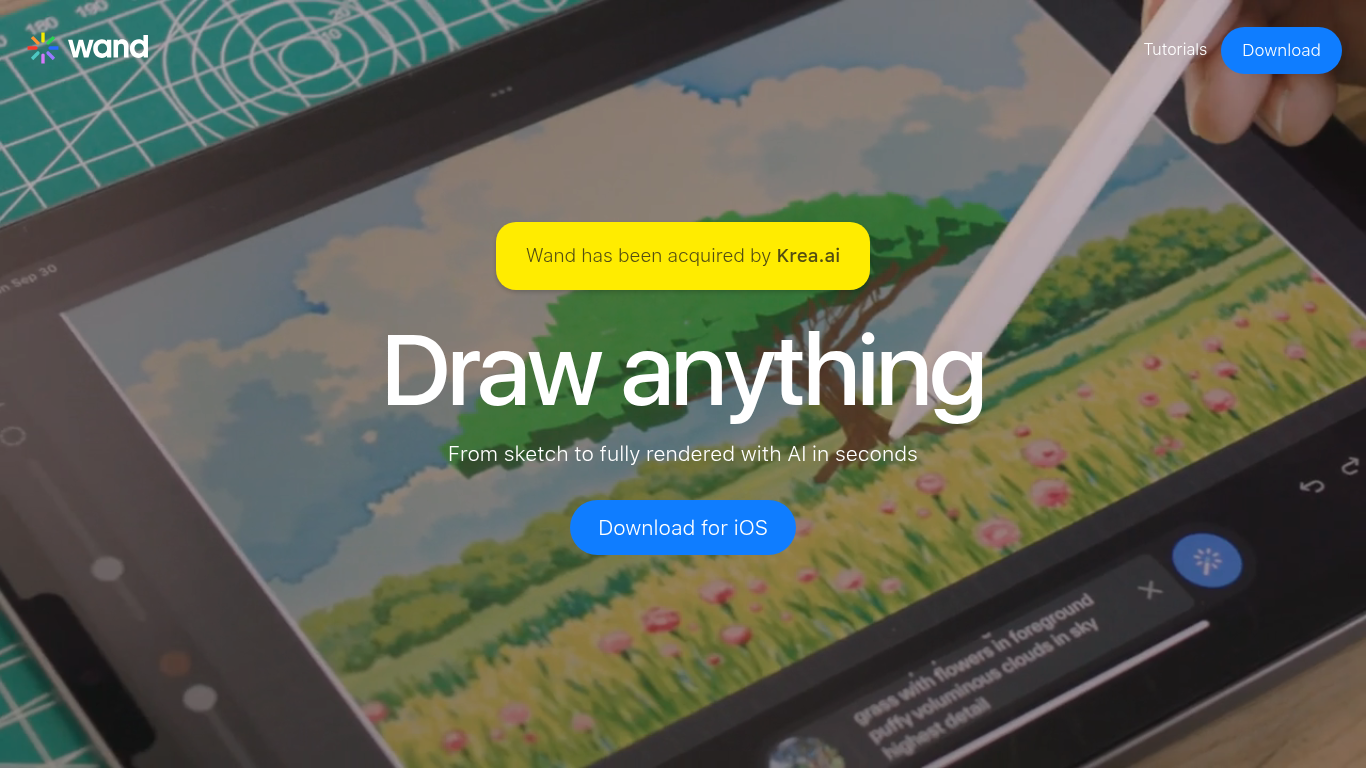
Wand turns iPhone and iPad sketches into fully rendered artwork through an AI drawing app built for Apple Pencil. You draw on canvas, and the app renders your strokes into finished illustrations in seconds with adjustable morph intensity, multi-layer editing, and regional touch-up controls. Wand was acquired by Krea.ai but remains available as a standalone iOS download.
Unlike text-to-image generators that ignore your hand skills, Wand starts from your actual linework and applies AI styles on top. You can train private custom models on your own artwork, browse a preloaded style library, or build personal styles, which matters for illustrators who want AI to extend their look rather than replace it. Export transparent PNGs and iterate on specific regions without re-rendering the whole canvas.
Digital illustrators, comic artists, fashion designers, and art students on iPad are the target users. Gallery artists like David Salle have used Wand to train models on their own work for exhibitions. The app is iOS-only with native Apple Pencil support, so it is not a browser or desktop tool.
Renders hand-drawn sketches into finished artwork in seconds on iPhone and iPad
Custom brush engine with multi-layer support and regional iterative editing
Train secure private models on your own artwork to generate in your personal style
Preloaded style library plus ability to create and save custom aesthetic presets
Export transparent PNG files for professional design workflows
Native Apple Pencil and iPadOS support with dynamic morph intensity controls
Dataset storage library to manage and reuse reference images across projects
Starts from your actual sketches rather than text prompts alone, rewarding drawing skill.
Private model training keeps your personal art style exclusive to your account.
Regional editing and layers give fine control over AI output on specific canvas areas.
iOS and iPad only with no web or Android version on the official site.
Public pricing details are not listed on wand.app; costs are through the App Store.
What is Wand?
Wand is an AI drawing app for iPhone and iPad that turns sketches into rendered artwork. You draw on canvas with Apple Pencil, apply AI styles, and export finished illustrations. Wand was built by artists and acquired by Krea.ai.
What devices does Wand support?
Wand is designed for iOS with native support for iPhone and iPad. It works with Apple Pencil on compatible iPads. There is no web or Android version listed on the Wand website.
Can I train Wand on my own art style?
Yes. Wand lets you train secure private models on your own artwork. Artist David Salle used this feature for a Gladstone Gallery exhibit, generating new work in his established visual style.
Does Wand support layers and regional editing?
Yes. Wand includes multi-layer support for blending and organizing elements, plus regional iterative editing to adjust specific areas without re-rendering the entire canvas.
What file formats can Wand export?
Wand exports artwork as transparent PNG files, suitable for design projects that need layer-free images with alpha channels. You can also store datasets in the built-in library for reuse.
Who acquired Wand?
Wand has been acquired by Krea.ai according to the Wand homepage. The iOS app remains available for download on the App Store under Wand Technologies.