
Last updated 07-22-2026
Category:
Reviews:
Join thousands of AI enthusiasts in the World of AI!
Workflow
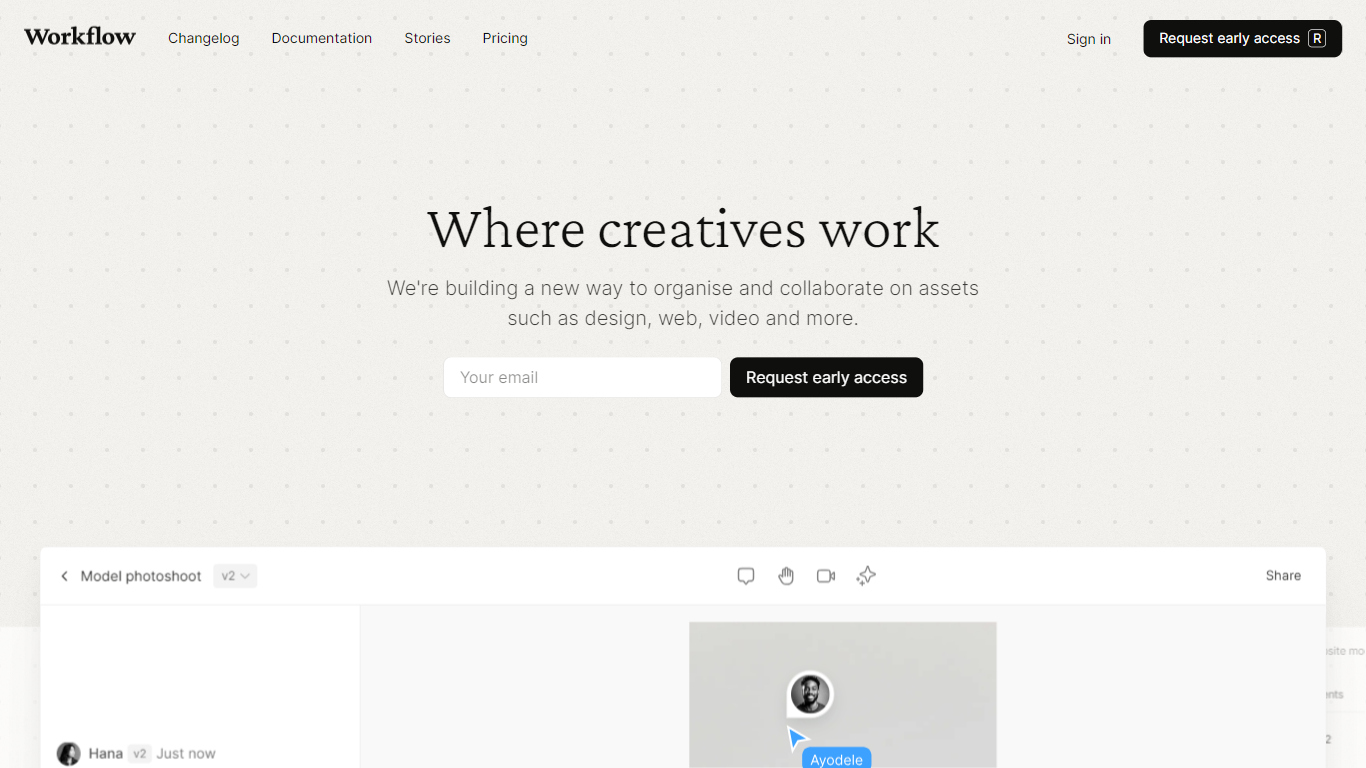
Workflow is a design feedback platform built for designers who need client and team reviews without the usual email and Slack chaos. You share live websites, Figma files, images, videos, PDFs, and presentations in one place, and reviewers leave point-and-click comments tied to the exact spot on the asset.
The product centers on structured review rounds rather than scattered messages. You can pause comments during revisions, track version history across each round, and use an approval button so stakeholders sign off when work is ready. A kanban board, client portals, and project folders keep multiple creative jobs organized as they move from brief to final delivery.
Workflow also ships AI checks that scan uploaded designs and images for spelling, grammar, clarity, and brand voice issues before feedback begins. Plugins for Figma, Photoshop, and Chrome extend the same review flow into the tools designers already use.
It fits freelance designers, web studios, and in-house creative teams who review work with clients and collaborators who may not want another app to learn.
Reviewers comment directly on live websites with no account sign-up required
One workspace handles Figma, images, videos, PDFs, presentations, and 30+ other formats
Pause new comments while you revise so feedback stays tied to the right round
Clients approve or request changes from a built-in button, even without a Workflow account
AI checks flag spelling, grammar, clarity, and brand voice issues on uploaded designs
Figma, Photoshop, and Chrome plugins push selected work into review tasks in seconds
Unlimited guests and comment-only reviewers are included at no extra cost.
Supports live websites plus Figma, video, PDF, and dozens of other creative formats in one tool.
Guided tours and shareable links reduce the need to train clients on how review works.
Live website review does not support single-page applications or tools like Google Docs.
Video storage is capped at 100GB before additional paid storage is required.
Some homepage AI pre-flight checks for live sites are still listed as coming soon.
Is Workflow free to use?
Workflow lets you create unlimited projects and invite reviewers for free during an initial 14-day trial period. After that, you can keep collaborating on existing work and only need a paid plan when you start a new project. No credit card is required to sign up.
How much does Workflow cost?
Workflow's Standard Plan costs $16 per seat per month on the annual plan or $20 per seat per month on monthly billing. Paid seats include unlimited uploads, video feedback, kanban boards, and client portals. Guests and comment-only reviewers stay free.
Do clients need a Workflow account to leave feedback?
No. Workflow reviewers can leave comments after entering just an email address. Clients can also approve or request changes without creating a full account when you enable the approval button on a shared task.
What website platforms does Workflow support?
Workflow supports live website feedback across Squarespace, Webflow, Framer, WordPress, Figma sites, Lovable, v0, and custom builds. It also works with password-protected Squarespace sites and animated JavaScript sites, though it does not support single-page applications or apps like Google Docs.
Does Workflow integrate with Figma?
Yes. Workflow offers a Figma plugin to push selected frames or canvas sections into review tasks, and comments left in Workflow can sync one-way back to Figma. FigJam content can also be uploaded through the same plugin workflow.
Are guests and teammates charged on Workflow?
Guests and unlimited comment-only reviewers are free on Workflow. Teammates who only collaborate without uploading new creative work, such as project managers or developers, can also use Workflow at no extra cost. Only seats that add new creative assets require a paid plan.