
Last updated 03-20-2025
Category:
Reviews:
Join thousands of AI enthusiasts in the World of AI!
WriteMail.ai
WriteMail.ai is an advanced AI-powered email writing tool designed to streamline the process of composing professional and engaging emails. It leverages sophisticated artificial intelligence algorithms to generate high-quality email content tailored to various contexts, whether for business or personal use. The tool is particularly beneficial for busy professionals, entrepreneurs, and anyone who frequently engages in email communication, allowing them to save time and enhance the effectiveness of their correspondence.
The unique value proposition of WriteMail.ai lies in its ability to produce emails that are not only grammatically correct but also contextually relevant and engaging. With a user-friendly interface and seamless integration with popular email clients like Gmail, WriteMail.ai empowers users to focus on the message rather than the mechanics of writing. This capability is further enhanced by customizable tone and style options, enabling users to find their perfect voice in email communication.
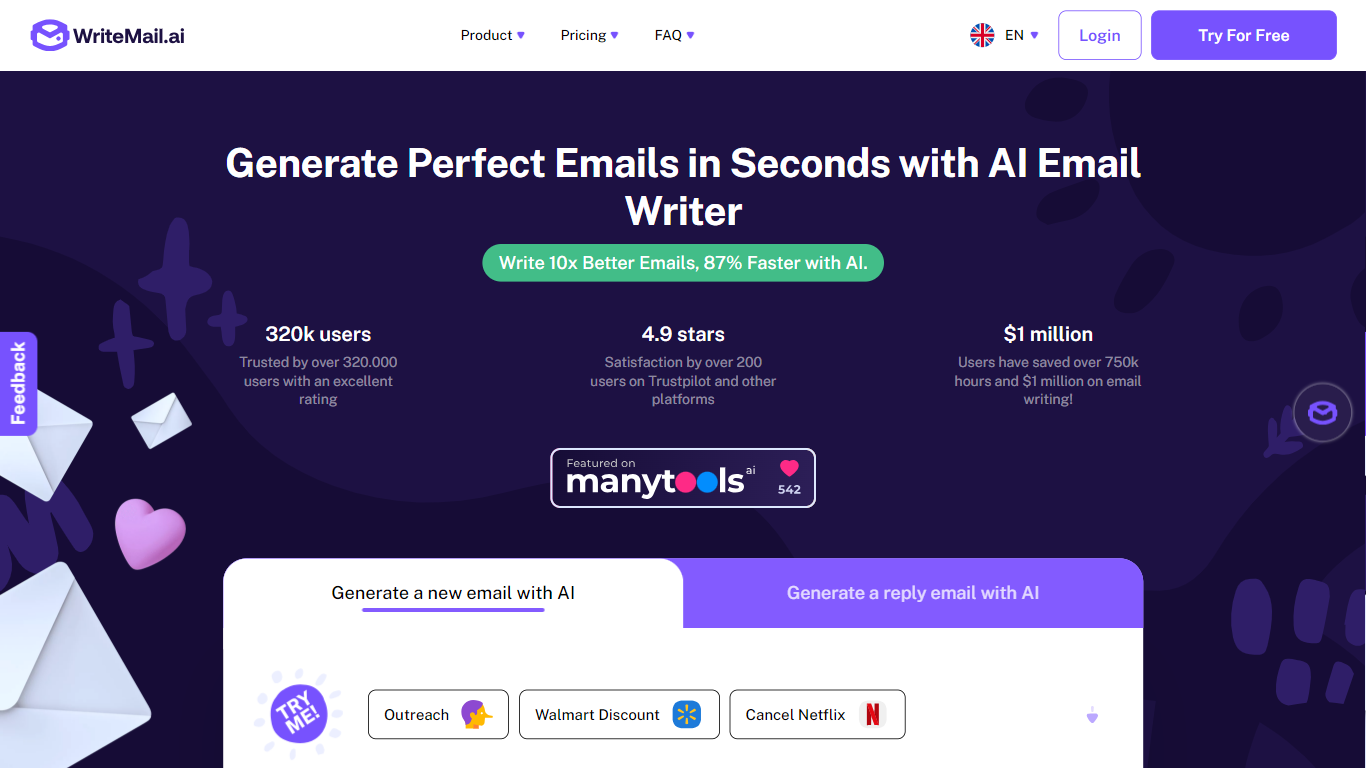
Key differentiators include its extensive user base of over 320,000 satisfied customers, a high satisfaction rating of 4.9 stars, and significant time and cost savings reported by users. WriteMail.ai has saved its users over 750,000 hours and $1 million in email writing time, underscoring its effectiveness and value in improving email productivity. The tool also offers custom plans to cater to unique communication needs, making it adaptable for both individuals and teams.
AI-Powered Email Generation: Utilizes advanced AI algorithms to create contextually relevant and engaging emails, significantly reducing the time spent on email composition.
Customizable Tone and Style: Offers users the ability to adjust the tone and style of their emails, ensuring that the communication aligns with their personal or brand voice.
Seamless Integration: Features a Chrome extension for Gmail, allowing users to generate email content directly within their inbox, enhancing productivity without disrupting existing workflows.
Multilingual Support: Provides support for multiple languages, enabling users to communicate effectively with a global audience and cater to diverse client needs.
Instant Feedback with Mail Assistant: Includes a pop-up tool that offers real-time suggestions and insights to improve email effectiveness, helping users achieve their desired outcomes.
1) What is WriteMail.ai?
WriteMail.ai is an AI-powered email writing tool that helps users compose better emails more efficiently. It uses advanced artificial intelligence to generate relevant and engaging email content tailored to various situations.
2) Is WriteMail.ai free to use?
Initially, WriteMail.ai was a free tool, but as the user base grew, paid plans were introduced to support ongoing development and provide users with unlimited access and additional features.
3) How does WriteMail.ai ensure email quality?
WriteMail.ai analyzes user input and the context of the email to craft the best possible response. This thoughtful process ensures high-quality output, although there may be slight delays during peak usage times.
4) What types of emails can I write with WriteMail.ai?
WriteMail.ai can be used for a variety of email writing tasks, including business correspondence, personal messages, and any other type of email that requires effective communication.
5) What is the AI Email Assistant?
The AI Email Assistant is a pop-up tool that provides insights and suggestions to help users write more effective emails, aiding in closing deals and building relationships.
6) How does the Chrome extension work?
The Chrome extension for WriteMail.ai is currently in closed beta and will be released soon. It allows users to generate email content directly within their Gmail inbox, enhancing the email writing experience.
7) Can I use WriteMail.ai for business purposes?
Yes, WriteMail.ai can be used for any legitimate and ethical purpose, including business emails, without limitations on usage for legal and ethical activities.