
Last updated 07-24-2026
Category:
Reviews:
Join thousands of AI enthusiasts in the World of AI!
Genius Sheets (formerly Your Personal AI Data Assistant)
Genius Sheets connects QuickBooks Online and Xero to Excel and Google Sheets so finance teams can build custom reports in their own workbook layouts. It targets family offices, holdcos, fractional CFOs, and multi-client firms that manage many entities and want consolidated reporting without exporting each file every month.
Spreadsheet formulas such as GS.IS, GS.BS, and GS.CF pull live income statements, balance sheets, and cash flow into any cell. Data refreshes daily from a transaction-level warehouse, and you can drill from any total down to the transactions behind it.
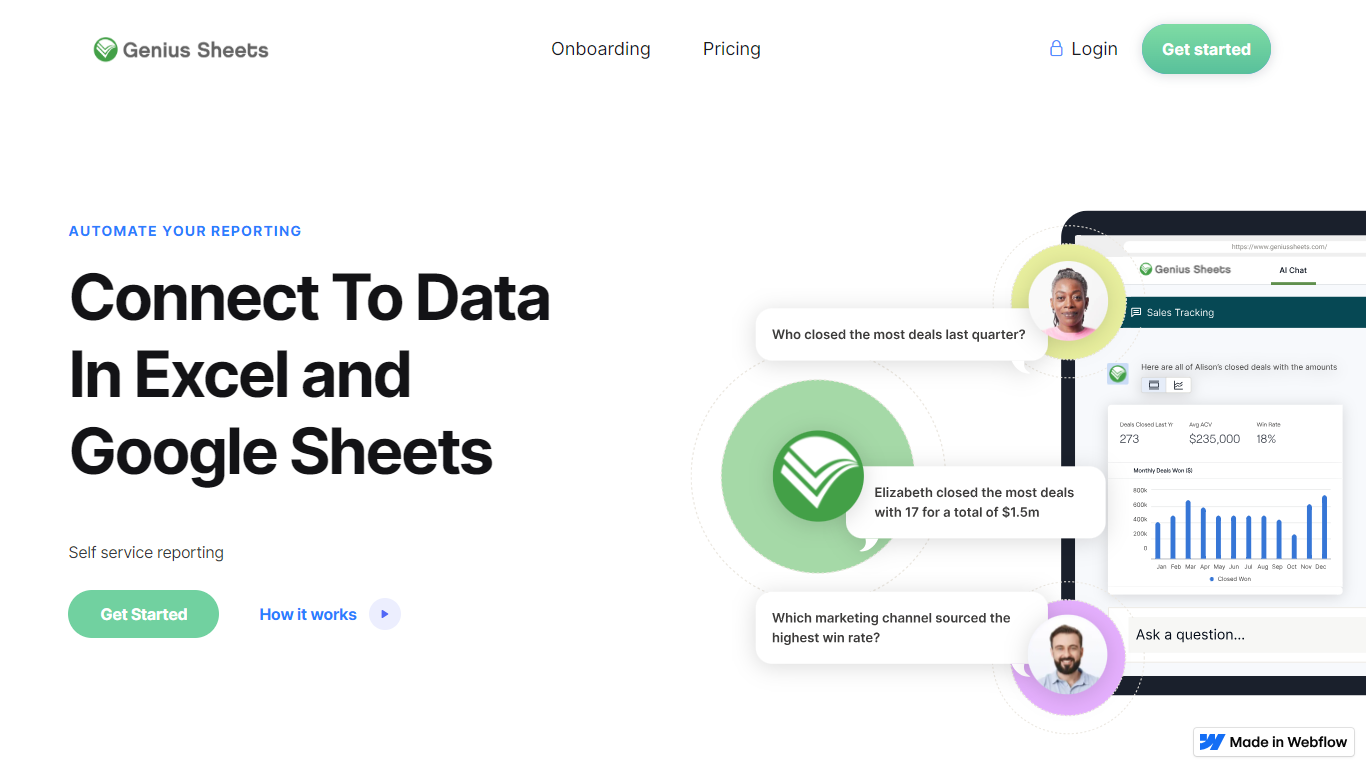
Every QuickBooks and Xero entity can sit under one login, with Xero and QuickBooks Online mixable on the same account. The web dashboard also includes an AI Analyst that answers plain-English questions about profit and loss, balance sheet, cash flow, invoices, and customers using live books data.
Pull live income statements, balance sheets, and cash flow into Excel or Google Sheets with GS.IS, GS.BS, and GS.CF formulas
Consolidate unlimited QuickBooks Online and Xero entities under one login, mixing both platforms freely
Drill from any formula cell down to the underlying transactions behind the number
Filter formula results by class, customer, product, location, department, or vendor
Ask plain-English financial questions in the web dashboard AI Analyst tab using live QuickBooks data
Enable nightly automatic data refresh in Google Sheets so reports open with current numbers
Keeps your existing Excel and Google Sheets report formats instead of forcing QuickBooks canned templates
Connects unlimited entities under one login on Firm plans, with QuickBooks Online and Xero mixable
Transaction-level drill-down from any formula cell makes audit and reconciliation faster
Two-week free trial with up to two connections requires no credit card to start
Active product development with recent Xero support, AI Analyst, and multi-entity billing features
Starter plan caps queries at 20 per month, which may be tight for active reporting workflows
Requires QuickBooks Online or Xero; desktop QuickBooks and other accounting systems are not supported
Firm-tier pricing is not published and requires a demo for a custom quote
Excel and Google Sheets add-ins are required; there is no standalone reporting app outside spreadsheets
Does Genius Sheets offer a free trial?
Yes. Genius Sheets offers a two-week free trial with up to two QuickBooks or Xero connections and no credit card required. You can upgrade to a paid plan anytime from your account dashboard.
Which accounting platforms does Genius Sheets support?
Genius Sheets connects directly to QuickBooks Online and Xero on every plan. You can mix QuickBooks and Xero entities under the same login and pull data into both Excel and Google Sheets add-ins.
How much does Genius Sheets cost?
Genius Sheets Starter is $15 per month for one user and one QuickBooks or Xero connection. Business is $75 per month for one user with up to five connections and unlimited queries. Additional users cost $10 per month. Firm plans for large multi-entity teams use custom pricing via a sales demo.
How do I install Genius Sheets in Excel or Google Sheets?
Download the Genius Sheets add-in from the Microsoft Excel Store or Google Workspace Marketplace. Create a free account on geniussheets.us, connect QuickBooks or Xero from the dashboard, then log into the add-in with your account credentials.
How many entities can I connect to Genius Sheets?
Starter supports one QuickBooks or Xero connection. Business supports up to five connections per user. Firm plans connect every QuickBooks Online and Xero file you manage under one login with consolidated multi-entity reporting.