
Last updated 08-21-2026
Category:
Reviews:
Join thousands of AI enthusiasts in the World of AI!
AI Remove Glare From Photo
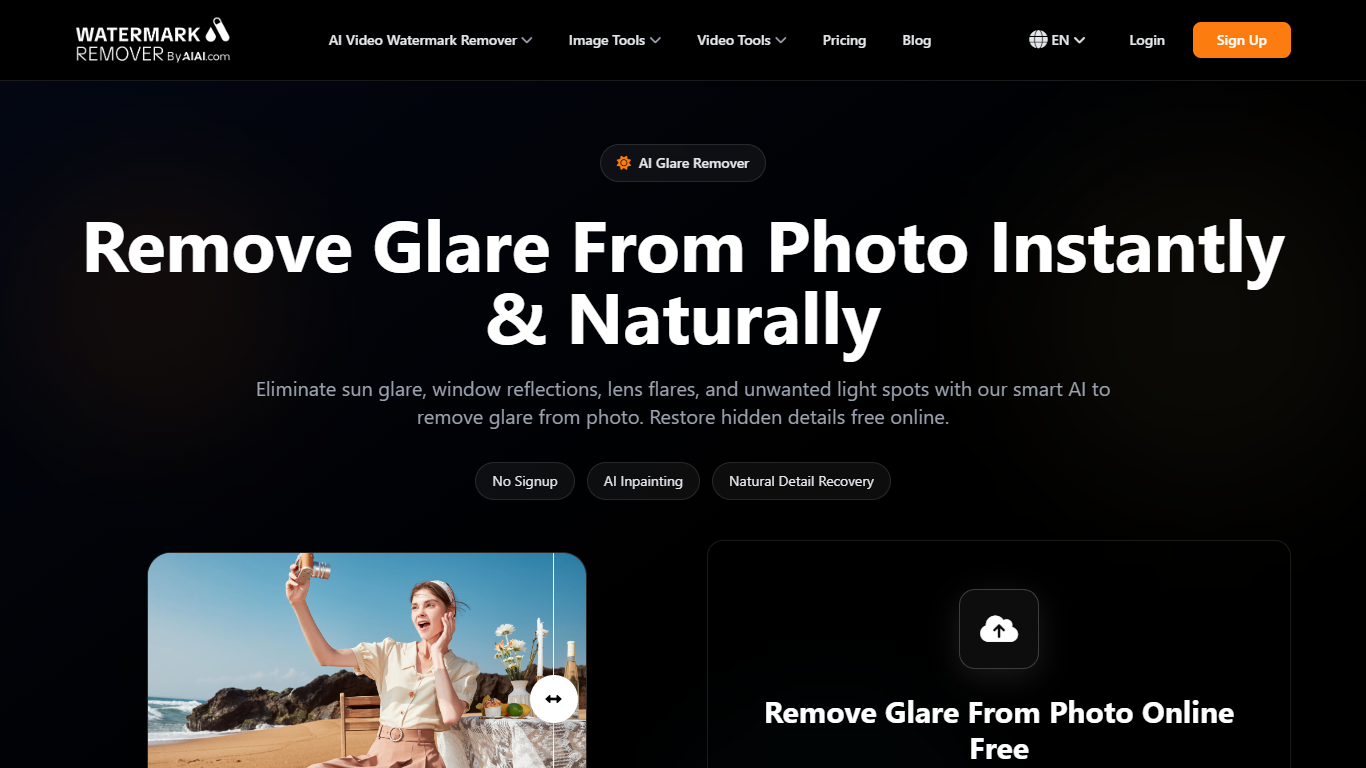
AI Remove Glare From Photo cleans sun glare, window reflections, lens flare, and harsh light spots from still images in the browser. Upload JPG, PNG, WEBP, or BMP files up to 20MB each, and the tool detects overexposed areas and rebuilds hidden detail with inpainting instead of manual masking. It is an image editing utility on AIAI.com's watermark and photo cleanup suite.
General photo editors make you brush masks around every hotspot. This page focuses narrowly on glare removal with one upload workflow, batch support for up to 10 files, and previews before download. That specialization suits quick fixes on portraits with eyeglass glare, real estate window reflections, and shiny product shots where you do not want a full Photoshop session.
Photographers, real estate agents, ecommerce sellers, and social creators use AI Remove Glare From Photo when reflections would otherwise block faces, interiors, or product details. Processing runs in the browser on desktop or mobile with secure uploads and automatic cleanup.
Detects lens flare, window glare, and sun hotspots automatically
Rebuilds skin, sky, and product texture with AI inpainting
Supports JPG, JPEG, PNG, WEBP, and BMP up to 20MB per file
Process up to 10 images in one batch upload
Works in mobile and desktop browsers with no app install
Preview results before download without output watermarks on free tries
One-click glare cleanup without manual masking.
Handles eyeglass reflections, window glare, and sun hotspots.
Batch upload supports up to 10 files at once.
Runs in the browser on desktop and mobile.
20MB per-file limit may block large RAW exports.
Credit billing applies beyond free try usage.
Focused on glare only, not a full photo editor.
Can AI Remove Glare From Photo work without manual masking?
Yes. AI Remove Glare From Photo detects overexposed glare zones automatically and reconstructs the hidden areas. You upload the image and download the cleaned result without drawing masks.
What file formats does AI Remove Glare From Photo accept?
AI Remove Glare From Photo supports JPG, JPEG, PNG, WEBP, and BMP uploads up to 20MB per file. You can queue up to 10 files in one batch.
Does AI Remove Glare From Photo work on phones?
Yes. AI Remove Glare From Photo runs in mobile browsers with the same upload and preview workflow as desktop. No separate app is required.
Is AI Remove Glare From Photo free to try?
Yes. AI Remove Glare From Photo offers a free online workflow with clean previews and no forced signup wall on the landing page. Additional processing uses the site's credit balance system.
Can AI Remove Glare From Photo fix eyeglass reflections?
Yes. AI Remove Glare From Photo is designed to reduce bright reflections on glasses while rebuilding eye and skin detail in portraits and headshots.
Does AI Remove Glare From Photo add watermarks?
AI Remove Glare From Photo advertises free tries without visible output watermarks on the processed preview. Paid credit usage follows the parent AIAI.com billing page.
How does AI Remove Glare From Photo handle privacy?
AI Remove Glare From Photo processes uploads securely and automatically cleans up files after processing according to the site's privacy-focused messaging on the glare removal page.