
Last updated 07-26-2026
Category:
Reviews:
Join thousands of AI enthusiasts in the World of AI!
AI Video Enhancer
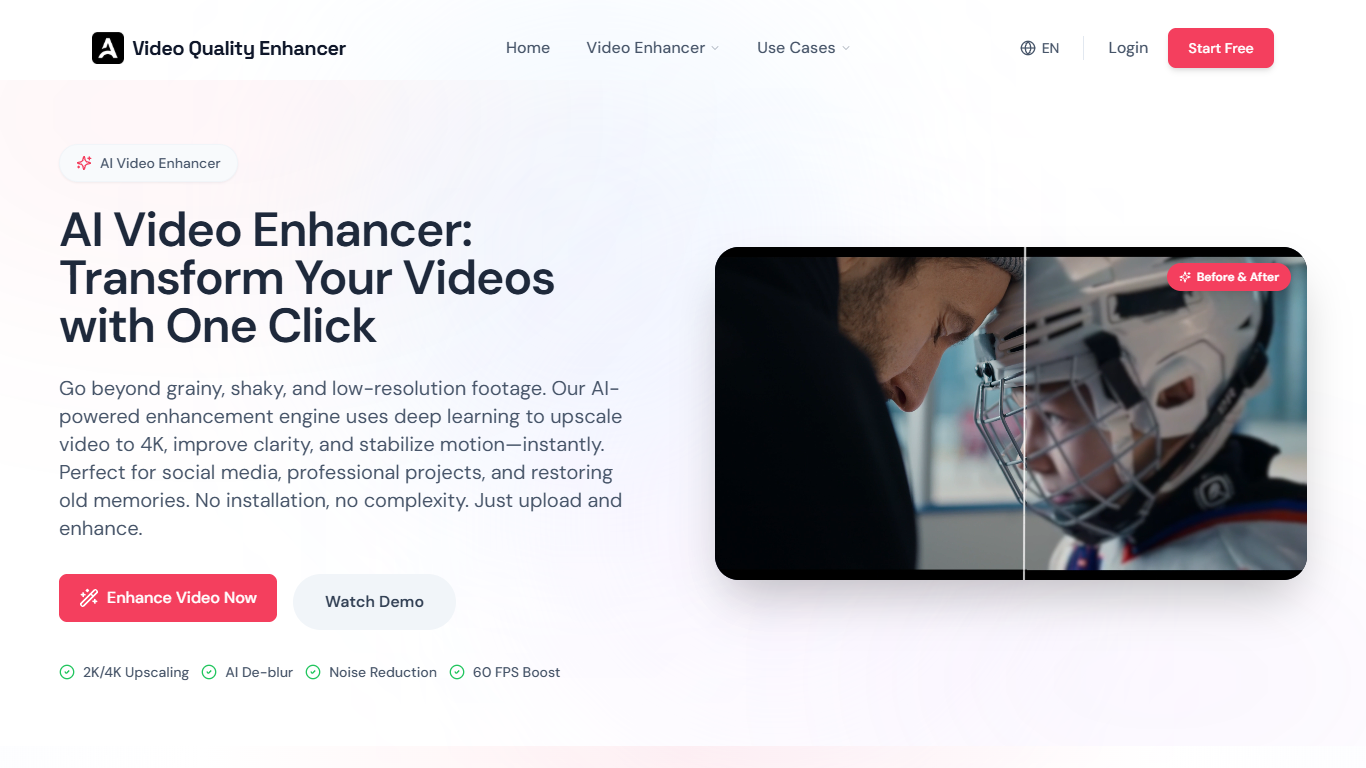
AI Video Enhancer improves video quality by using artificial intelligence to upscale resolution, reduce noise, deblur images, and interpolate frames for smoother motion. It supports multiple video formats such as MP4, MOV, AVI, MKV, and WEBM, making it suitable for a wide range of users including creators, marketers, archivists, and gamers.
What distinguishes AI Video Enhancer from basic video editing tools is its use of specialized AI models tailored for different content types like portraits, anime, old films, and low-light footage. Instead of simply enlarging pixels, it generates new details to restore sharpness and clarity, while also addressing common AI-generated video issues such as flicker and distorted features.
The tool operates entirely in the cloud, leveraging powerful GPU clusters to process videos quickly without requiring users to have expensive hardware. It ensures security through encrypted uploads and automatic deletion of files after 24 hours. Additionally, AI Video Enhancer offers dedicated workflows optimized for social media platforms like YouTube and TikTok, as well as restoration of archival footage.
Additional features include color correction, face recovery, motion deblurring, and artifact removal. Its user-friendly interface works on any device with a browser, including smartphones and tablets, making professional video enhancement accessible to everyone.
Overall, AI Video Enhancer provides a versatile and efficient solution for enhancing video quality for personal memories, professional content creation, or commercial projects.
🎥 Upscale videos up to 4K resolution with AI-generated detail for sharper images
✨ Remove noise and grain while preserving natural textures in low-light footage
🖼️ Deblur motion and out-of-focus shots to recover lost details
⚡ Smooth motion with AI frame interpolation up to 120fps for fluid playback
🔒 Secure cloud processing with encrypted uploads and automatic file deletion
Supports upscaling videos up to 4K with realistic detail generation
Specialized AI models for portraits, anime, old films, and low-light footage
Cloud-based processing eliminates need for expensive hardware
Secure uploads with automatic deletion protect user privacy
Optimized workflows for YouTube and TikTok video enhancement
Free tier limits file size and adds watermarks to downloads
Extremely blurry or unrecognizable videos may not be fully restored
Processing time varies with video length and server load
Is there a free version of AI Video Enhancer?
Yes, AI Video Enhancer offers a free tier that allows you to upload videos, preview enhancements with watermarks, and test core features before upgrading.
How does AI Video Enhancer improve video resolution?
AI Video Enhancer uses deep learning models to generate new pixels and reconstruct details, producing sharper, higher-resolution videos rather than just stretching existing pixels.
Can I use this tool for commercial projects?
Yes, AI Video Enhancer's Pro plan grants commercial rights to use the enhanced videos for monetized content and professional work.
What video formats are supported?
AI Video Enhancer supports MP4, MOV, AVI, MKV, and WEBM formats for both input and output.
How long does processing take?
Processing time with AI Video Enhancer depends on video length and resolution, typically 2-3 minutes per minute of footage when upscaling to 4K.
Does the tool work on mobile devices?
Yes, AI Video Enhancer is fully web-based and works on smartphones, tablets, and computers without installing software.
Is my video data secure?
AI Video Enhancer ensures all uploads are encrypted and files are automatically deleted from servers 24 hours after processing to protect your privacy.