
Last updated 07-30-2026
Category:
Reviews:
Join thousands of AI enthusiasts in the World of AI!
Airbrush AI
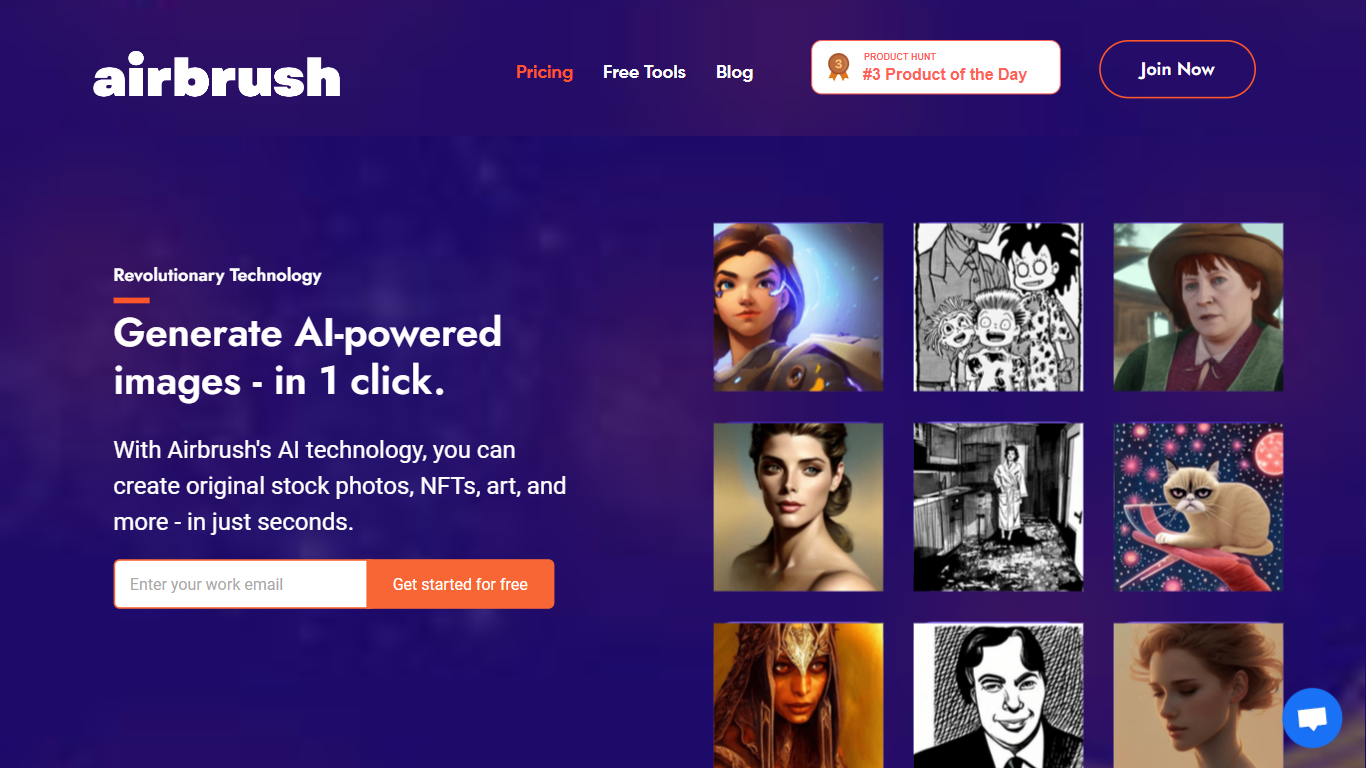
Airbrush AI is a browser-based image generator that turns text prompts into art, photos, anime, 3D renders, logos, and social graphics. You pick a use-case category, describe what you want, and the tool routes your prompt through one of many built-in diffusion engines. The web app at app.airbrush.ai handles signup, generation, and download, while the marketing site showcases pricing and supported styles. It fits the avatar and character generation space with dedicated modes for face swapping, character design, and realistic human portraits.
Most image generators lock you into one model family. Airbrush bundles Stable Diffusion XL, DALLE-2, Anime Diffusion, Realistic Vision, Pixel Art, and more than a dozen other engines behind preset use cases, so you choose an output style instead of memorizing model names. That trade-off favors variety over depth: you get breadth across engines, blog cover tools, image upscaling to 4096x4096, and image-to-text conversion in one dashboard, rather than fine-tuned control over a single pipeline.
Bloggers use it for one-click article cover images. Marketers and social managers generate static designs without opening a full design suite. Indie creators pull concept art and character sheets from the character design and face swap modes. The free tier hands out 20 image credits, which is enough to test styles before upgrading to the $9 Premium plan with 500 credits.
Pick from 20+ diffusion engines including Stable Diffusion XL, DALLE-2, and Anime Diffusion behind use-case presets
Free plan includes 20 image credits; Premium is $9 per month with 500 credits
Generate at 256x256, 512x512, or 1024x1024 and upscale outputs up to 4x (4096x4096 max)
Built-in face swapping, blog cover creation, image variants, and image-to-text conversion
Commercial usage rights included for generated images across books, games, websites, and merchandise
Android app available on Google Play; iOS app listed as in development on the FAQ page
Bundles 20+ diffusion engines behind use-case presets instead of forcing one model choice
Free tier includes 20 credits plus upscaling, blog covers, and image-to-text tools
FAQ confirms full commercial rights for generated images including resale and merchandise
Outputs up to 1024x1024 with 4x upscaling to 4096x4096 for print-ready assets
Dedicated modes for face swapping, character design, and realistic human generation
Premium caps at 500 image credits per month for $9, which heavy users may burn through quickly
iOS app is not yet available; only Android is confirmed on Google Play
Marketing site footer App Store and Play Store badges link to placeholder anchors instead of live store URLs
Is Airbrush AI free to use?
Yes, Airbrush AI offers a Free Plan with 20 image credits, image upscaling, blog article covers, image-to-text conversion, image history, and a public gallery. The Premium Plan is $9 per month with 500 image credits and the same feature set.
What AI models does Airbrush AI support?
Airbrush AI supports Stable Diffusion, Stable Diffusion XL, DALLE-2, Anything, Wifu, Redshift, Analog, Protogen, Realistic Vision, Disney Pixar, Pixel Art, Anime Diffusion, T-shirt Diffusion, Inkpunk, Oscavatar, GraffityMidjourney, Edge of Realism, Double Exposure, Manga, Coloring Pages, and All-In-One-Pixel-Model, with more models added over time.
What image sizes does Airbrush AI generate?
Airbrush AI generates images at 256x256px, 512x512px, and 1024x1024px. Any image can be upscaled up to 4x, giving a maximum output size of 4096x4096px.
Can I use Airbrush AI images commercially?
Yes, Airbrush AI grants full commercial usage rights for images you create, including reprint, sale, and merchandise rights. The FAQ lists uses such as children's book illustrations, game concept art, website graphics, newsletters, and storyboards.
Does Airbrush AI have a mobile app?
Airbrush AI has an Android app on the Google Play Store. The FAQ states an Apple iPhone and iPad app is in development. The marketing site shows App Store and Play Store badges, though those footer links are placeholder anchors.
How do I start generating images on Airbrush AI?
Airbrush AI follows a four-step flow: create an account at app.airbrush.ai, choose a use-case category, enter a short text description, then download the generated image. The free-tool page also highlights gallery browsing, upscaling, blog covers, variants, and image-to-text.