
Last updated 08-21-2026
Category:
Reviews:
Join thousands of AI enthusiasts in the World of AI!
Amaroad
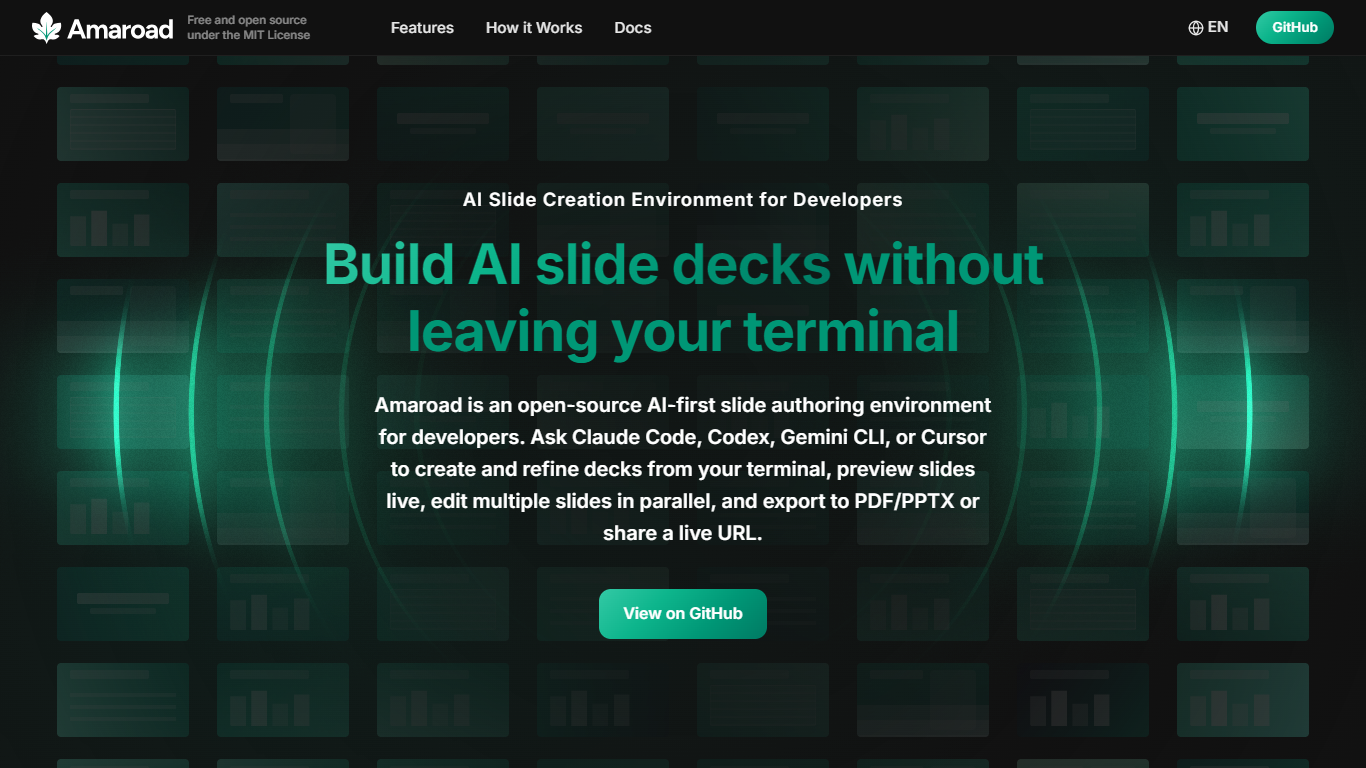
Amaroad is an open-source slide authoring environment built for developers who want to create and refine presentations without leaving the terminal. You prompt AI coding agents like Claude Code, Codex CLI, Gemini CLI, or Cursor to generate decks, preview slides live in the browser, and export or share the finished result. It targets anyone who already lives in a terminal and coding workflow.
Slides are written as MDX files, Markdown with React components, and rendered with hot module replacement so every save shows up instantly in the preview. The project ships with 100+ built-in slide templates covering charts, code blocks, tables, dashboards, and layout variants, plus 18 specialized agent skills for deck design, image generation, video export, and quality checks.
Amaroad fits developers building sprint reviews, technical talks, or pitch decks, and teams that already rely on AI coding agents day to day. You can edit multiple slides in parallel after the first draft, share a live URL through Cloudflare Tunnel, and present with a built-in presenter mode synced across windows.
Prompt Claude Code, Codex, Gemini CLI, or Cursor to build decks from your terminal
100+ built-in templates for charts, code blocks, tables, and dashboard layouts
Revise multiple slides in parallel with one agent assigned per slide
Live browser preview with hot reload as MDX slide files change
Export to PDF or PPTX, share via Cloudflare Tunnel, or present in dual-window mode
Stays in your existing terminal workflow with agents you already use for coding.
Open source under MIT with no paid tier required to run locally.
18 built-in agent skills cover deck scaffolding, image generation, QA checks, and video export.
Requires local setup with Node.js 22.13+, pnpm, and an AI coding agent rather than a hosted web editor.
Some image generation skills need a GEMINI_API_KEY environment variable configured separately.
Cloudflare Tunnel URLs are publicly accessible, so confidential decks need extra access controls.
Is Amaroad free to use?
Yes. Amaroad is free and open source under the MIT License. You clone the repository from GitHub, install dependencies locally, and run it on your machine with no subscription required.
Which AI coding agents work with Amaroad?
Amaroad works with Claude Code, Codex CLI, Gemini CLI, and Cursor. You use the same terminal-based agent workflow you already rely on for coding to create, revise, and polish slide decks.
What format are Amaroad slides written in?
Amaroad slides are MDX files, which combine Markdown with React components. Each deck lives in its own folder under decks/ with a deck.config.ts file and numbered slide files that hot reload in the browser.
How can I share Amaroad slides with my team?
Amaroad can expose your local dev server through Cloudflare Tunnel, generating a public URL anyone can open in a browser. Updates you make to slide files appear on that live URL in real time.
What export formats does Amaroad support?
Amaroad exports decks to PDF via Playwright and to PPTX via pptxgenjs. PDF keeps full-resolution slide rendering, while PPTX captures each slide as a static image snapshot.
What do I need to install Amaroad?
Amaroad requires Node.js 22.13 or later, pnpm (enable with corepack enable pnpm), and an AI coding agent such as Claude Code or Cursor. Clone the repo, run pnpm install, then pnpm run dev to start on localhost:3850.
Does Amaroad have a mobile app?
No. Amaroad is a local development tool you run on your computer. Decks preview in a browser, but there is no dedicated mobile app.