
Last updated 08-10-2026
Category:
Reviews:
Join thousands of AI enthusiasts in the World of AI!
Amine AI
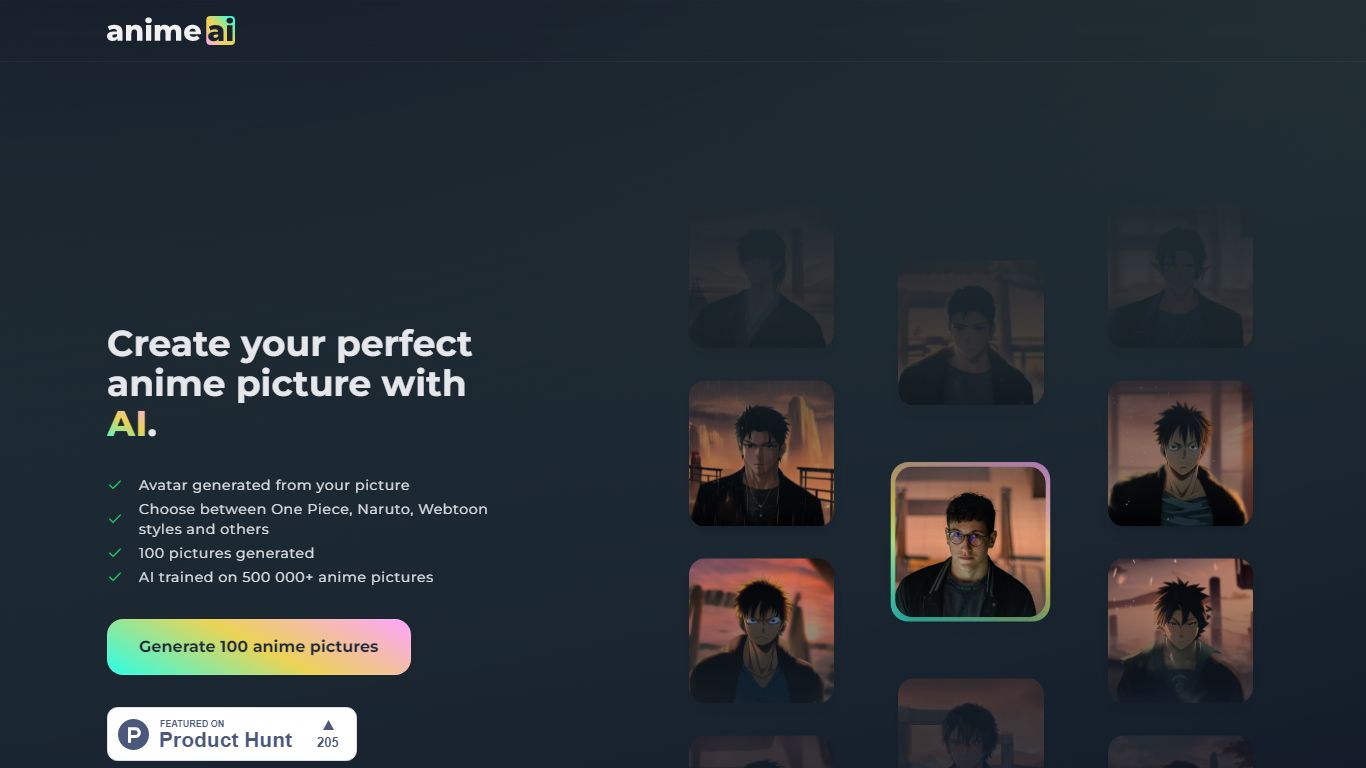
Amine AI (Anime AI on animeai.app) turns portrait photos into anime-style avatars without requiring signup for basic use. Upload a JPEG or PNG up to 5MB, pick a gender option to guide facial structure, and the generator recreates your likeness in styles ranging from classic anime to Pixel Art, Naruto, and other themed models. Results typically arrive within a few minutes.
Most photo filters trace your selfie and slap a preset on top. Anime AI rebuilds the image from scratch using Stable Diffusion with custom anime models, so outputs look like drawn art rather than filtered photos. That regeneration means likeness can drift between styles, which is why the site recommends buying the 100-image pack so you can cherry-pick the best render.
Cosplayers, anime fans, and social media creators are the obvious audience. Reviews on the homepage cite 100-image packs for about 2 dollars and highlight Naruto, Dragon Ball, and elf-style outputs as popular picks. Optional attribute checkboxes help when glasses, facial hair, or darker skin tones are underrepresented in the training data.
Converts JPEG or PNG uploads up to 5MB into anime-style portraits
Runs on Stable Diffusion with custom anime models and tuned parameters
Gender selection helps the model interpret male and female facial structures
Multiple style apps including Pixel AI, Naruto AI, and Ikea Art AI
100-image generation packs cited at about 2 dollars in user reviews
Free tier available with no signup required for basic generation
Free entry with no signup required for basic photo-to-anime generation.
Regenerates art from scratch so outputs look like anime illustrations, not filters.
Multiple themed style apps beyond a single generic anime look.
Likeness can drift because the model redraws rather than traces your photo.
No refunds on paid packs; support must arrange manual reruns for bad results.
Single-person portraits work best; group shots and shadows reduce quality.
Is Amine AI free to use?
Yes. Amine AI on animeai.app states in its FAQ that the app is free for use, and the homepage headline advertises Free, No Signup for the photo-to-anime generator.
What file formats does Amine AI accept?
Amine AI accepts JPEG and PNG uploads up to 5MB. The upload UI recommends a single-person portrait with the face filling at least half the frame for sharper results.
How long does Amine AI take to generate images?
Amine AI typically returns a single photo within a few minutes depending on queue time. Reviewers note that larger 100-image packs also finish within minutes, though waits can vary.
Why does Amine AI ask for gender selection?
Amine AI uses gender selection to interpret facial structure because anime art styles draw male and female faces differently. It is optional but improves likeness when the model understands bone structure.
What anime styles does Amine AI offer?
Amine AI links to multiple apps on animeai.app, including Anime AI, Pixel AI, Ikea Art AI, Naruto AI, and FPE OC Maker. Each app applies a different visual style to the same uploaded photo.
Can I get a refund from Amine AI?
Amine AI does not offer automatic refunds because generation runs on GPU infrastructure, but the FAQ invites users to contact support for a personalized rerun if results miss important attributes.