
Last updated 08-03-2026
Category:
Reviews:
Join thousands of AI enthusiasts in the World of AI!
AnthemScore
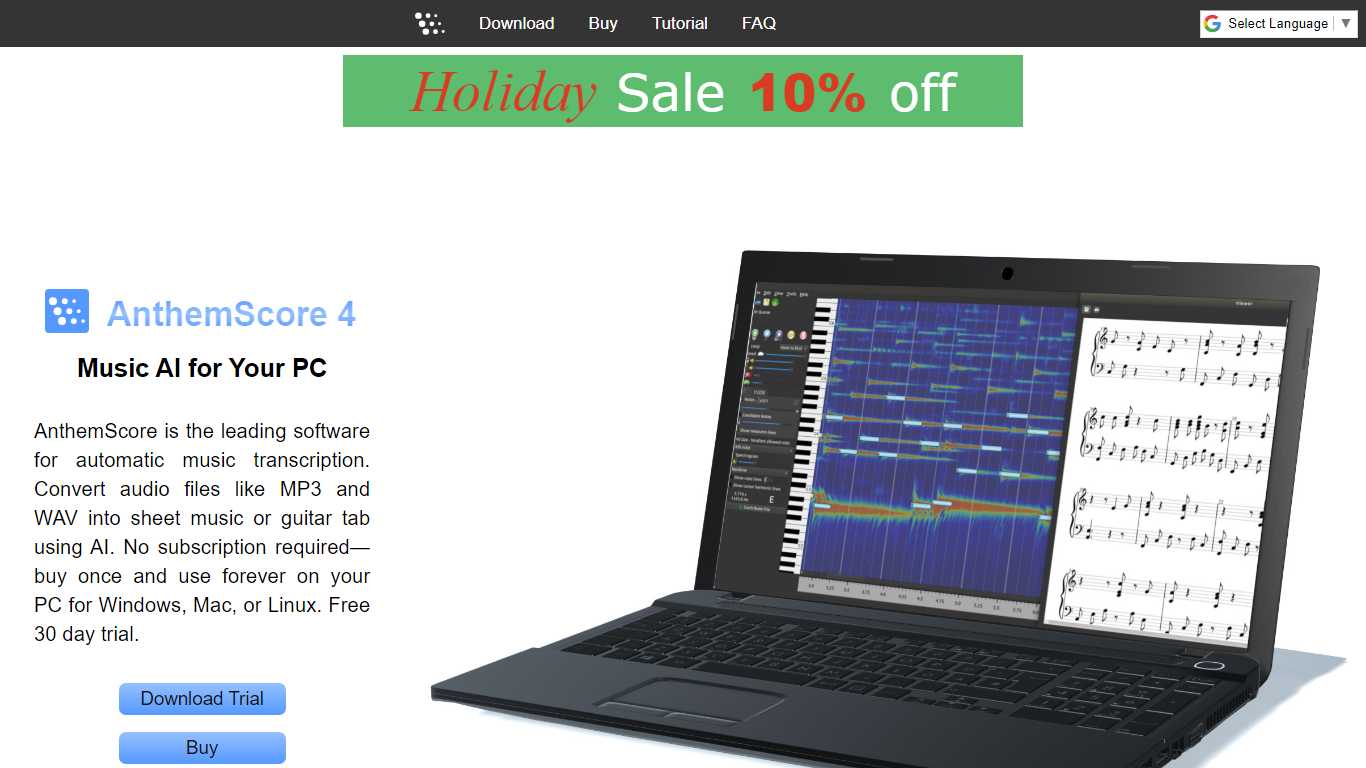
AnthemScore is desktop music transcription software that turns recorded audio into editable sheet music. You load an MP3, WAV, or similar file and the program detects notes, percussion, beats, and instruments, then lays them out as a score you can correct, export, and print. It runs on Windows, Mac, and Linux as a one-time purchase with no subscription on the desktop app.
Most cloud transcription tools charge monthly and upload your audio to a server. AnthemScore processes files locally on your machine, which matters if you work with unreleased recordings or long sessions. The trade-off is you need a 64-bit laptop or desktop with about 4 GB of free RAM, and phones or tablets are not supported.
Musicians, teachers, and hobby transcribers use it to learn parts by ear, create lead sheets from recordings, and export PDF, MIDI, or musicXML for further editing in MuseScore or similar notation apps. Guitarists can switch staves to tablature with custom fret counts and tunings.
Opens MP3, WAV, FLAC, OGG, WavPack, and MusePack files and detects notes, percussion, beats, and instruments automatically
Desktop Lite edition costs $29 one-time for unlimited full-song transcriptions; Professional is $44 with MIDI and musicXML export
Free trial transcribes unlimited 30-second clips with a cap of 100 total transcriptions before you enter an activation key
Professional and Studio editions export finished scores as PDF, musicXML, MIDI, or ASDT files
Studio edition at $110 adds batch processing across multiple audio files plus lifetime free software updates
Runs on Windows 10/11, macOS 11+, and Ubuntu 20.04+ as a local desktop app with no ongoing subscription
One-time desktop purchase with no recurring subscription on the main app
Processes audio locally instead of uploading files to a cloud server
Exports to PDF, MIDI, musicXML, and ASDT for use in other notation software
Batch processing available in the $110 Studio edition for multiple files
Free trial lets you test 30-second clips without creating an account
Requires a 64-bit desktop or laptop with about 4 GB free RAM; phones and tablets are unsupported
Does not detect vocals or chords automatically; those must be added manually in a notation app
Songs not tuned to A440 need pitch correction in another tool before transcription
Only 1 year of free updates included; extending updates costs extra after that period
Is AnthemScore free to use?
AnthemScore offers a free desktop trial that transcribes the first 30 seconds of each song with no account required. The trial is limited to 100 total transcriptions before you need an activation key. Full songs require a paid Lite, Professional, or Studio license.
What audio formats does AnthemScore support?
AnthemScore supports MP3, WAV, FLAC, OGG, WavPack, and MusePack on desktop. Files with DRM protection will not open. If a format fails, Lunaverus recommends converting the audio to WAV and trying again.
Does AnthemScore work on Mac and Linux?
Yes. AnthemScore runs on Windows 10/11, macOS 11 and later, and Linux distributions such as Ubuntu 20.04+. It requires a 64-bit desktop or laptop and does not run on phones, tablets, or iPads.
How much does AnthemScore cost?
AnthemScore 6 Lite is $29, Professional is $44, and Studio is $110 as one-time desktop purchases. Each license works on 4 computers plus 1 additional device per year after purchase, with 1 year of free updates included.
Can AnthemScore create guitar tabs?
Yes. In AnthemScore you open instrument settings, change the instrument to guitar, and select Tablature under Staffs. You can adjust fret count and string tunings in the tablature options before exporting.
Does AnthemScore require a subscription?
The AnthemScore desktop app is a one-time purchase with no subscription. Lunaverus also offers AnthemScore Web in the browser, which has free 30-second transcriptions and optional subscription plans for full songs.