
Last updated 07-30-2026
Category:
Reviews:
Join thousands of AI enthusiasts in the World of AI!
Blitzit
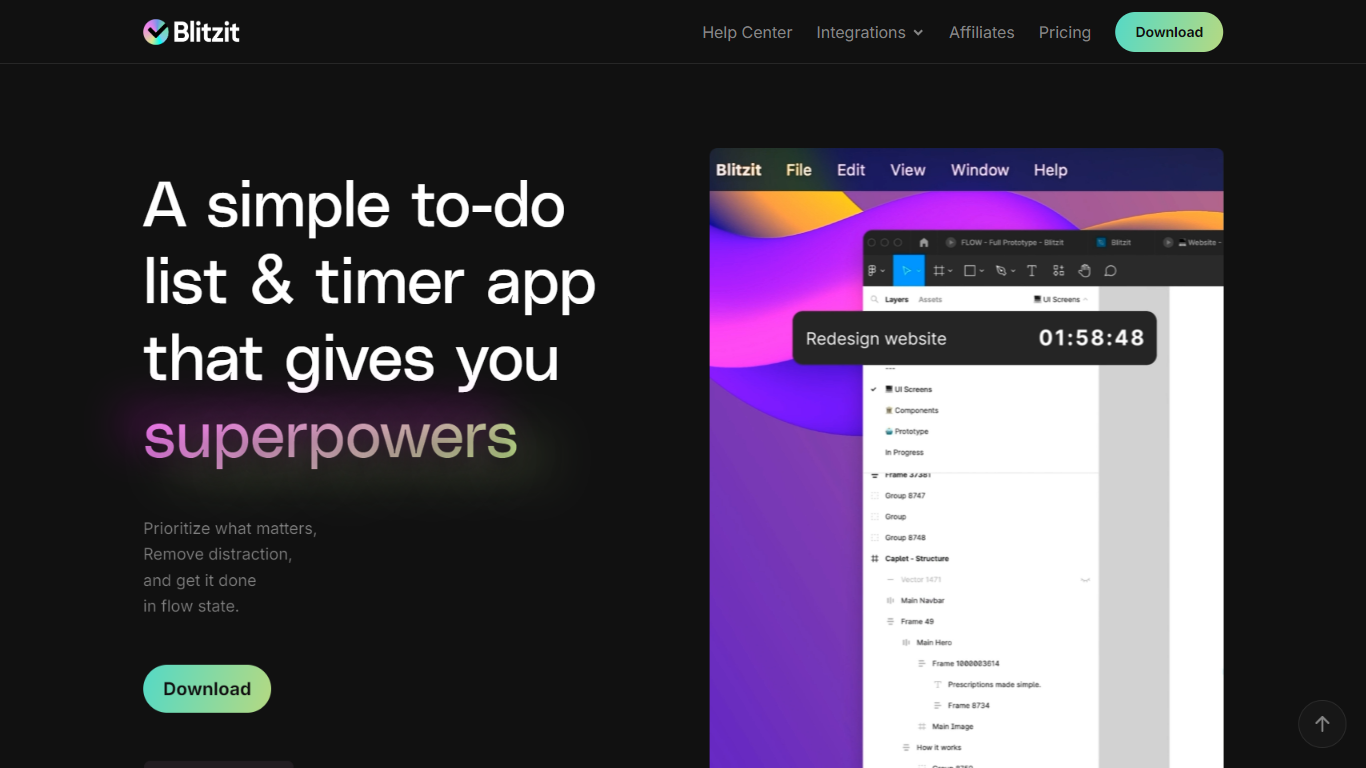
Blitzit pairs a to-do list with an always-visible timer so you can plan tasks, run focus sessions, and check items off without leaving your desktop flow. The app lets you estimate how long each task should take, track actual done time, attach notes with links, and schedule one-time or recurring work. It targets productivity-focused professionals who want fewer tabs and a single place to blitz through a day.
Most task apps stop at lists and due dates. Blitzit adds a floating timer tower, Pomodoro-style work and break intervals, and session tracking that the site positions as a lighter alternative to Clockify or Toggl. The Blitzy assistant (beta) can turn voice notes or brain dumps into tasks, subtasks, and schedules, which is more hands-on than a static checklist.
Students, engineers, designers, and other desk workers use it to run focus blocks and review reports on punctuality and time spent per list. Integrations listed on the homepage include Notion, ClickUp, and Google Calendar, with more connectors on the public roadmap.
Ever-visible timer tower tracks estimated versus done time for each task on your list
Built-in Pomodoro intervals with customizable work sprints and break lengths
Schedule one-time or recurring tasks with alerts when items are due now
Blitzy assistant (beta) turns voice or text brain dumps into tasks, notes, and subtasks
Sessions Tracking (beta) logs focus sessions so you can review time spent per list
Integrates with Notion, ClickUp, and Google Calendar per the homepage feature list
Combines lists, a floating timer, and Pomodoro breaks in one desktop app.
Tracks estimated versus actual task time with reports on punctuality and hours per list.
Offers a 7-day trial before you buy inside the app.
Blitzy assistant can draft tasks and schedules from voice or text input.
Requires a desktop download; mobile support is still marked beta.
Paid plans unlock inside the app after the trial, not on the website checkout alone.
Some roadmap items like PDF export and deeper integrations are not live yet.
Is Blitzit free to try?
Blitzit offers a 7-day trial after you download and install the desktop app. The homepage says you can purchase a monthly or annual plan inside the app once the trial ends.
How much does Blitzit cost?
Blitzit lists a Monthly plan at $6.99 per month and an Annual plan at $4.99 per month billed as $59.88 yearly on its homepage. The annual tier advertises 43% savings versus monthly and a 30-day money-back guarantee.
Does Blitzit work on mobile?
Blitzit started as a desktop download, and the homepage now shows a mobile app in beta for adding and blitzing tasks on the go. The FAQ section still notes desktop as the primary install path.
What apps does Blitzit integrate with?
Blitzit integrates with Notion, ClickUp, and Google Calendar according to its homepage. The public roadmap also lists planned connectors for Trello, Asana, Linear, and webhooks.
How does Blitzit handle Pomodoro timing?
Blitzit includes Pomodoro-style work sprints and breaks inside the timer flow. The marketing page shows configurable sprint and break lengths so you can run fixed focus intervals between tasks.
Can Blitzit track how I spend time?
Blitzit tracks estimated versus done time on tasks and offers Sessions Tracking in beta for reviewing hours per list. The reports section also highlights punctuality and total time spent across categories.