
Last updated 08-21-2026
Category:
Reviews:
Join thousands of AI enthusiasts in the World of AI!
CartoMind - AI Infographic Generator
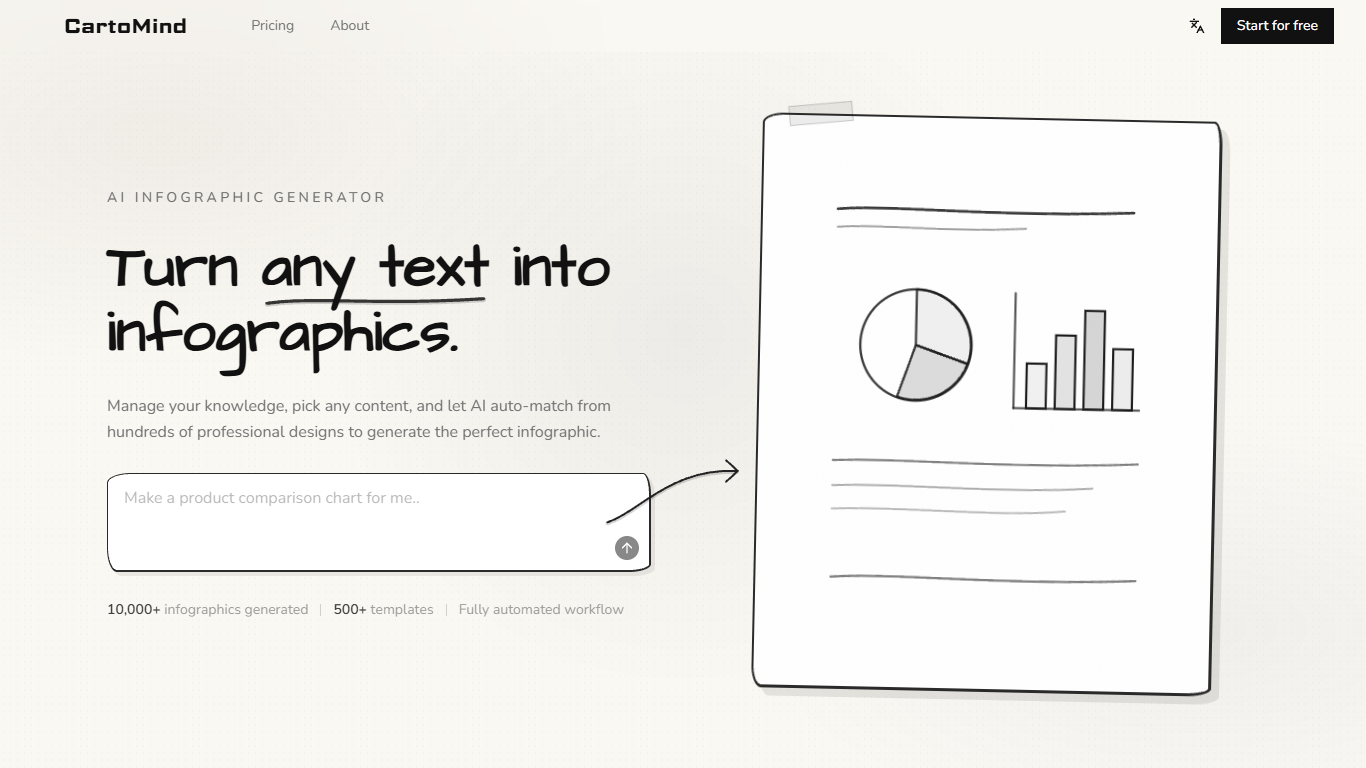
CartoMind turns pasted text, notes, or reports into structured infographics without opening a design suite. Paste content, let the system match layout and style from more than 500 templates, and export PNG or SVG files ready for slides, social posts, or training docs.
Slide-chart tools expect you to place every box. CartoMind reads the material first, picks structure and visual style, then lets you refine the same canvas through conversation in Live mode or free-form prompts in Playground. Studio mode handles the heaviest briefs where content understanding, layout, and composition happen in one pass.
Marketers, teachers, trainers, and consultants use it for campaign visuals, lesson maps, internal guides, and client decks. The free plan includes 15 monthly credits with two image exports, while paid tiers raise credit limits and unlock PDF, PPT, and unlimited exports.
500 plus professional templates with automated layout and style matching from pasted text
Three creation modes: Playground prompts, Live conversational refinement, and Studio full workflow
Free plan includes 15 credits per month; Starter adds 200 credits with unlimited image export
Standard and Team plans export PDF and PPT plus PNG and SVG from the editor
10,000 plus infographics generated across social, education, training, and business use cases
Conversational Live mode adjusts hierarchy, palette, and structure without rebuilding from scratch
Automated content-to-layout workflow saves manual diagram building in slide or design apps.
Live conversational editing adjusts hierarchy and colors on the same canvas without restarting.
500 plus templates cover marketing, education, training, science, and business intelligence briefs.
Annual plans advertise up to 30 percent savings with cancel-anytime billing and a 7-day refund policy.
Free plan caps exports at two images per month, which limits serious testing.
Higher export formats like PDF and PPT require Standard or Team plans.
Credit allowances can run out quickly on complex multi-pass revisions.
Is CartoMind free to use?
Yes. CartoMind offers a free forever plan with 15 credits per month and up to two image exports. Paid Starter, Standard, and Team plans add more credits, full templates, and unlimited exports.
How many templates does CartoMind include?
CartoMind provides more than 500 templates and design combinations. The system auto-matches structure and style to your content instead of forcing manual layout work for every project.
What file formats can CartoMind export?
CartoMind exports PNG and SVG from the editor on all paid tiers with unlimited image export. Standard and Team plans also support PDF and PPT export for presentations and reports.
How do CartoMind credits work?
CartoMind spends credits when you generate or refine visuals. The free plan includes 15 credits monthly, Starter includes 200, Standard includes 600, and Team includes 2,000 credits per month.
Can I edit a CartoMind infographic after generation?
Yes. CartoMind Live mode keeps the same canvas while you describe changes to content, layout, colors, or hierarchy. The editor also supports direct tweaks before export.
Can I use CartoMind visuals commercially?
CartoMind states on its pricing FAQ that generated infographics can be used commercially. Check the current terms on cartomind.ai for any plan-specific limits before client delivery.