
Last updated 07-25-2026
Category:
Reviews:
Join thousands of AI enthusiasts in the World of AI!
Clipboard History IO
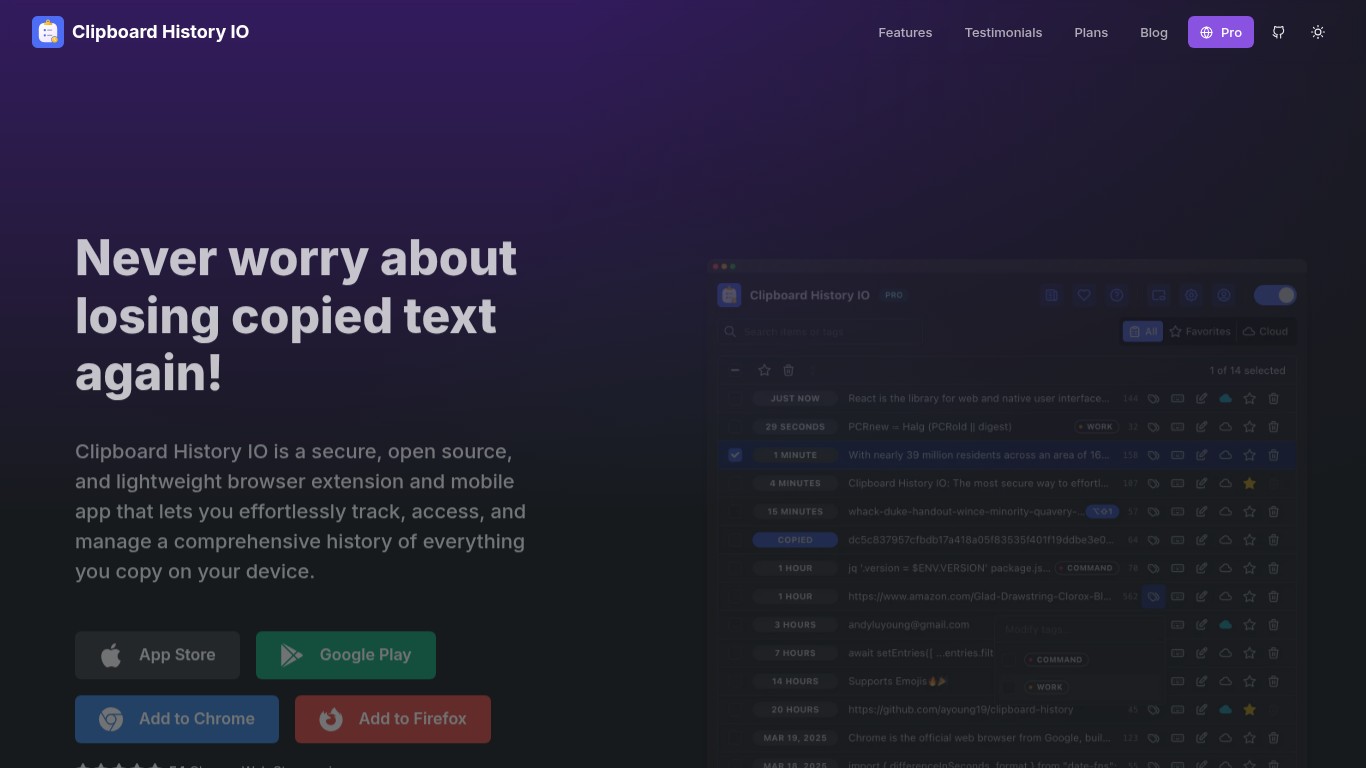
Clipboard History IO is an open source clipboard manager delivered as a browser extension, mobile apps, and a Pro web app. It keeps a searchable history of everything you copy, with favorites, tags, merge tools, floating window mode, context menu paste, and keyboard shortcuts.
By default all clipboard data stays on your device. The Chrome and Firefox extensions store history locally, which is why the project publishes its code on GitHub for inspection. Pro adds optional cloud sync through InstantDB so you can access selected items across devices, plus a mobile-friendly web app and priority support.
The tool targets anyone who copies and pastes all day: developers, writers, support staff, and students. Import and export supports JSON from this extension or legacy tools like Clipboard History Pro, making migration straightforward.
Stores a full clipboard history locally by default with unlimited local storage on the free plan
Favorite, tag, merge, and search items with floating window and context menu paste options
Chrome and Firefox extensions plus iOS and Android mobile apps for cross-platform access
Import and export JSON history, including migrations from Clipboard History Pro
Pro plan adds cloud sync, a mobile web app, and a six-month free trial
Open source code you can audit before trusting a clipboard tool.
Local-first storage keeps clipboard history private without a subscription.
Supports Chrome, Firefox, iOS, and Android with JSON import for migrations.
Cloud sync requires a paid Pro subscription.
Mobile app availability is still rolling out beyond the web experience.
Is Clipboard History IO free?
Yes. The free plan includes comprehensive local clipboard history management, unlimited local storage, and full access to the open source browser extensions for Chrome and Firefox.
Where is my clipboard data stored?
Clipboard data is stored on your device by default. If you subscribe to Pro and enable cloud sync, selected history syncs to InstantDB so you can access it across devices.
Is Clipboard History IO open source?
Yes. The project source code is published on GitHub, so you can review how clipboard data is handled before installing the extension.
How much does Clipboard History IO Pro cost?
Pro costs $1.99 per month or $14.99 per year. It includes cloud sync, a mobile-friendly web app, and priority support, with a free six-month trial available at app.clipboardhistory.io.
Can I migrate from Clipboard History Pro?
Yes. Export your history and favorites from Clipboard History Pro in JSON format and import the file directly into Clipboard History IO to restore your saved items.