
Last updated 08-11-2026
Category:
Reviews:
Join thousands of AI enthusiasts in the World of AI!
Code2.ai
Code2.ai compresses a codebase into a smaller package that large language models can read without hitting context limits. You upload or connect a repository through the web app, CLI, or Chrome extension, and the tool outputs compressed files that preserve structure and relationships while stripping noise. The docs describe outputs tuned for AI consumption rather than human browsing.
Generic zip uploads often bury the model in boilerplate. Code2.ai focuses on semantic compression: it maps folder structure, key components, and dependencies into context files like AI_context.txt and README summaries so ChatGPT or Claude answers reflect your project layout. A GitHub Chrome extension syncs repos without manual re-uploads.
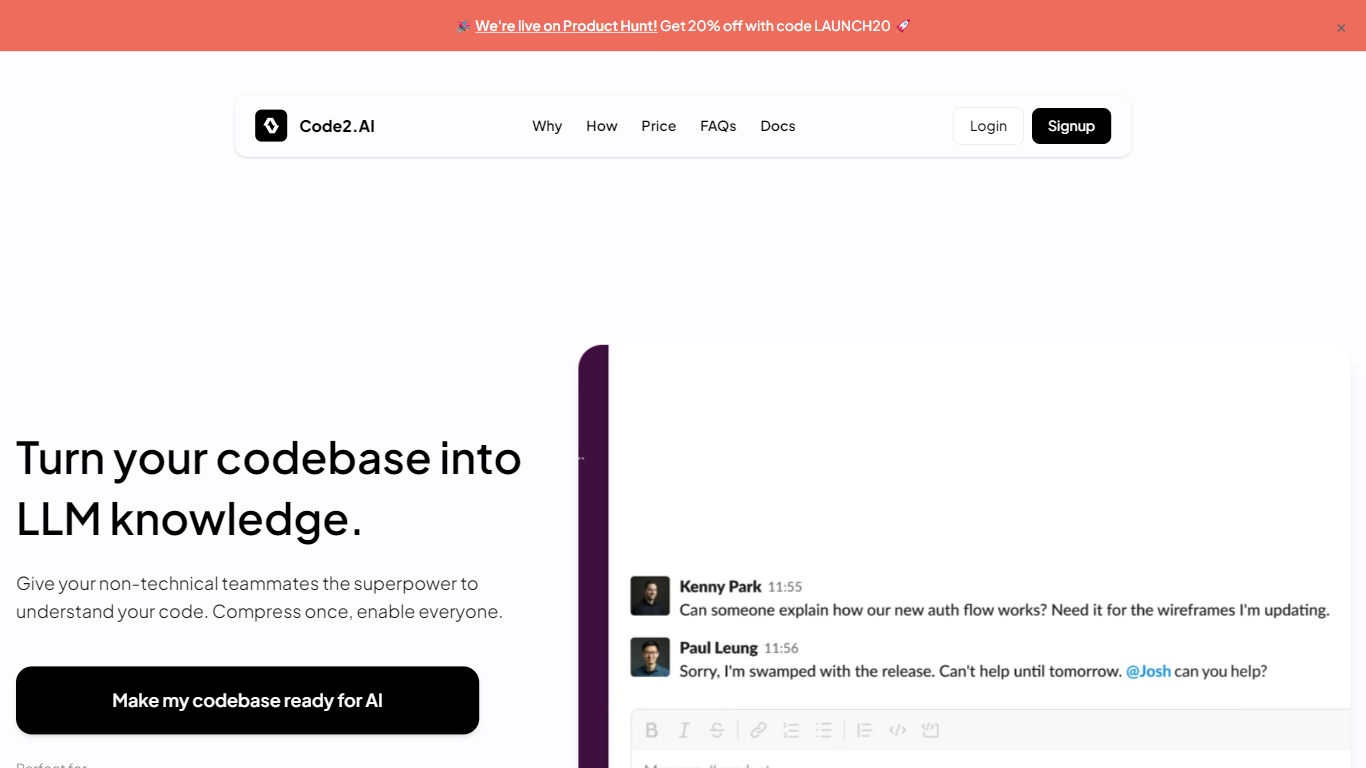
Engineering leads, product managers, and onboarding developers use it when explaining a repo to teammates or pairing with an LLM on refactors. The homepage was returning a Railway deployment error during this enrichment, but the /docs site remained reachable with feature and workflow details.
Compresses repositories while preserving semantic structure for LLM prompts
CLI integrates compression into local development workflows
Chrome extension processes code directly from GitHub in the browser
Generates context files including folder structure and README summaries
Connects GitHub repositories for sync without manual zip uploads
Outputs optimized for AI model consumption rather than human file browsing
Multiple ingestion paths: web upload, CLI, and a GitHub Chrome extension.
Compression keeps semantic relationships instead of dumping raw file trees.
Helps non-developers query a codebase through LLM-ready context files.
Main marketing site and pricing page were unreachable during research (Railway deployment error).
Compression quality depends on repository complexity and how cleanly the project is organized.
What does Code2.ai do?
Code2.ai compresses your codebase into a smaller, structured format that large language models can process. It preserves key components and relationships so AI tools give answers grounded in your project rather than generic suggestions.
How do you upload code to Code2.ai?
Code2.ai accepts code through a web upload, a command-line tool, or a Chrome extension that works on GitHub repositories. The docs list all three integration methods on code2.ai/docs.
Does Code2.ai work with GitHub?
Yes. Code2.ai offers GitHub integration and a Chrome extension to process repositories from GitHub without manually downloading and re-uploading zip files.
Why compress code before sending it to an LLM?
Raw repositories include boilerplate and noise that waste context window space. Code2.ai reduces file size while keeping semantic meaning so models like Claude or ChatGPT can reference more of your actual project logic.
Is Code2.ai only for senior developers?
No. Code2.ai targets any teammate who needs codebase context, including product managers and new hires. The generated context files are structured for non-developers to query through AI assistants.
What output files does Code2.ai generate?
Code2.ai produces compressed context files such as AI_context.txt, folder structure summaries, and README-style guides. These files highlight language stacks, components, and architectural relationships from your repository.