AI Image Enlarger vs RestorePhotos
In the face-off between AI Image Enlarger vs RestorePhotos, which AI Photo Editing tool takes the crown? We scrutinize features, alternatives, upvotes, reviews, pricing, and more.
In a face-off between AI Image Enlarger and RestorePhotos, which one takes the crown?
If we were to analyze AI Image Enlarger and RestorePhotos, both of which are AI-powered photo editing tools, what would we find? The community has spoken, RestorePhotos leads with more upvotes. RestorePhotos has garnered 254 upvotes, and AI Image Enlarger has garnered 30 upvotes.
Think we got it wrong? Cast your vote and show us who's boss!
AI Image Enlarger
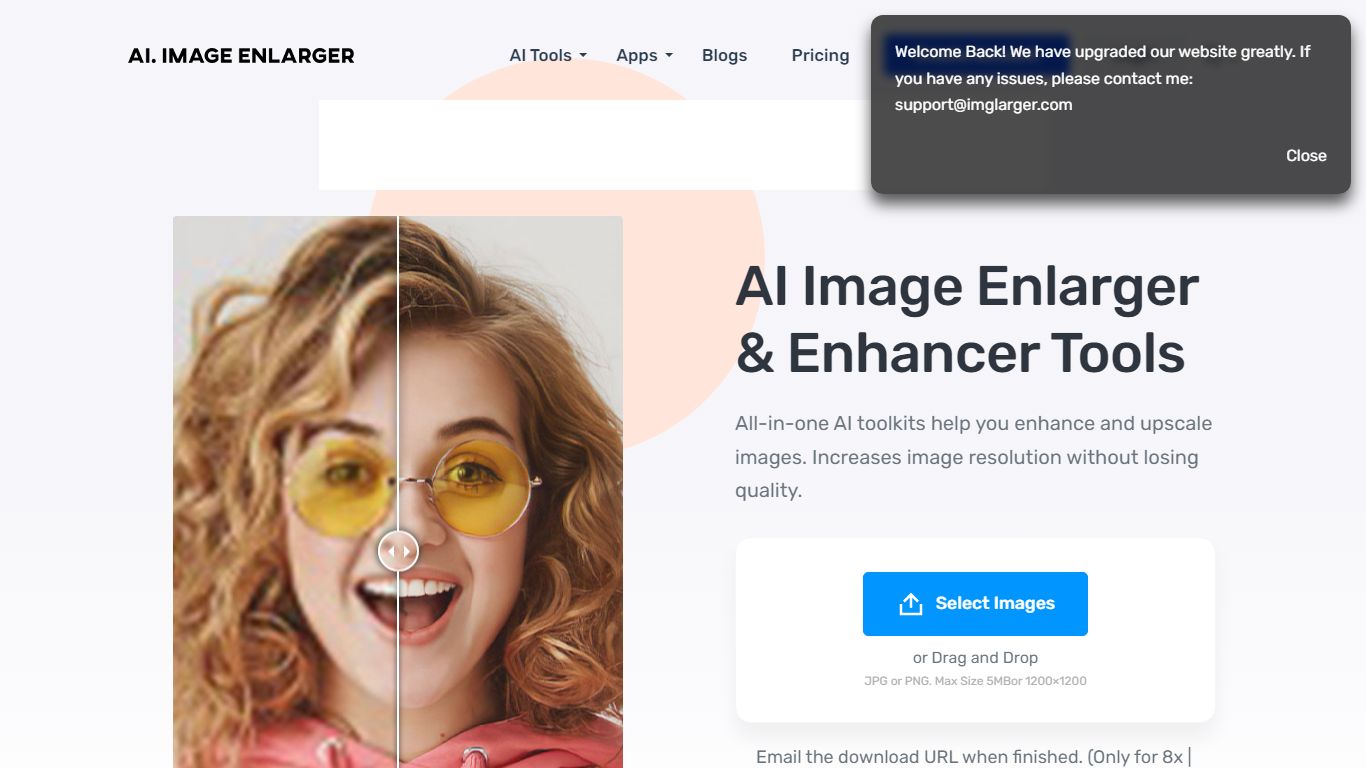

What is AI Image Enlarger?
ImgLarger runs a browser-based suite of image editing tools centered on enlarging, upscaling, sharpening, and uncropping photos without desktop software. Upload a JPG, PNG, or WebP file, pick a dedicated workflow like AI Image Enlarger or AI Image Extender, preview the before-and-after, then download the result.
Basic photo editors stretch pixels and leave blocky artifacts; ImgLarger uses SRCNN-based models to rebuild edges and textures at 2x, 4x, or 8x scale. The free tier caps input at 1024px and 2x enlargement, while Premium unlocks 8x output and batch processing at $9.99 per month with 2,000 credits. Competitors like Let's Enhance or Topaz Gigapixel target pros with desktop apps; ImgLarger keeps everything in the browser with free converters and crop tools bundled in.
Photographers, ecommerce sellers, and anime fans use it for product shots, old photo restoration, background removal, and generative outpainting. Uploaded files auto-delete within six hours, and mobile browsers on iPhone and Android are supported alongside desktop.
RestorePhotos
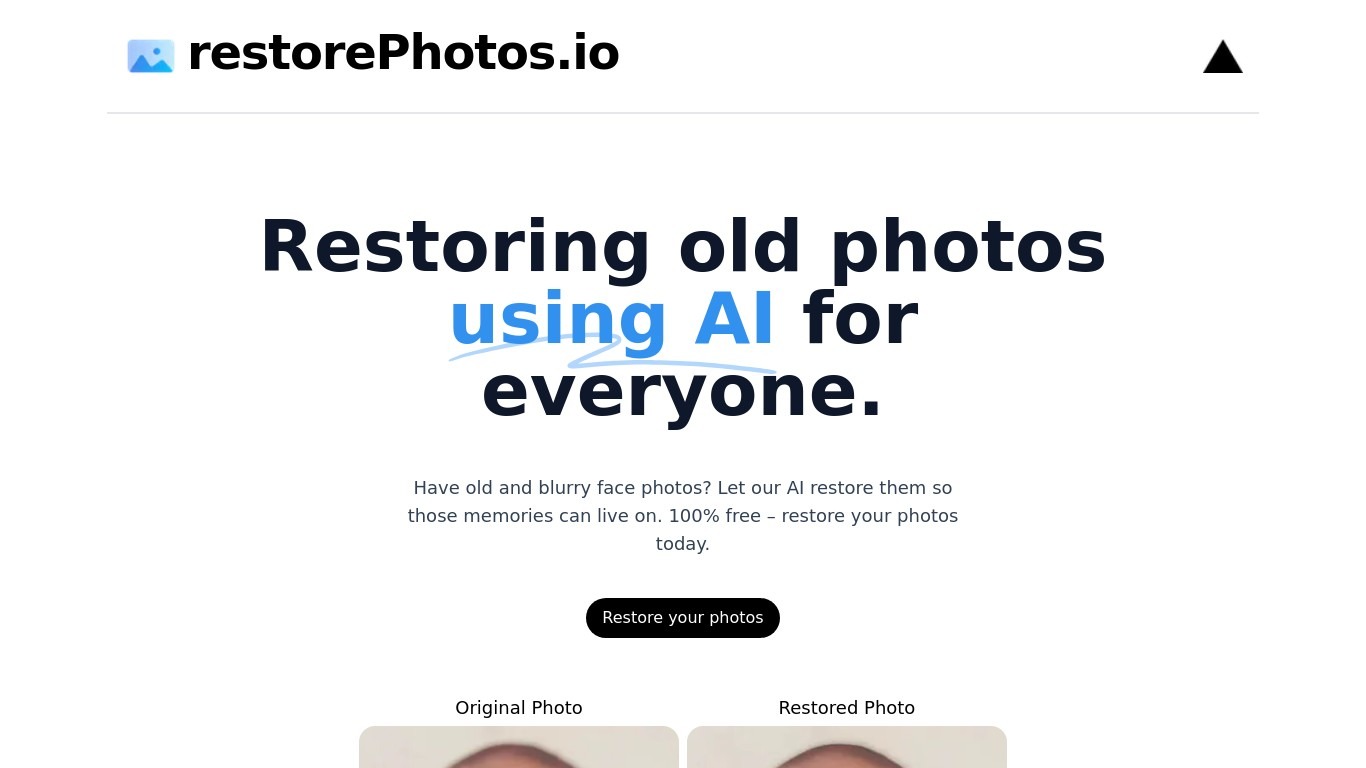
What is RestorePhotos?
RestorePhotos sharpens blurry face photos from old prints, scans, and phone snapshots through a simple browser upload. Upload an image on restorephotos.io, run the restore tool, and compare the original beside the cleaned result in side-by-side or overlay view.
General photo enhancers chase every scene type, which often softens skin tones on vintage portraits. RestorePhotos narrows the job to faces, so the model spends its capacity on eyes, skin texture, and expression rather than backgrounds or landscapes. The stack runs on Vercel and Replicate, which is why Vercel engineers highlighted how fast the open-source deployment feels in production.
Families digitizing albums, genealogists, and anyone fixing a single treasured portrait use it before reprinting or sharing online. The homepage still advertises free restores, while the pricing page sells credit packs when you need more volume, with checkout promo codes such as BF60 for discounted bundles.
AI Image Enlarger Upvotes
RestorePhotos Upvotes
AI Image Enlarger Top Features
Enlarge images by 2x, 4x, or 8x on Premium and Business plans
Free plan includes 100 credits per month with 2x scaling and 1024px max input
Premium at $9.99 per month provides 2,000 credits and batch processing
AI Image Extender adds generative outpainting to uncrop and change aspect ratios
Uploaded and processed files auto-delete within 6 hours
Supports JPG, JPEG, PNG, and WebP with free browser-based format converters
RestorePhotos Top Features
Upload a portrait and get an AI-restored face photo in the browser
Side-by-side and compare views show original and restored images together
Marketing site cites use by more than 869,000 users worldwide
Credit packs on restorephotos.io/pricing extend usage beyond free restores
Checkout supports promo codes such as BF60 for 60% off credit bundles
Built on a Vercel and Replicate stack praised for fast inference
Focused on face restoration rather than general photo editing
AI Image Enlarger Category
- Photo Editing
RestorePhotos Category
- Photo Editing
AI Image Enlarger Pricing Type
- Freemium
RestorePhotos Pricing Type
- Freemium