AI Portrait in Filmora vs quso.ai (formerly Vidyo AI)
In the face-off between AI Portrait in Filmora vs quso.ai (formerly Vidyo AI), which AI Video Editing tool takes the crown? We scrutinize features, alternatives, upvotes, reviews, pricing, and more.
In a face-off between AI Portrait in Filmora and quso.ai (formerly Vidyo AI), which one takes the crown?
If we were to analyze AI Portrait in Filmora and quso.ai (formerly Vidyo AI), both of which are AI-powered video editing tools, what would we find? In the race for upvotes, quso.ai (formerly Vidyo AI) takes the trophy. quso.ai (formerly Vidyo AI) has received 7 upvotes from aitools.fyi users, while AI Portrait in Filmora has received 6 upvotes.
Feeling rebellious? Cast your vote and shake things up!
AI Portrait in Filmora

What is AI Portrait in Filmora?
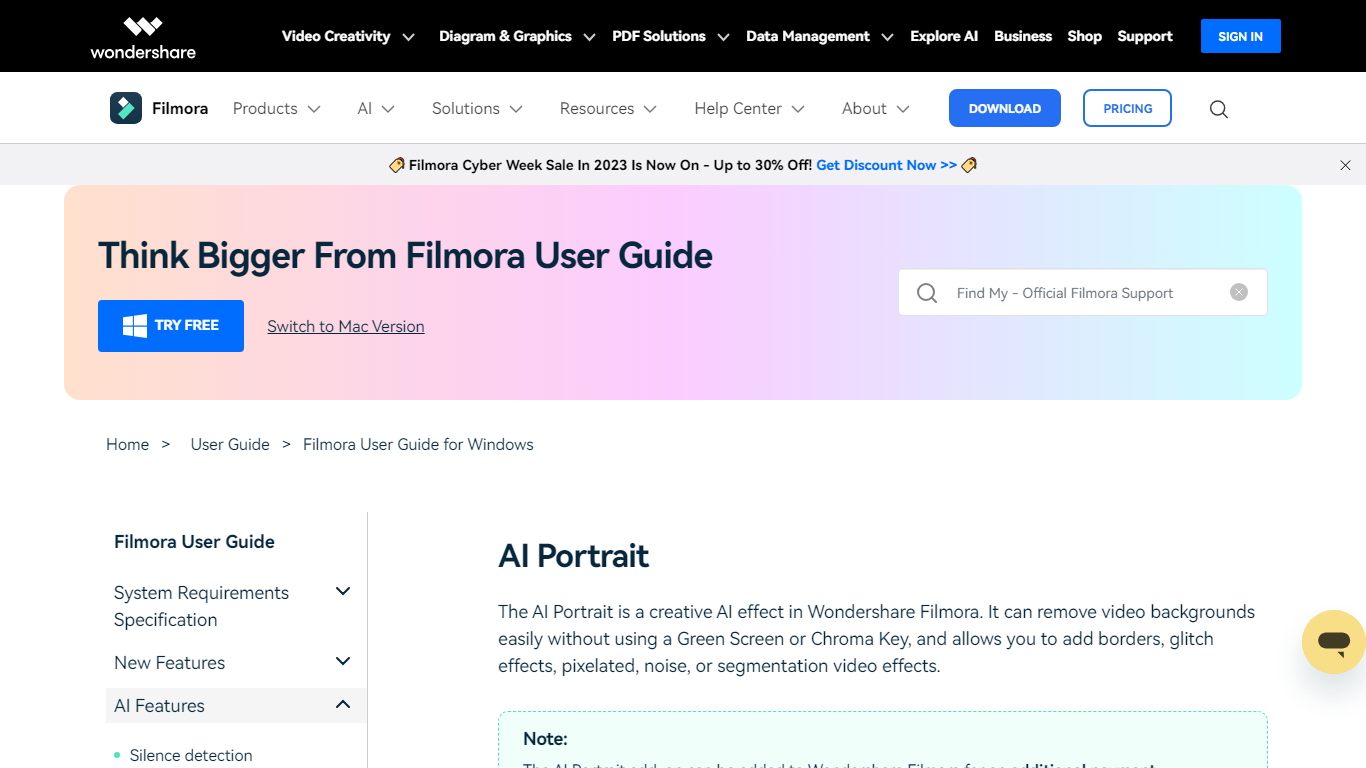
AI Portrait in Filmora is a video editing feature inside Wondershare Filmora for Windows that removes portrait backgrounds without a green screen. You stack portrait footage above a background clip, enable AI Portrait Cutout, and Filmora makes the subject transparent so you can composite the person over another scene.
Standalone background removers export a cutout file you re-import elsewhere. Filmora keeps the workflow on the timeline with Advanced and Quick cutout modes, plus 70 plus body and sticker effects you can layer directly on the subject. That makes it a fit when you already edit in Filmora and want portrait compositing beside the rest of your cuts.
It suits YouTube creators, tutorial makers, and social editors who film talking-head clips at home without chroma key gear. Editors who need a dedicated rotoscoping app or node-based compositing will outgrow what this guide-page feature offers on its own.
quso.ai (formerly Vidyo AI)
What is quso.ai (formerly Vidyo AI)?
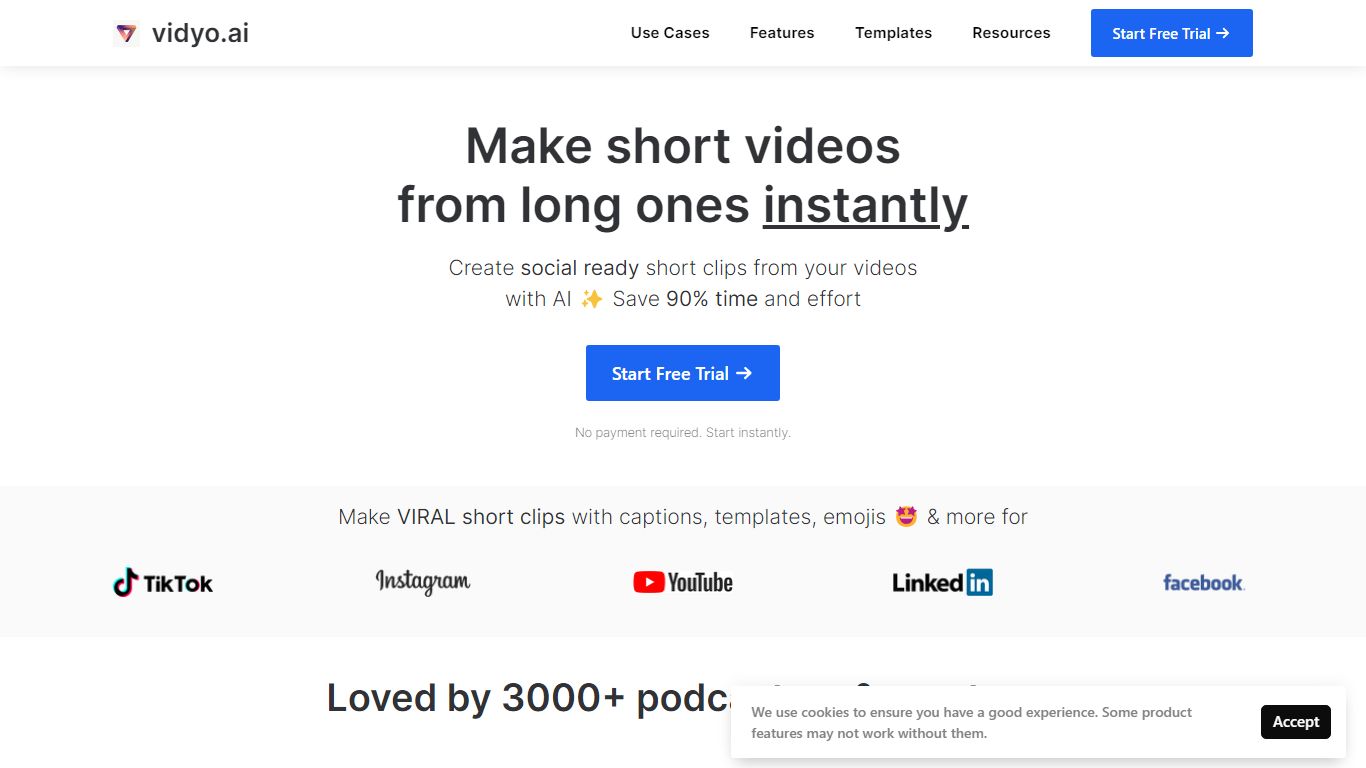
quso.ai helps creators turn one long video into a batch of short, vertical clips with captions, reframing, and scheduling built in. The homepage headline promises one long upload can yield about ten clips in a single pass, and the product bundles clipping, subtitles, a text-based editor, and a social calendar instead of stitching together separate apps.
For podcasters and YouTube-first teams, the workflow matters as much as the headline. quso.ai imports from YouTube, Zoom, Twitch, Loom, and file uploads on the free tier, then scores moments for virality before you publish to TikTok, Reels, Shorts, LinkedIn, and X from one place. That end-to-end path is what separates it from clip-only tools that stop after export.
The site now presents quso.ai as the active brand while keeping Vidyo.ai URLs in circulation, which can confuse bookmarks but keeps legacy links working. Pricing starts free without a credit card, with paid plans from $29 per month across three tiers.
AI Portrait in Filmora Upvotes
quso.ai (formerly Vidyo AI) Upvotes
AI Portrait in Filmora Top Features
AI Portrait Cutout detects people in video or images and removes the background automatically
Works without a green screen or chroma key setup according to the official guide
Offers Advanced Cutout Mode and Quick Cutout Mode for different processing speeds
Includes 70 plus body effects and sticker effects to stylize the subject
Layers portrait footage above a background clip directly on the Filmora timeline
Body effects can be added from the AI Portrait panel or the Effects toolbar
Exports finished composites through Filmora standard export workflow on Windows
quso.ai (formerly Vidyo AI) Top Features
AI clip generator that scores moments for virality from one long upload
Word-level animated captions and subtitles in 100+ languages with filler-word removal
Imports from YouTube, Zoom, Twitch, Loom, LinkedIn, Google Drive, Dropbox, and local files
Social media scheduler for TikTok, Instagram Reels, YouTube Shorts, LinkedIn, Facebook, and X
Text-based video editor with CutMagic scene detection and Intelliclips moment picking
Brand Kit to lock fonts, colors, and logo across exported clips
AI Portrait in Filmora Category
- Video Editing
quso.ai (formerly Vidyo AI) Category
- Video Editing
AI Portrait in Filmora Pricing Type
- Freemium
quso.ai (formerly Vidyo AI) Pricing Type
- Freemium