AI TranslateDocs vs Transcript Download
In the battle of AI TranslateDocs vs Transcript Download, which AI Translation tool comes out on top? We compare reviews, pricing, alternatives, upvotes, features, and more.
Between AI TranslateDocs and Transcript Download, which one is superior?
Upon comparing AI TranslateDocs with Transcript Download, which are both AI-powered translation tools, Both tools are equally favored, as indicated by the identical upvote count. Every vote counts! Cast yours and contribute to the decision of the winner.
Not your cup of tea? Upvote your preferred tool and stir things up!
AI TranslateDocs
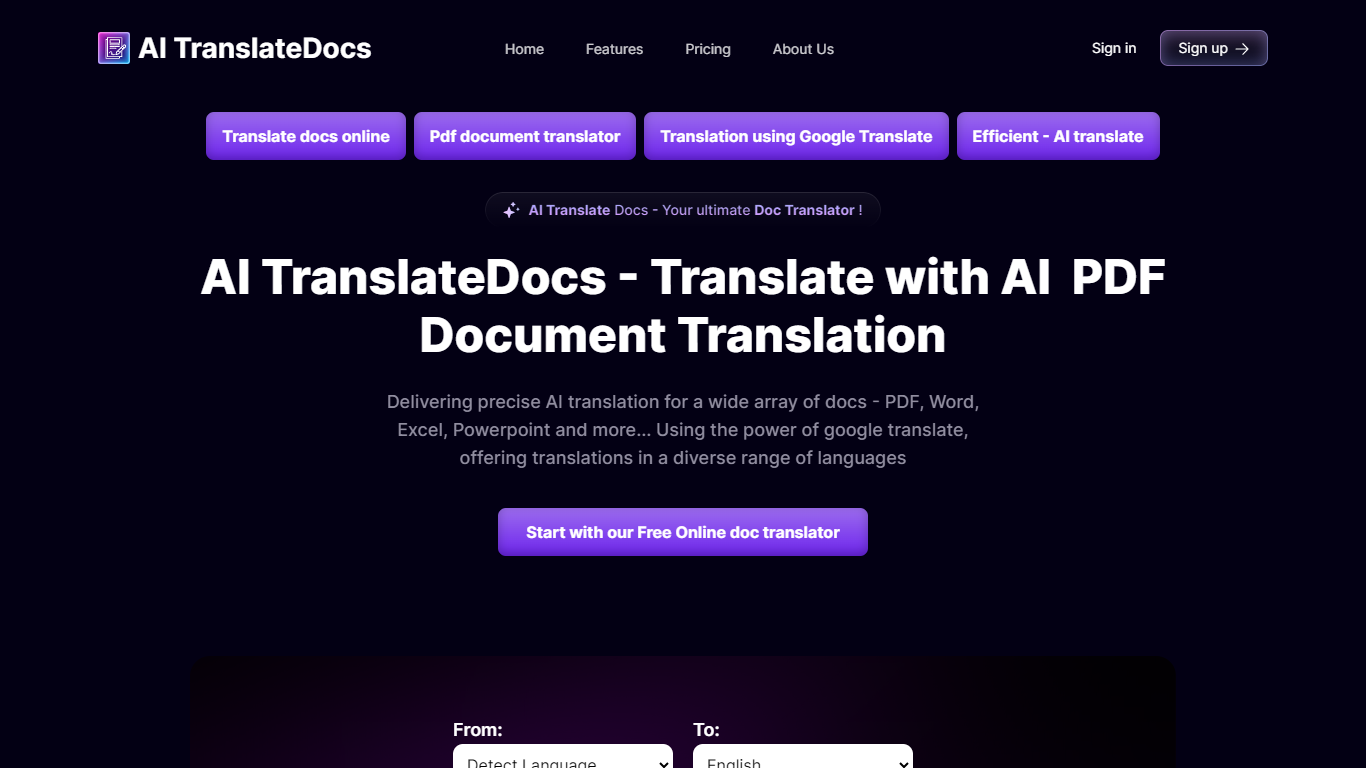

What is AI TranslateDocs?
AI TranslateDocs is an online document translator built for people who need full files converted, not just pasted paragraphs. Upload a PDF, Word doc, Excel sheet, PowerPoint deck, CSV, SRT, VTT, or plain text file, pick your source and target language, and get a translated version that keeps the original layout intact.
The platform supports 130+ languages, from widely spoken ones like Spanish and Mandarin to regional dialects. It uses OCR for scanned PDFs and handles format preservation so tables, charts, and page structure survive the translation. Powered by Azure, it targets legal contracts, medical records, academic papers, business reports, and immigration documents where formatting matters as much as the words.
AscentApp Software LLP runs the service from Mumbai. You can try the first 10,000 characters free before buying a character pack or subscription.
Transcript Download
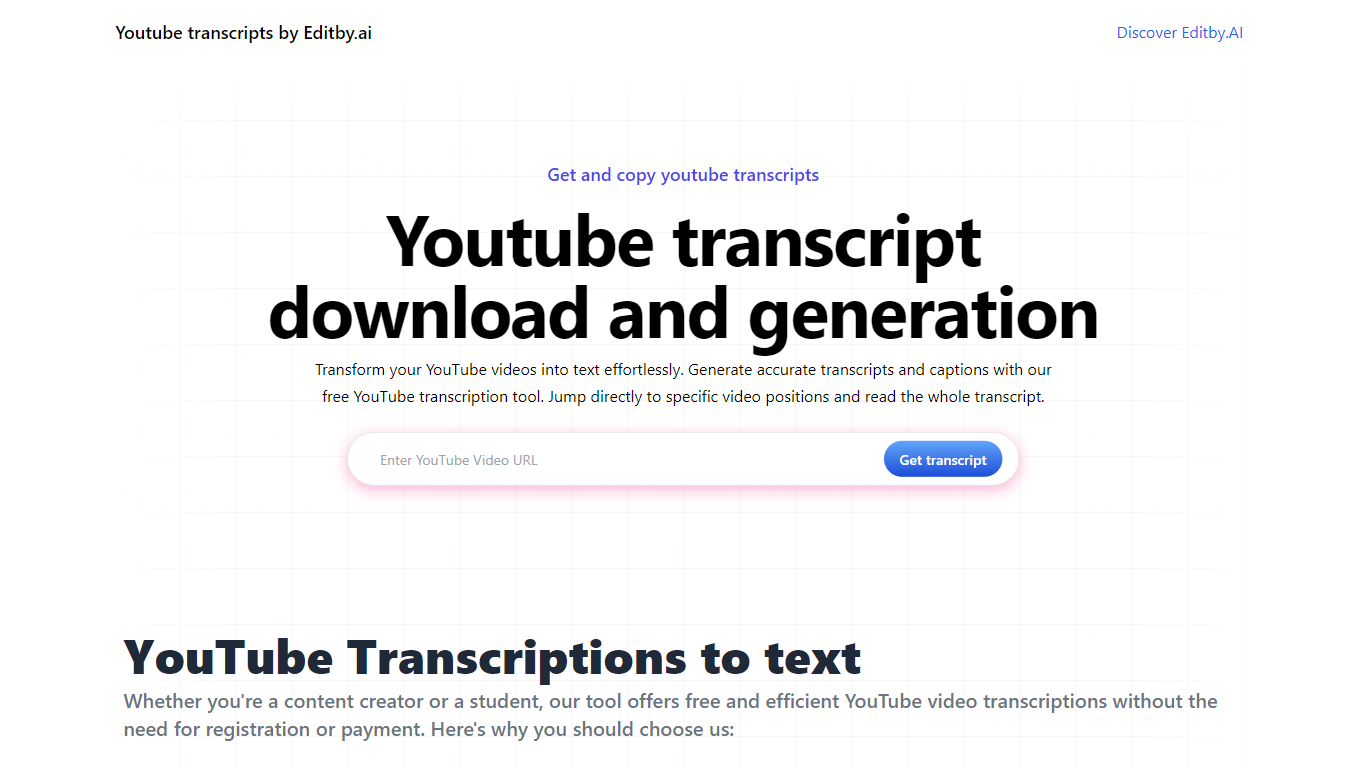
What is Transcript Download?
Unlock the full potential of your YouTube videos with Editby.AI's YouTube Transcription Tool. Our user-friendly platform caters to a range of users including students, researchers, content creators, and SEO professionals by providing an efficient way to generate accurate transcripts and captions. With our tool, there's no need for manual transcription. Simply input a YouTube URL and receive instant transcripts. Highlighted search terms, direct video position jumps, auto-scrolling features, and easy clipboard copying and downloading options streamline your workflow. Our commitment to user privacy is unmatched, requiring no sign-up or personal information. Enhance your productivity and save time with Editby.AI's transcription tool, all at no cost.
AI TranslateDocs Upvotes
Transcript Download Upvotes
AI TranslateDocs Top Features
Drop a PDF, Word, Excel, PowerPoint, CSV, SRT, VTT, or TXT file and get a translated copy with the layout still intact
130+ languages on tap, including regional dialects you won't find on basic translators
OCR handles scanned PDFs so you are not stuck retyping pages before translating
Auto-detect source language or pick from a long dropdown that even includes Klingon
First 10,000 characters free, enough to test a short doc before you commit to a plan
Transcript Download Top Features
Instant Transcripts: Paste a YouTube URL and receive transcripts instantly.
Downloadable Transcripts: Easily download transcripts with a single click.
Jump to Video Position: Navigate directly to specific video segments from the transcript.
Autoscroll Transcripts: Enjoy synchronized transcripts that auto-scroll as the video plays.
No Registration Needed: Access the transcription tool without any account or personal details.
AI TranslateDocs Category
- Translation
Transcript Download Category
- Translation
AI TranslateDocs Pricing Type
- Freemium
Transcript Download Pricing Type
- Freemium