AI Video Editing | Clipchamp vs Vidyo AI
In the battle of AI Video Editing | Clipchamp vs Vidyo AI, which AI Video Editing tool comes out on top? We compare reviews, pricing, alternatives, upvotes, features, and more.
Between AI Video Editing | Clipchamp and Vidyo AI, which one is superior?
Upon comparing AI Video Editing | Clipchamp with Vidyo AI, which are both AI-powered video editing tools, The users have made their preference clear, Vidyo AI leads in upvotes. Vidyo AI has attracted 7 upvotes from aitools.fyi users, and AI Video Editing | Clipchamp has attracted 6 upvotes.
Don't agree with the result? Cast your vote and be a part of the decision-making process!
AI Video Editing | Clipchamp

What is AI Video Editing | Clipchamp?
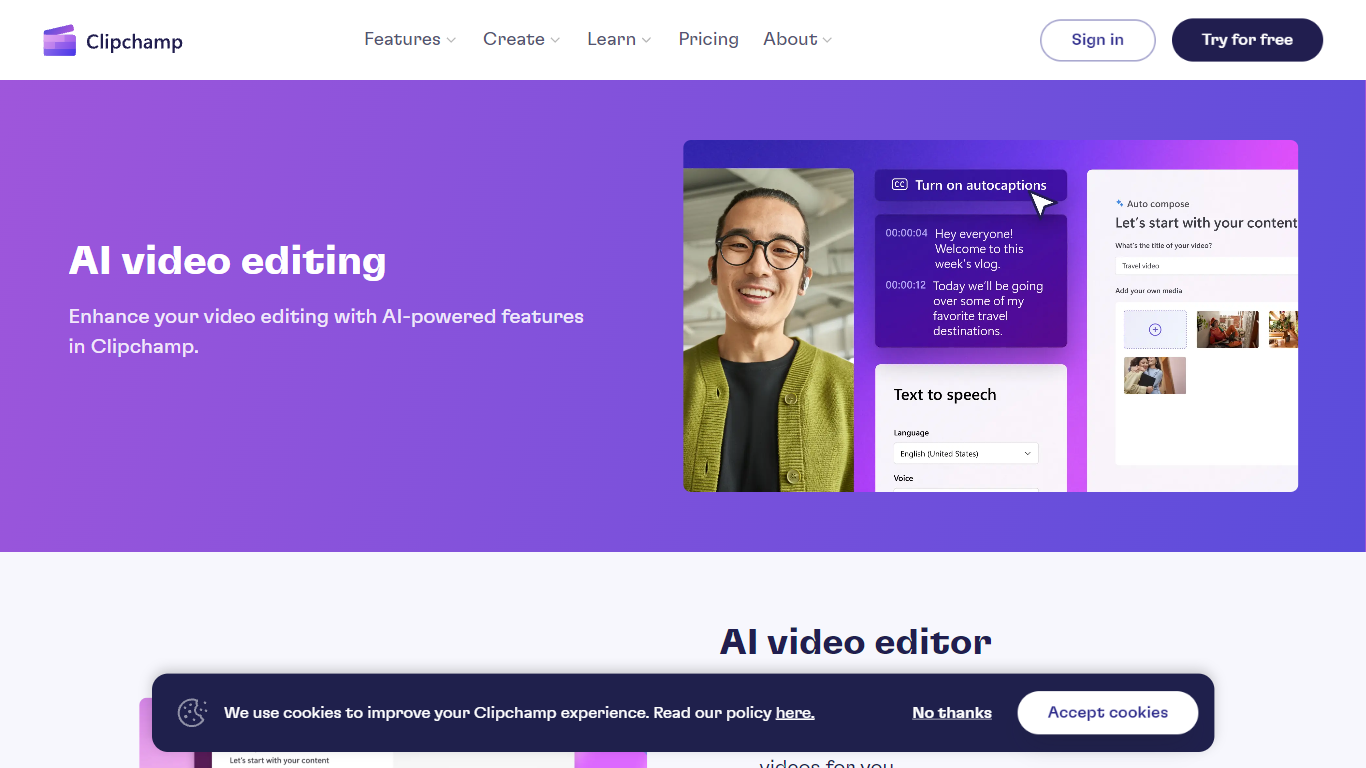
Experience the next level of video editing with Clipchamp's AI Video Editing tools, designed to elevate your creative projects effortlessly. Clipchamp harnesses the power of AI to provide an array of intelligent features that assist you in producing stunning videos without the need for any downloads. It's time to unleash your inner director using the AI video editor and craft short videos that leave a lasting impression. Whether you’re a TikTok enthusiast or a business professional, the AI voiceover maker offers over 400 lifelike voices in various languages and styles to match your video's tone. Autocaptions make your content more accessible, with precise voice detection technology for captions in 140 languages. For those looking to refine their speaking skills, the Speaker Coach offers real-time feedback on your recording sessions. Discover the wealth of AI-powered capabilities at your fingertips with Clipchamp and transform your digital storytelling.
Vidyo AI
What is Vidyo AI?
In today's fast-paced digital landscape, video content creators are constantly seeking effective ways for content repurposing from their long videos for multiple platforms. This is where Vidyo AI, an innovative digital media production SaaS, comes to the rescue.
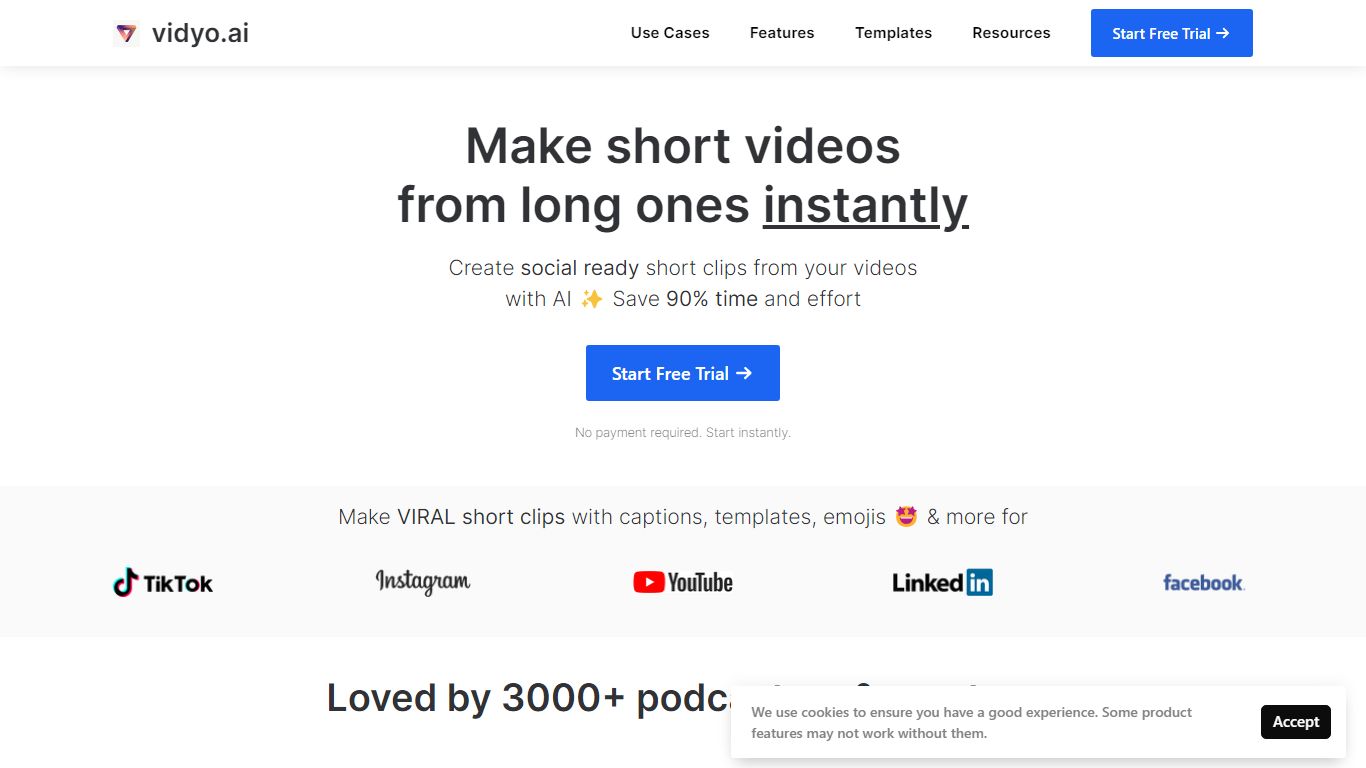
Offering a seamless solution for transforming long videos into engaging short clips tailored for different social media channels.
What does Vidyo AI do?
As a leading digital media production SaaS, Vidyo AI is designed to save creators time and effort by automatically selecting, editing, and captioning the top moments from their videos.
Its features include auto-video captioning, video resizing, video clipping, auto-video chapters, social media templates, and 1080p downloads.
Content teams, video podcasters, and creators can benefit significantly from using Vidyo AI, as it does help them to grow faster on social media by content repurposing from long videos into engaging short clips.

For those who might be considering a Vidyo.ai alternative, it's worth noting that this platform stands out due to its artificial intelligence capabilities specifically designed for content repurposing. Its ease of use and customization options make it the best choice for businesses, content creators, and agencies looking to boost their online presence through high-quality video content repurposing.
Vidyo AI not only simplifies digital media production services. But also helps talented individuals interested in contributing to the growth of this revolutionary platform. With Vidyo, users can enjoy the benefits of content repurposing while focusing on creating more content without the need for agencies or freelancers.
How much does Vidyo cost?
Vidyo AI pricing starts from $29.99. But it does offer a free pricing tier as well if you are an occasional creator.
This pricing structure makes Vidyo an affordable and scalable solution for content repurposing for businesses of all sizes.
In conclusion, Vidyo AI is revolutionizing the digital media production landscape by providing an easy-to-use platform for content repurposing from long videos into engaging short clips tailored for various social media channels. Its affordable pricing and advanced AI capabilities make it a go-to solution for content creators and businesses looking to grow their online presence and increase viewer engagement.
If you are looking for the best editor for content repurposing, Vidyo AI is a tool that can help you to generate many short clips from one long video. So start your content repurposing journey today with Vidyo AI.
AI Video Editing | Clipchamp Upvotes
Vidyo AI Upvotes
AI Video Editing | Clipchamp Top Features
AI Video Editor: Simplify the video creation process with an AI editor that can generate engaging short videos automatically.
Text to Speech: Utilize a versatile AI voiceover maker featuring over 400 lifelike voices in a variety of languages.
Autocaptions: Increase accessibility and engagement with precise autocaptions available in 140 languages.
Speaker Coach: Improve your presentation skills with real-time feedback on your speech during recording.
AI Audio Enhancements: Look forward to upcoming features that will further enhance audio quality in your videos.
Vidyo AI Top Features
No top features listedAI Video Editing | Clipchamp Category
- Video Editing
Vidyo AI Category
- Video Editing
AI Video Editing | Clipchamp Pricing Type
- Freemium
Vidyo AI Pricing Type
- Freemium