Amie vs Paxo
In the contest of Amie vs Paxo, which AI Meeting Assistant tool is the champion? We evaluate pricing, alternatives, upvotes, features, reviews, and more.
If you had to choose between Amie and Paxo, which one would you go for?
When we examine Amie and Paxo, both of which are AI-enabled meeting assistant tools, what unique characteristics do we discover? The upvote count favors Paxo, making it the clear winner. The upvote count for Paxo is 7, and for Amie it's 6.
Disagree with the result? Upvote your favorite tool and help it win!
Amie

What is Amie?
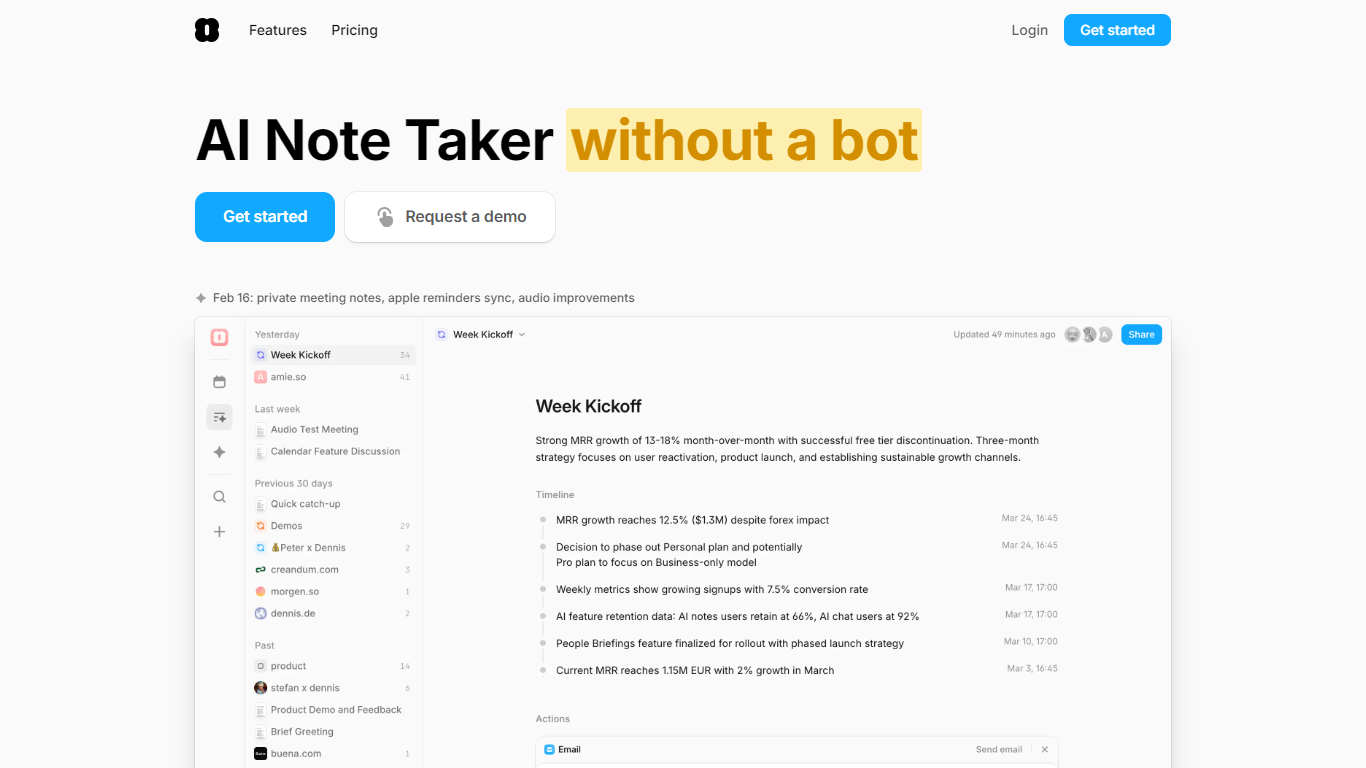
Amie is a meeting note taker, calendar, and task app for people who spend their days in calls. It captures audio from your device without sending a bot into Zoom, Google Meet, or Teams, then turns conversations into summaries, transcripts, and action items you can use immediately.
The pieces are wired together rather than bolted on. Private notes you write before or during a call shape the summary. Action items can land in your todo lists, get scheduled automatically, or export to HubSpot, Notion, Slack, Linear, and Pipedrive with a click. The built-in chat has context from your meetings, calendar, and email, so you can draft follow-ups, create tickets, or ask what someone said in last week's demo.
Sales teams, founders, and customer-facing roles are the core audience. The app runs on macOS, Windows, and iOS, syncs Google and Apple calendars, and transcribes in 17 languages with speaker labeling.
Paxo
What is Paxo?
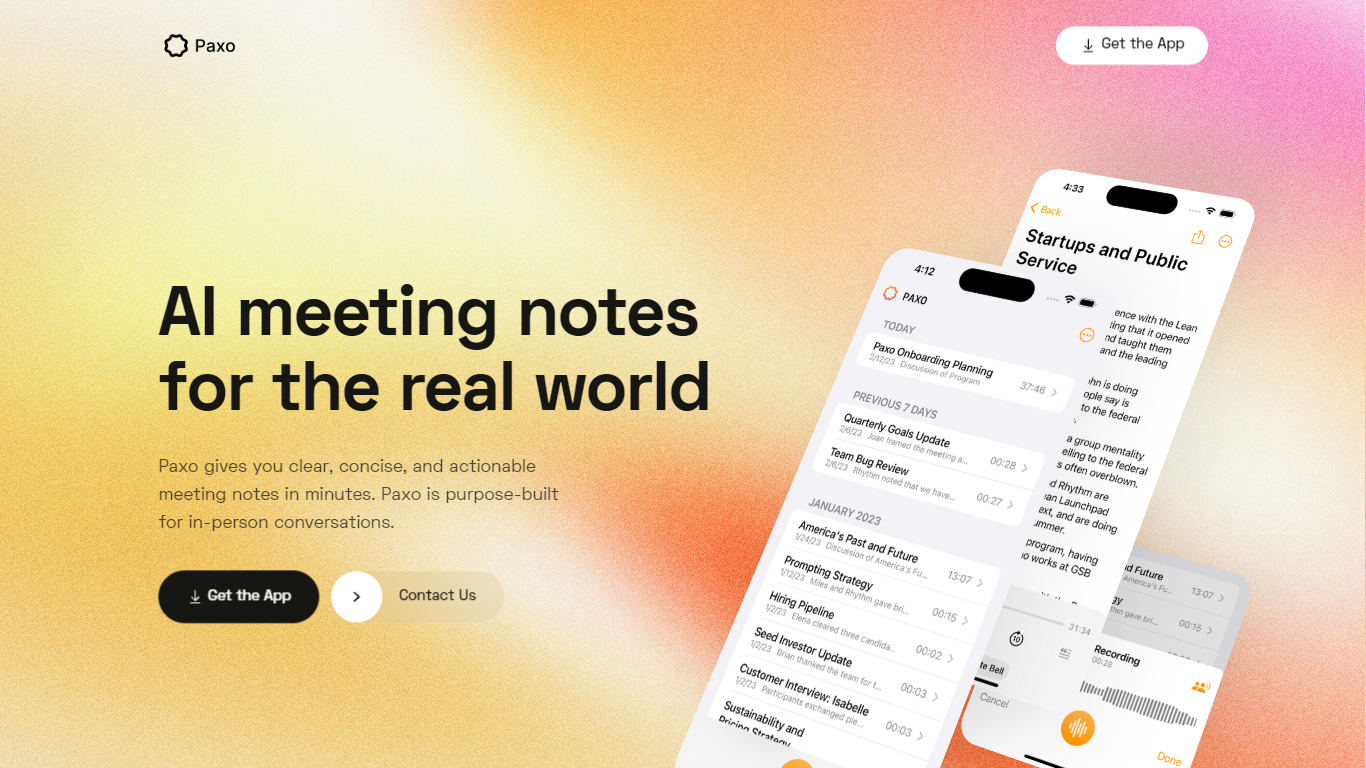
Paxo is an iPhone meeting assistant built for in-person conversations rather than calendar bots. You hit record in the app, Paxo transcribes the audio, and you get searchable notes with speaker labels after you assign voices from your Contacts. The homepage pitches it for face-to-face meetings, desk-side Zoom calls, and walking conversations where a browser extension would not follow you.
Most meeting note tools assume a video call with a shared link. Paxo records from the phone microphone, stores recordings on device, and syncs across Apple devices through iCloud. Server processing is limited to transcription and note generation, and the privacy policy says recordings are deleted from Paxo servers once processing finishes.
Managers, consultants, and field teams use Paxo to capture decisions without typing during meetings. Voice identification learns teammates over time, exports can go to Notion, Obsidian, or Google Docs, and the interface keeps past recordings organized and searchable.
Amie Upvotes
Paxo Upvotes
Amie Top Features
Records calls without a bot joining, controlled from your Mac notch or floating UI
Transcribes 17 languages with speaker labels, plus 82 more without labeling
Private notes before or during a call steer where the summary focuses
Works with Zoom, Meet, Teams, Slack Huddle, Webex, Whereby, and BlueJeans
Chat with meeting, calendar, and email context to draft follow-ups or reschedule
One-click exports to HubSpot, Notion, Slack, Linear, and Pipedrive
Combines calendar, todos, and automatic day scheduling in one workspace
Paxo Top Features
iOS app records in-person, walking, or desk-side Zoom conversations from the phone microphone
Speaker identification learns contacts and recommends labels for future recordings
Recordings stored on device with optional iCloud sync across Apple devices
Server-side transcription using OpenAI with recordings deleted after processing per privacy policy
Search across notes and transcripts with import and export to Notion, Obsidian, and Google Docs
Privacy policy updated August 18, 2024 from Paxo Assist LLC with [email protected] contact
Crash reporting via Sentry without sending recordings in crash reports
Amie Category
- Meeting Assistant
Paxo Category
- Meeting Assistant
Amie Pricing Type
- Paid
Paxo Pricing Type
- Freemium