Arcwise vs Columns AI (formerly Columns)
In the contest of Arcwise vs Columns AI (formerly Columns), which AI Excel tool is the champion? We evaluate pricing, alternatives, upvotes, features, reviews, and more.
If you had to choose between Arcwise and Columns AI (formerly Columns), which one would you go for?
When we examine Arcwise and Columns AI (formerly Columns), both of which are AI-enabled excel tools, what unique characteristics do we discover? Both tools have received the same number of upvotes from aitools.fyi users. The power is in your hands! Cast your vote and have a say in deciding the winner.
You don't agree with the result? Cast your vote to help us decide!
Arcwise
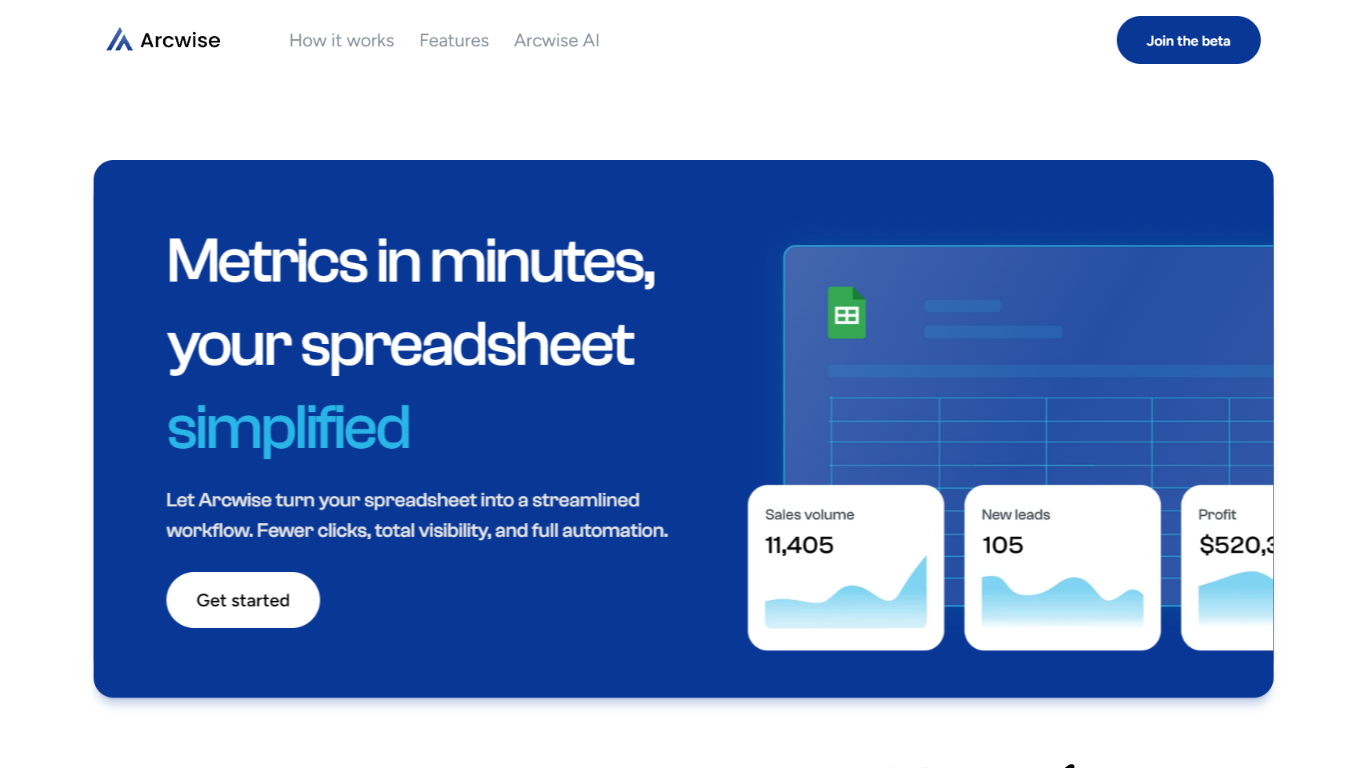

What is Arcwise?
Arcwise flags meaningful KPI shifts in your warehouse data and explains what is driving them before they show up in weekly reviews. It connects to Snowflake, BigQuery, and Databricks, then delivers spreadsheet-ready answers traced to your SQL, tables, and business documentation inside the Google and Microsoft docs your team already uses.
Most analytics stacks stop at dashboards or untraceable chat answers. Arcwise is built around decision-ready output with auditable SQL behind every explanation. It separates signal from noise, names the operational drivers behind a metric move, and saves validated explanations as institutional memory your team can reuse next quarter without filing another analyst ticket.
Operations, finance, and growth leaders at logistics firms, airlines, manufacturers, and other data-heavy businesses use Arcwise to turn metric changes into specific next steps. Industry pages cover margin loss in TMS data, MBR preparation, and white-labeled customer analytics tied to billing and execution systems.
Arcwise is SOC 2 Type II certified, processes only metadata and queries rather than storing sensitive business data, and lets enterprises bring their own LLM API keys through Azure OpenAI or internal models.
Columns AI (formerly Columns)
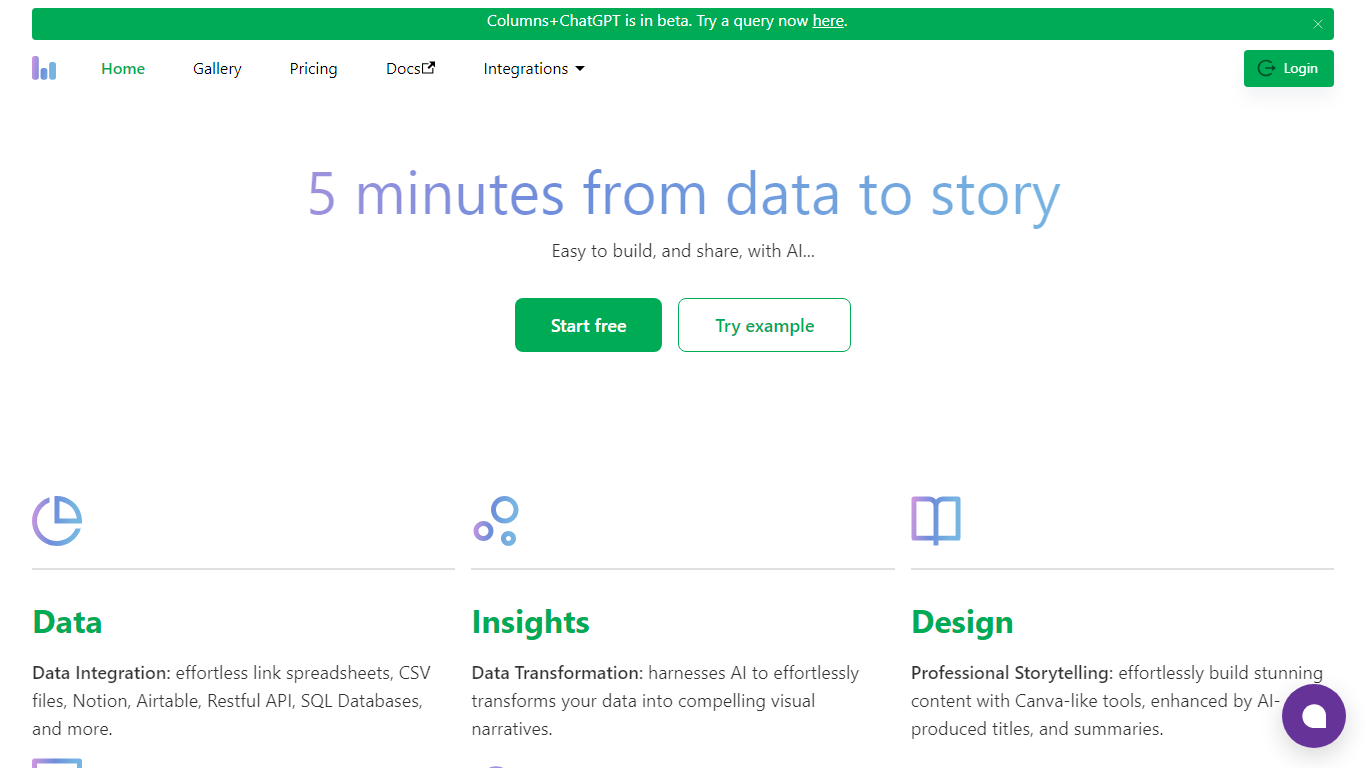
What is Columns AI (formerly Columns)?
Columns AI takes messy files and live data sources through ingestion, automation, and chart publishing without making you stitch together separate tools. Drive ingests CSV, Excel, PDF, and images with OCR, Flow connects warehouses and apps with plain-language transformations, and Graph publishes brand-matched visuals you can embed or export.
Most BI tools assume your data is already clean and your team knows SQL. Columns splits the problem into three steps on purpose: structure files in Drive, automate sync and transforms in Flow, then ship client-ready charts from Graph without opening a separate design tool. You pay per row processed, and the Basic plan has no monthly base fee.
The site lists 12,000+ users across business operators, consultants, marketing and RevOps teams, analysts, and freelancers. Founder Shawn Cao previously built data infrastructure at Microsoft, Facebook, and Pinterest.
Arcwise Upvotes
Columns AI (formerly Columns) Upvotes
Arcwise Top Features
Connects to Snowflake, BigQuery, and Databricks plus your existing BI stack
SOC 2 Type II certified with encryption in transit and at rest
Links every explanation to exact SQL, tables, joins, and business definitions
Embeds inside Microsoft and Google docs, slides, and spreadsheets
Supports customer-controlled LLM keys via Azure OpenAI or Arcwise-managed models
Saves validated explanations as reusable institutional memory across teams
Columns AI (formerly Columns) Top Features
Columns Drive accepts CSV, Excel, PDF, PNG, and JPG and runs OCR plus auto-cleaning before data reaches Flow
Columns Flow connects Google Sheets, Airtable, Notion, Postgres, Snowflake, HubSpot, QuickBooks, and Gusto
Basic plan charges $0 per month plus $0.05 per 1,000 rows across Drive, Flow, and Graph
Columns Graph exports live links, iframe embeds, PNG, SVG, CSV, and presentation decks from one chart
Columns Drive has a Gmail add-on in Google Workspace Marketplace for turning email attachments into spreadsheet rows
Scheduled Flow runs keep downstream Graph visuals synced without manual refreshes
Arcwise Category
- Excel
Columns AI (formerly Columns) Category
- Excel
Arcwise Pricing Type
- Paid
Columns AI (formerly Columns) Pricing Type
- Freemium