AskCSV vs Columns AI (formerly Columns)
When comparing AskCSV vs Columns AI (formerly Columns), which AI Excel tool shines brighter? We look at pricing, alternatives, upvotes, features, reviews, and more.
In a comparison between AskCSV and Columns AI (formerly Columns), which one comes out on top?
When we put AskCSV and Columns AI (formerly Columns) side by side, both being AI-powered excel tools, In the race for upvotes, AskCSV takes the trophy. AskCSV has been upvoted 8 times by aitools.fyi users, and Columns AI (formerly Columns) has been upvoted 6 times.
Think we got it wrong? Cast your vote and show us who's boss!
AskCSV
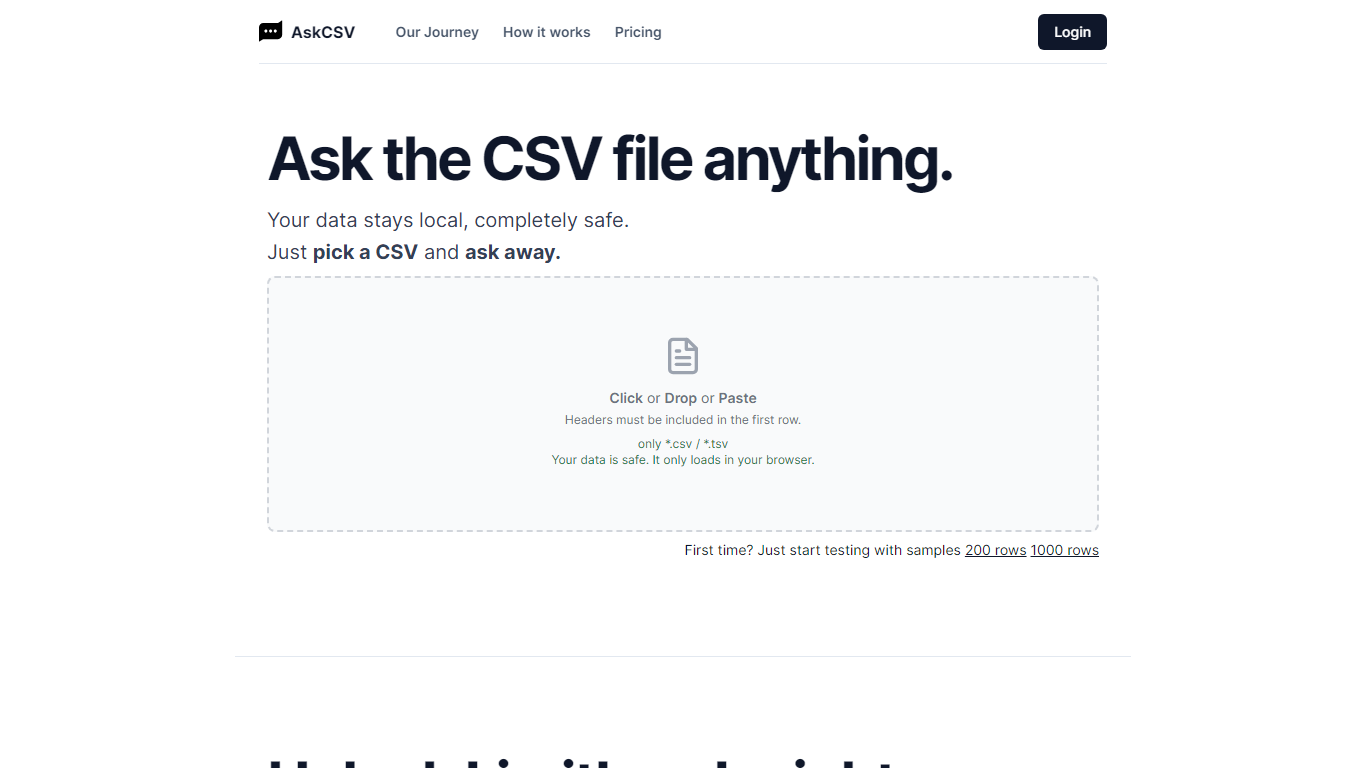

What is AskCSV?
AskCSV is a browser-based tool for analyzing CSV and TSV files with plain-language questions. You upload a file by click, drop, or paste, then ask about sales trends, customer behavior, product pairings, or marketing ROI. The tool responds with charts and tables tailored to your question.
Your file loads only in your browser and is not sent to a server. AskCSV builds a virtual dataset from your data and runs analysis using OpenAI GPT models locally, which keeps sensitive spreadsheets on your device.
The service targets anyone working with tabular data who wants quick insights without uploading files online. A free tier covers light daily use, and a 1-Day Pass adds higher row and ask limits with no subscription required.
Columns AI (formerly Columns)
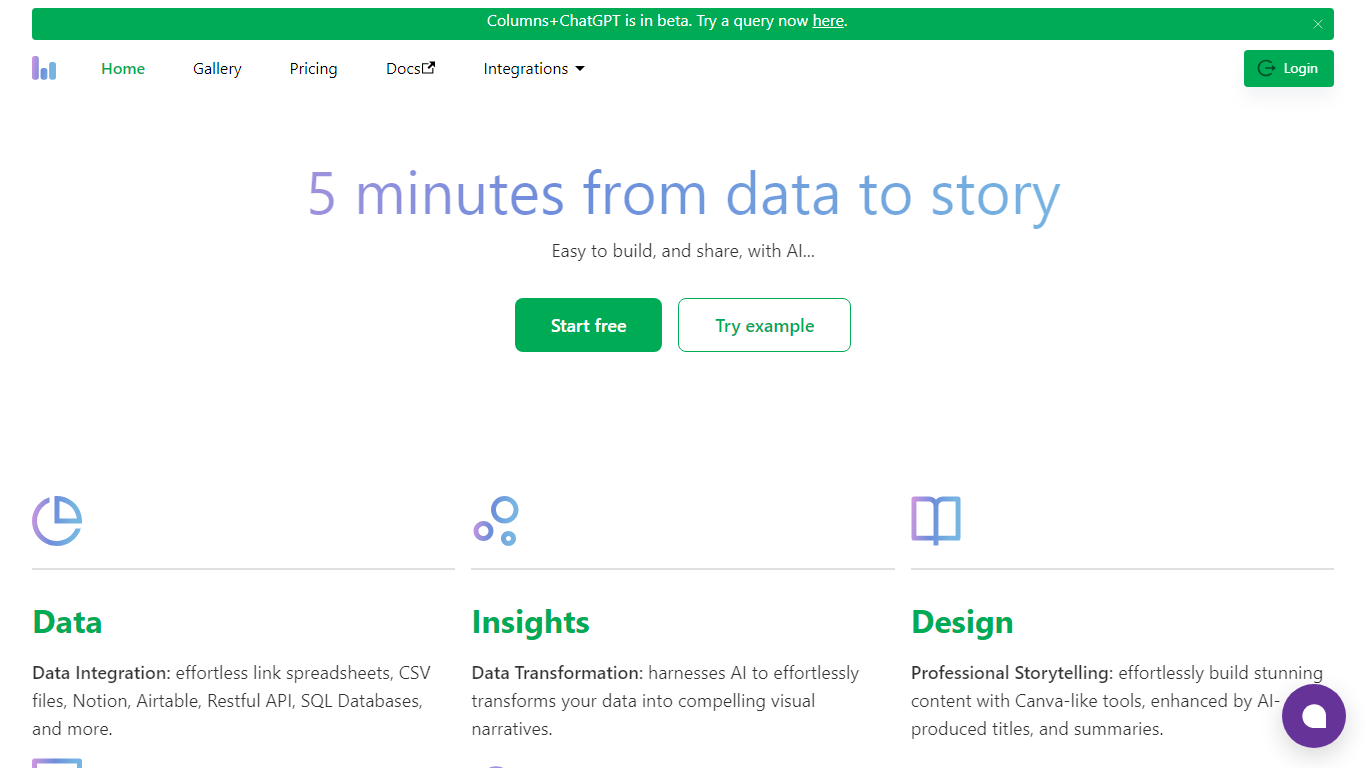
What is Columns AI (formerly Columns)?
Columns AI is an end-to-end data platform that connects messy files and live sources, automates transformations, and turns the results into charts and dashboards you can share. It is built around three products: Drive for ingesting and structuring files, Flow for no-code data pipelines, and Graph for branded visualizations.
The platform targets teams that need reliable data workflows without standing up a full engineering stack. You can connect Google Sheets, Airtable, Notion, Excel, databases, Snowflake, HubSpot, QuickBooks, Gusto, and HTTP APIs, then describe transformations in plain language instead of writing SQL.
Columns AI fits business operators, consultants, marketing and RevOps teams, analysts, and freelancers who need to move from raw inputs to client-ready visuals. Founder Shawn Cao previously built large-scale data infrastructure at Microsoft, Facebook, and Pinterest.
AskCSV Upvotes
Columns AI (formerly Columns) Upvotes
AskCSV Top Features
Upload CSV or TSV files by click, drop, or paste with headers in the first row
Ask data questions in plain language and get charts plus tables in response
Processes files locally in your browser so data never uploads to a server
Free tier includes 5 asks per day on files up to 1,000 rows
1-Day Pass unlocks 200 asks per day on files up to 1 million rows with ZIP export
Columns AI (formerly Columns) Top Features
Columns Drive turns CSV, Excel, PDF, and image uploads into structured, analysis-ready data with OCR and auto-cleaning
Columns Flow connects warehouses, APIs, and files, then builds transformation logic from plain-language prompts
Columns Graph creates brand-matched charts you can share via live links, embeds, PNG, SVG, CSV, or slide decks
Scheduled sync keeps downstream graphs and reports updated without manual exports
Alert rules notify you via Slack, email, or webhook when thresholds, spikes, or drops occur
Integrations include Google Sheets, Airtable, Notion, Postgres, Snowflake, HubSpot, QuickBooks, and Gusto
AskCSV Category
- Excel
Columns AI (formerly Columns) Category
- Excel
AskCSV Pricing Type
- Freemium
Columns AI (formerly Columns) Pricing Type
- Freemium