Befront vs Fontjoy
In the clash of Befront vs Fontjoy, which AI Design tool emerges victorious? We assess reviews, pricing, alternatives, features, upvotes, and more.
When we put Befront and Fontjoy head to head, which one emerges as the victor?
Let's take a closer look at Befront and Fontjoy, both of which are AI-driven design tools, and see what sets them apart. Neither tool takes the lead, as they both have the same upvote count. Since other aitools.fyi users could decide the winner, the ball is in your court now to cast your vote and help us determine the winner.
Not your cup of tea? Upvote your preferred tool and stir things up!
Befront
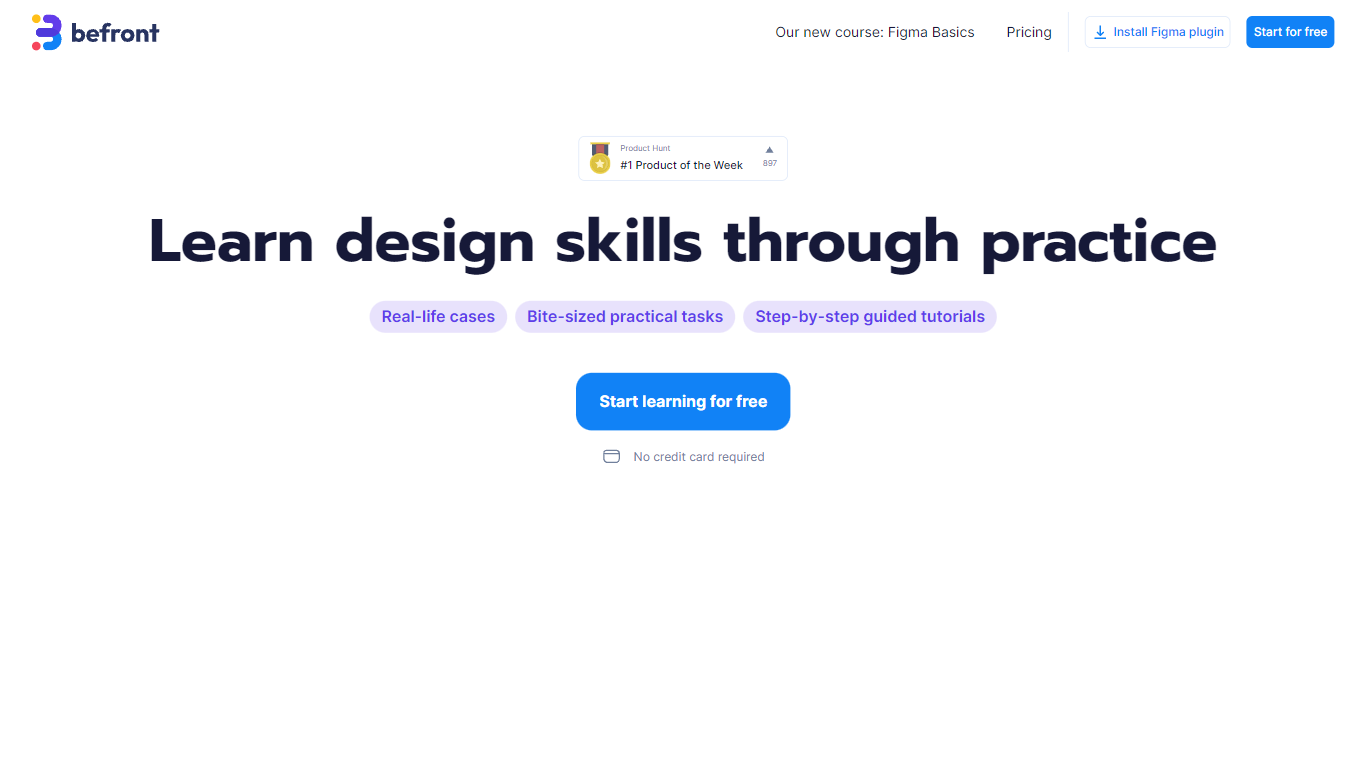

What is Befront?
Befront is a Figma Community plugin that works as a hands-on design trainer. You install it in Figma, pick a skill to train, and complete short UI tasks on real interfaces with instant feedback as you work. It focuses on practical layout and component work rather than passive theory.
Most design courses lean on video lectures that are easy to watch and hard to retain. Befront runs short drills you can finish in about five minutes, with topic picks like Auto Layout and components instead of a fixed syllabus. That makes it closer to a daily gym routine than a semester-long course.
The homepage positions Befront for designers who feel stuck in Figma, working designers who want more speed, and career switchers learning UX/UI from scratch. Developers, product managers, founders, and marketers who need to work confidently in Figma are also called out in the FAQ.
You track progress over time, compete with other designers, and can try design mini-games for quick interactive practice. A free trial offers access to trial lessons, while paid plans start at $11 per week or $30 per month for full access.
Fontjoy
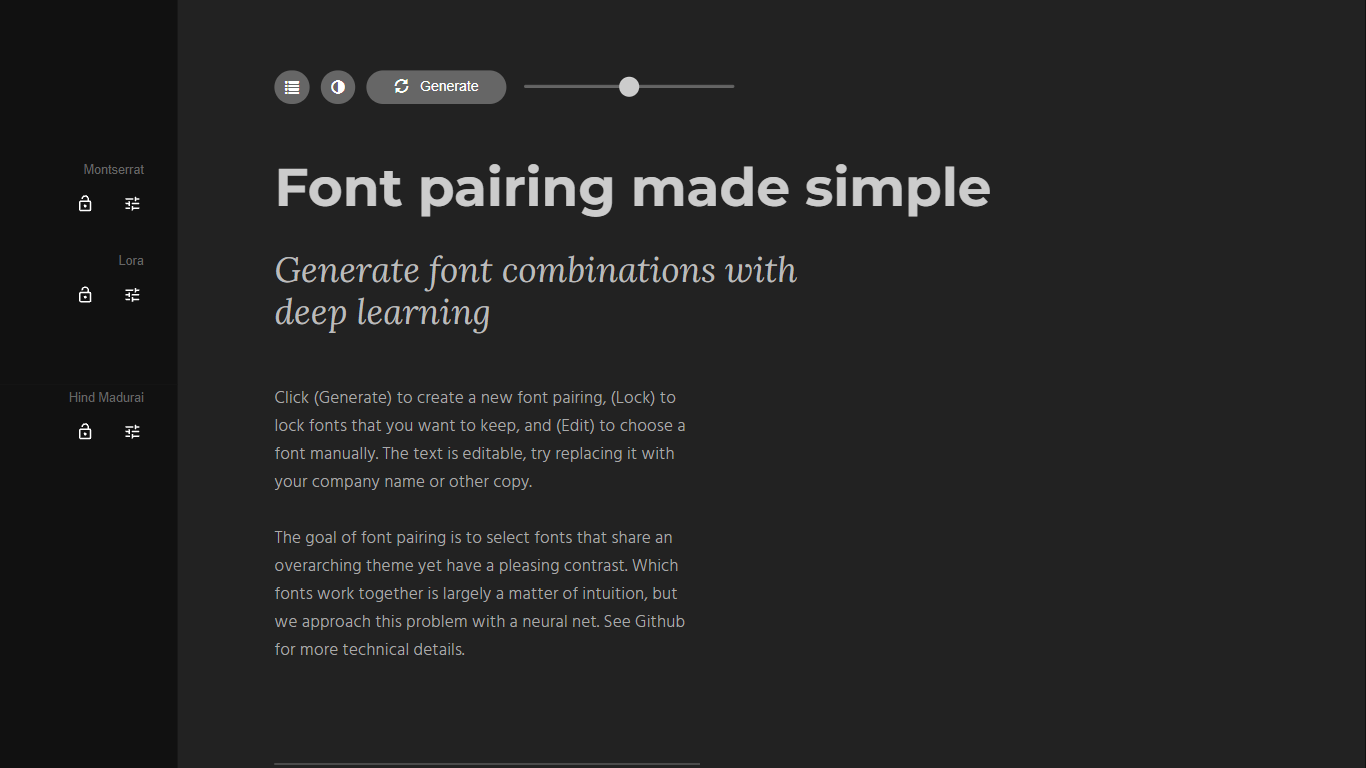
What is Fontjoy?
Fontjoy is a font pairing generator that suggests complementary Google Fonts combinations with a single click. It maps fonts across multiple dimensions like weight, obliqueness, and serif style, then uses a deep neural network to find pairs that share a theme but contrast enough to look intentional on screen.
Most font pairing tools rely on designer intuition or static lists. Fontjoy automates the search by treating each font as a vector of learned features and picking pairs that sit far apart on axes where contrast matters while staying aligned on axes where harmony matters. The trade-off is that it only covers Google Fonts, so proprietary or self-hosted typefaces are out of scope.
Designers, developers, and brand builders use Fontjoy when they need a headline and body font that work together without spending an hour scrolling type catalogs. The editable preview text, lock button, and manual font picker make it practical for quick mockups and client presentations.
Befront Upvotes
Fontjoy Upvotes
Befront Top Features
Daily drills you can finish in about five minutes with instant feedback inside Figma
Monthly plan at $30 per month or Weekly plan at $11 per week for full access to all content
Topic-specific training for Auto Layout, components, and other job-ready Figma skills
Design mini-games for quick interactive practice on real interfaces
Free Trial at $0 with access to trial lessons inside the Figma plugin
Fontjoy Top Features
One-click Generate button creates a new font pairing from hundreds of Google Fonts instantly
Lock individual fonts in a pairing while regenerating the rest to keep what you like
Editable preview text lets you test pairings with your own copy or company name
Deep neural network maps fonts across weight, obliqueness, serif style, and more dimensions
Manual Edit mode to pick any Google Font from the full catalog by name
Font visualizer projector page for exploring high-dimensional font embeddings
Open-source algorithm documented on GitHub at Jack000/fontjoy
Befront Category
- Design
Fontjoy Category
- Design
Befront Pricing Type
- Freemium
Fontjoy Pricing Type
- Free