ChatDOC vs Scribe
In the clash of ChatDOC vs Scribe, which AI Productivity tool emerges victorious? We assess reviews, pricing, alternatives, features, upvotes, and more.
When we put ChatDOC and Scribe head to head, which one emerges as the victor?
Let's take a closer look at ChatDOC and Scribe, both of which are AI-driven productivity tools, and see what sets them apart. With more upvotes, Scribe is the preferred choice. Scribe has 17 upvotes, and ChatDOC has 7 upvotes.
Think we got it wrong? Cast your vote and show us who's boss!
ChatDOC
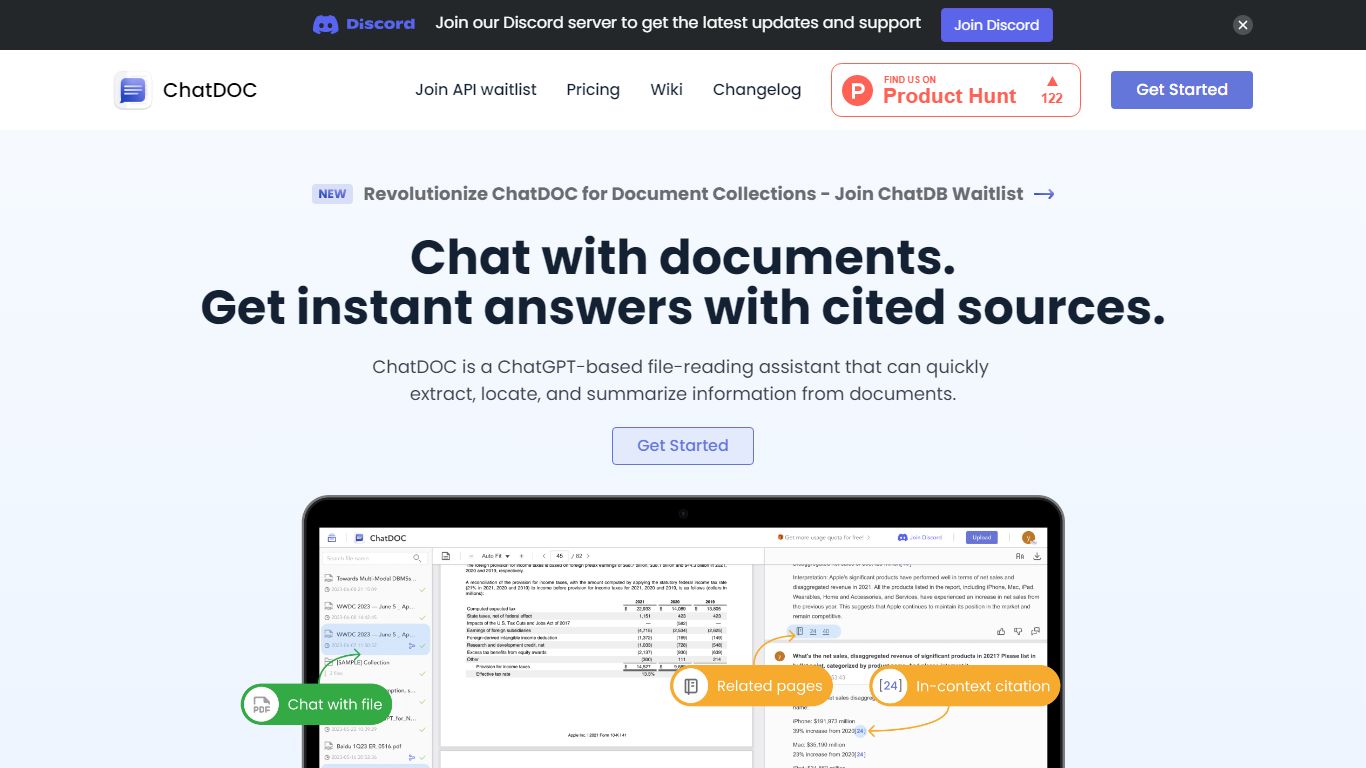

What is ChatDOC?
ChatDOC lets you upload documents and ask questions in plain language, then jump to the exact passage that supports each answer. Its TapSource citations link responses back to page numbers, highlighted quotes, and table cells so you can verify claims before sharing. The site reports more than 1,000,000 users worldwide.
Most PDF chat tools summarize without traceable sources. ChatDOC runs a Parse, Chat, and Verify workflow and lets you query across folders of files, highlight a paragraph for targeted follow-ups, and switch between models like GPT-4 and Claude from the guide docs.
Researchers, lawyers, business analysts, and students use ChatDOC to summarize long reports, extract table data, and chat with websites or scanned files. Free accounts start with 100 questions and PDF uploads capped at 3 pages per file; Pro unlocks unlimited pages and formats including DOC, scans, EPUB, and Markdown.
Scribe
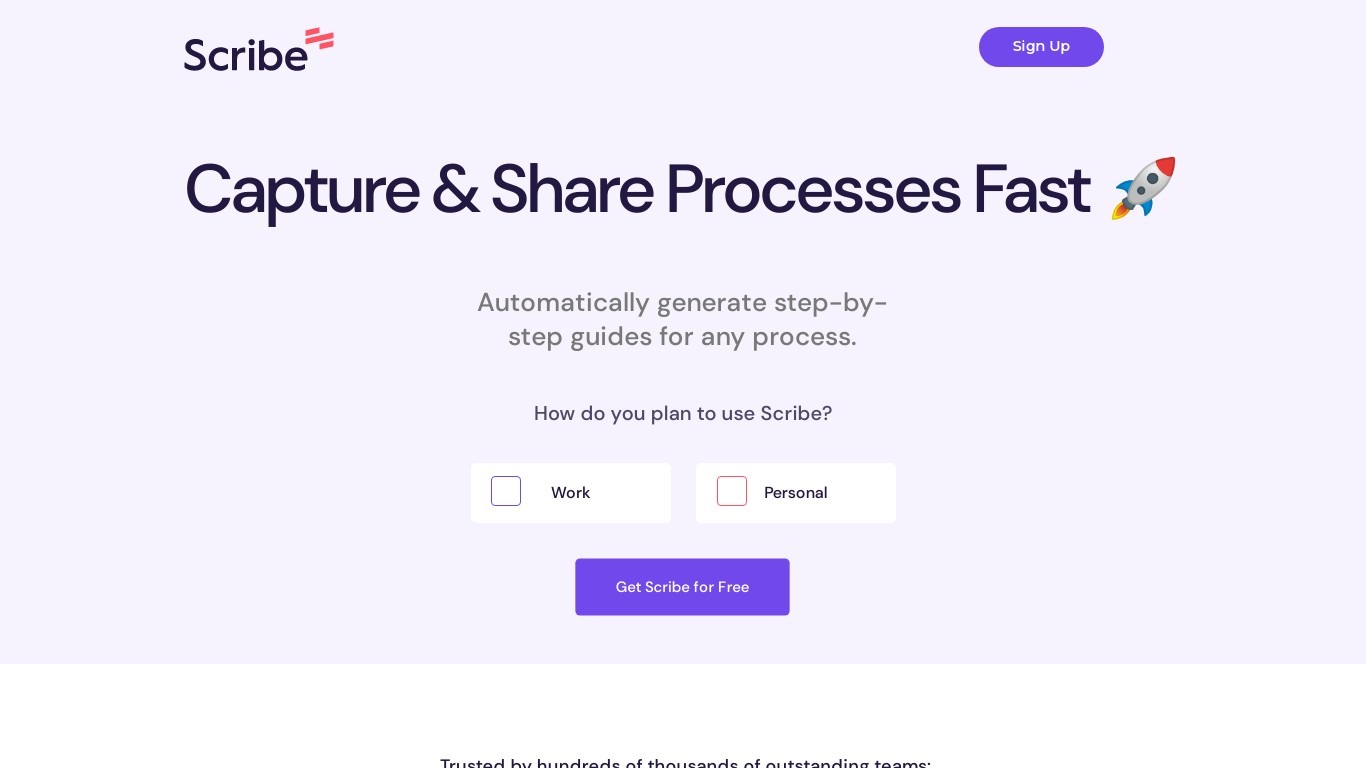
What is Scribe?
Scribe captures how work actually gets done and turns it into step-by-step guides your team and AI agents can follow. It records workflows as people perform them in the browser, desktop, or mobile apps, then generates documentation without manual screenshots or write-ups. Teams use it for SOPs, training, onboarding, and feeding workflow context to AI tools.
Where most documentation tools expect you to write guides from memory or schedule walkthroughs, Scribe watches real workflows and documents them automatically. Capture surfaces the processes teams run most often and turns them into shareable guides, while Optimize maps inefficiencies across approved apps and recommends where to automate or invest in AI.
Operations, IT, HR, and enablement teams rely on Scribe to share tribal knowledge before someone goes on PTO. Companies rolling out new software or building AI agent roadmaps use it to give bots accurate workflow context through MCP and enterprise search APIs.
ChatDOC Upvotes
Scribe Upvotes
ChatDOC Top Features
TapSource citations jump to page numbers, quotes, and table values in the source file
Supports PDF, DOC, DOCX, scans, websites, EPUB, Markdown, and TXT uploads
Free tier includes 100 document questions with PDF files capped at 3 pages each
Pro unlocks unlimited pages per file and unlimited files per collection
Query folders of documents in one chat thread across multiple files
Chrome and Edge browser extensions for in-page document analysis
Scribe Top Features
Records any workflow and outputs a polished step-by-step guide automatically
Chrome and Edge extensions plus desktop apps capture web, mobile, and desktop processes
Export guides to PDF, HTML, Markdown, or Word, or embed them anywhere
Pro Team starts at 5 seats with comments and collaboration on shared guides
Feed workflow context to AI assistants through MCP and enterprise search API
Enterprise auto-redaction for PII and PHI with SOC 2 Type II and HIPAA compliance
ChatDOC Category
- Productivity
Scribe Category
- Productivity
ChatDOC Pricing Type
- Freemium
Scribe Pricing Type
- Freemium