Commabot vs Columns AI (formerly Columns)
When comparing Commabot vs Columns AI (formerly Columns), which AI Excel tool shines brighter? We look at pricing, alternatives, upvotes, features, reviews, and more.
Between Commabot and Columns AI (formerly Columns), which one is superior?
When we put Commabot and Columns AI (formerly Columns) side by side, both being AI-powered excel tools, Both tools have received the same number of upvotes from aitools.fyi users. Join the aitools.fyi users in deciding the winner by casting your vote.
Want to flip the script? Upvote your favorite tool and change the game!
Commabot
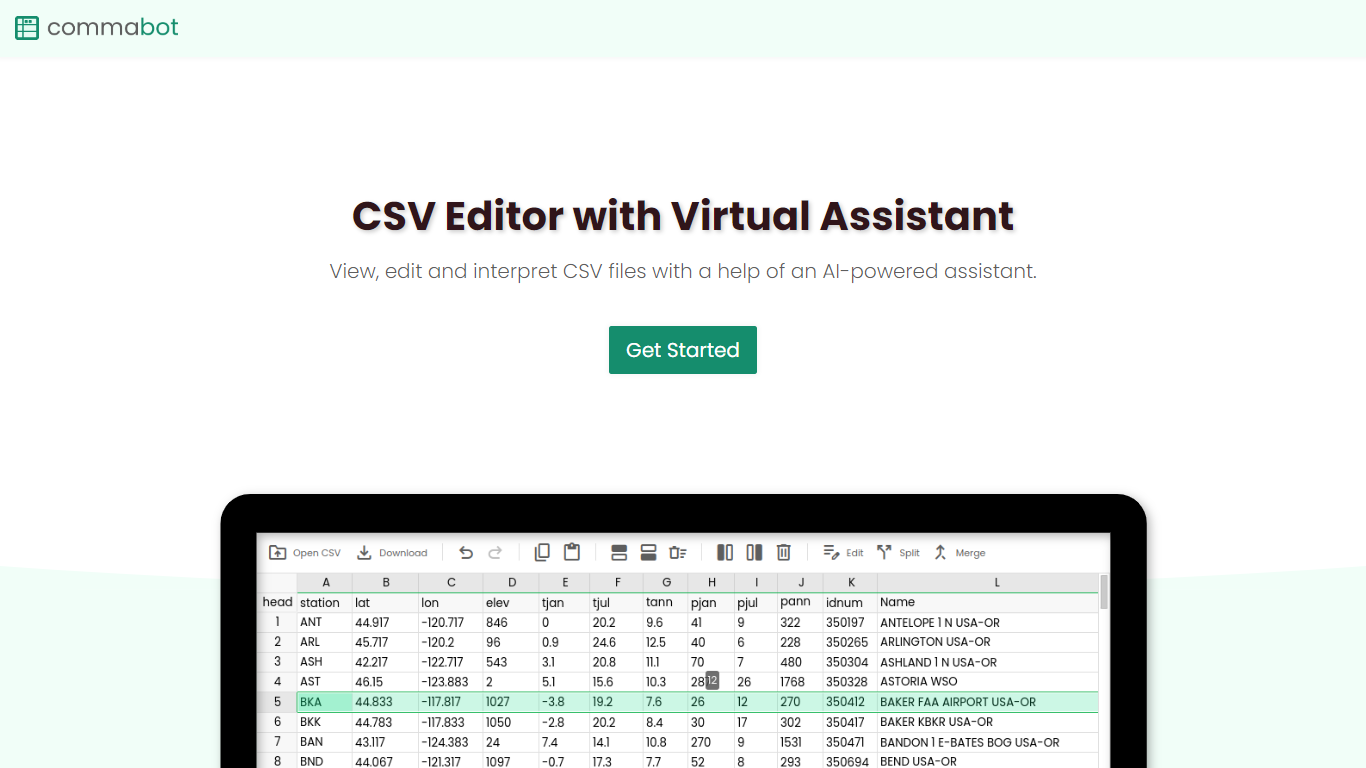

What is Commabot?
Commabot is a browser-based Excel alternative for CSV work: you upload a file and handle analysis, cleaning, and transformation in a chat interface instead of writing spreadsheet formulas. The homepage frames it as a conversational CSV editor for sales reports, survey results, financial records, and other tabular files.
The About page also describes specialized contact list prep workflows: deduplicating contacts, standardizing phone numbers to E.164, removing unsubscribes, merging multiple lists, and formatting exports for HubSpot or Salesforce import. That gives the product both open-ended CSV chat and CRM-ready contact cleanup paths.
You sign in with Google to upload files. Commabot runs on Google Cloud infrastructure and processes uploads in memory unless you explicitly save them to your account.
Columns AI (formerly Columns)
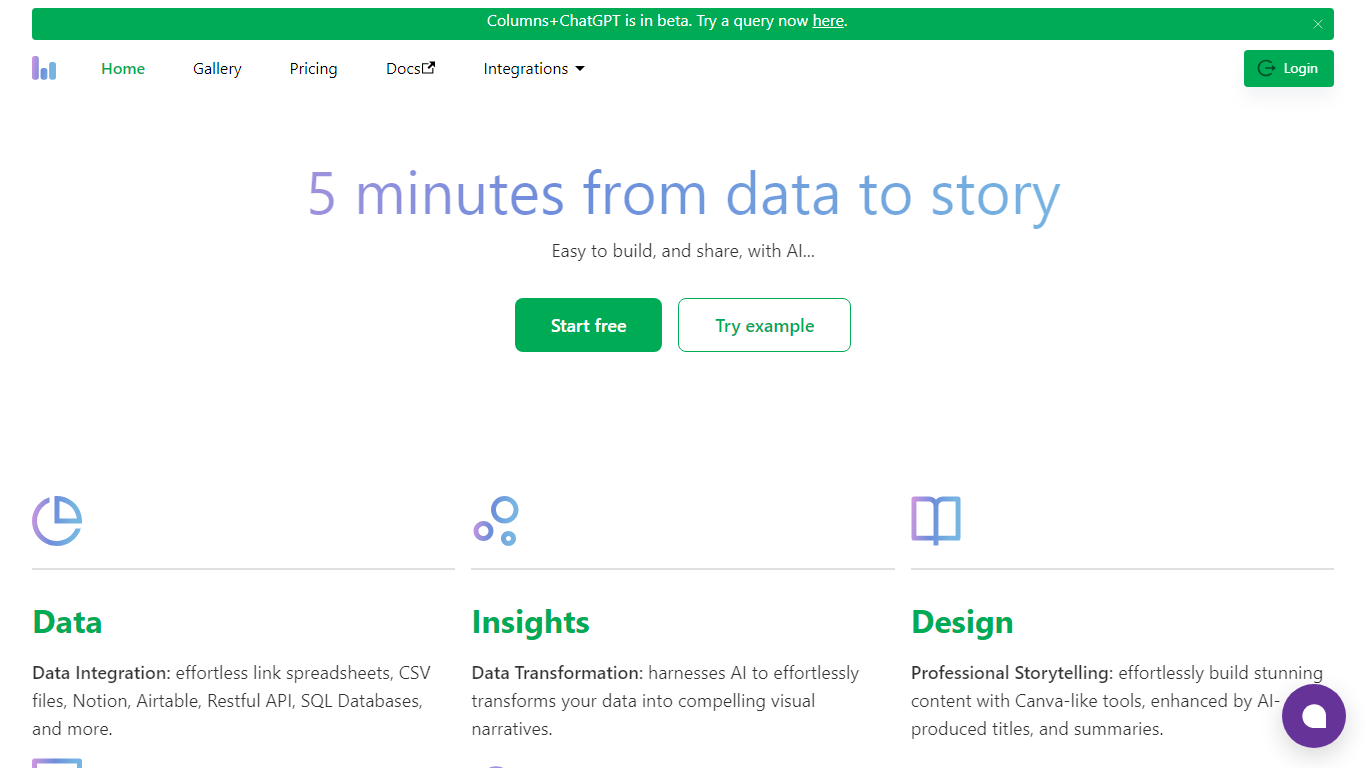
What is Columns AI (formerly Columns)?
Columns AI takes messy files and live data sources through ingestion, automation, and chart publishing without making you stitch together separate tools. Drive ingests CSV, Excel, PDF, and images with OCR, Flow connects warehouses and apps with plain-language transformations, and Graph publishes brand-matched visuals you can embed or export.
Most BI tools assume your data is already clean and your team knows SQL. Columns splits the problem into three steps on purpose: structure files in Drive, automate sync and transforms in Flow, then ship client-ready charts from Graph without opening a separate design tool. You pay per row processed, and the Basic plan has no monthly base fee.
The site lists 12,000+ users across business operators, consultants, marketing and RevOps teams, analysts, and freelancers. Founder Shawn Cao previously built data infrastructure at Microsoft, Facebook, and Pinterest.
Commabot Upvotes
Columns AI (formerly Columns) Upvotes
Commabot Top Features
Upload a single CSV file at a time and ask questions in plain English to explore and modify your data
Generate charts and summaries from uploaded files through the chat interface
Clean and transform tabular data without writing spreadsheet formulas
Standardize phone numbers to E.164 format through dedicated contact prep workflows
Format contact lists for HubSpot or Salesforce import using workflow templates
Merge multiple contact lists into one consolidated dataset
Workflow templates show usage count and average processing time before you run them
Columns AI (formerly Columns) Top Features
Columns Drive accepts CSV, Excel, PDF, PNG, and JPG and runs OCR plus auto-cleaning before data reaches Flow
Columns Flow connects Google Sheets, Airtable, Notion, Postgres, Snowflake, HubSpot, QuickBooks, and Gusto
Basic plan charges $0 per month plus $0.05 per 1,000 rows across Drive, Flow, and Graph
Columns Graph exports live links, iframe embeds, PNG, SVG, CSV, and presentation decks from one chart
Columns Drive has a Gmail add-on in Google Workspace Marketplace for turning email attachments into spreadsheet rows
Scheduled Flow runs keep downstream Graph visuals synced without manual refreshes
Commabot Category
- Excel
Columns AI (formerly Columns) Category
- Excel
Commabot Pricing Type
- Free
Columns AI (formerly Columns) Pricing Type
- Freemium