Compress Images vs Funy AI
Dive into the comparison of Compress Images vs Funy AI and discover which AI Image Editing tool stands out. We examine alternatives, upvotes, features, reviews, pricing, and beyond.
When comparing Compress Images and Funy AI, which one rises above the other?
When we compare Compress Images and Funy AI, two exceptional image editing tools powered by artificial intelligence, and place them side by side, several key similarities and differences come to light. The upvote count reveals a draw, with both tools earning the same number of upvotes. Since other aitools.fyi users could decide the winner, the ball is in your court now to cast your vote and help us determine the winner.
Want to flip the script? Upvote your favorite tool and change the game!
Compress Images

What is Compress Images?
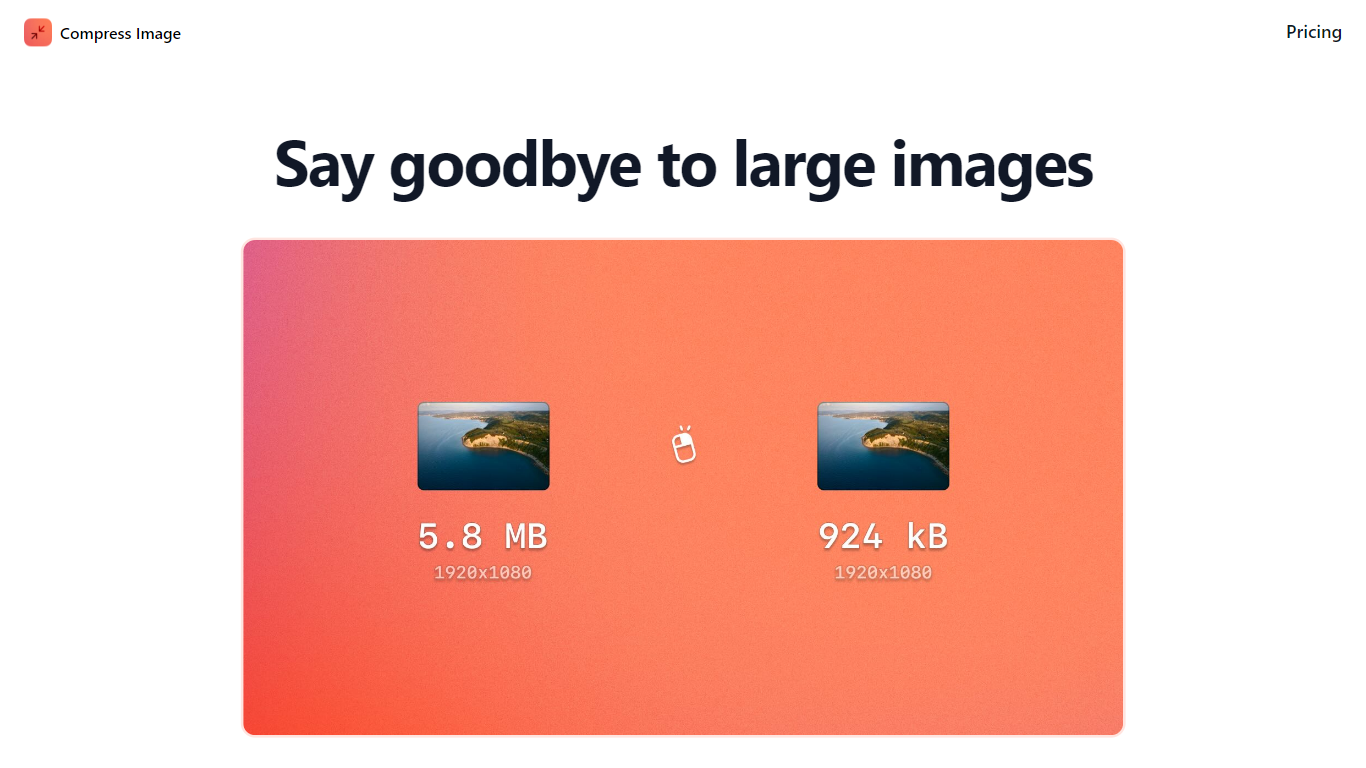
Compress Images is a macOS Finder Quick Action that shrinks image files locally without uploading them to a server. Right-click a photo, pick Quick Actions, then Compress Image to run the tool from Finder. It targets Mac users who need smaller JPG and HEIC files for email, web uploads, or storage cleanup.
Browser compressors usually send files to remote servers. Compress Images runs offline on macOS 12 or later and advertises up to 90% size reduction with what it calls invisible compression. That trade-off favors privacy and speed over cross-platform access.
Graphic designers, photographers, and anyone juggling large HEIC exports from iPhones are the likely audience. Bulk conversion has no stated limit, and HEIC files can auto-convert to JPG during compression.
Pricing is a one-time $5.99 purchase with no subscription. The app works entirely through Finder, so there is no separate editor window to learn.
Funy AI

What is Funy AI?
Funy AI bundles image editing, image generation, and video creation into one browser-based workspace. You can turn photos into short videos, write text prompts into clips, remove backgrounds, unblur shots, swap hairstyles, and run effect templates like old photo animation or dance videos without opening separate apps.
Most single-purpose editors handle either photos or video, not both with dozens of model backends behind one credit wallet. Funy AI routes jobs through models including Kling, Veo, Wan, PixVerse, Sora, and its own Funy 2.x engines, with resolution up to 1080p and lengths up to 10 seconds on paid tiers. The trade-off is a credit system where heavy models like Veo 3 can burn thousands of credits per clip.
Content creators, e-commerce sellers, and casual users reach for Funy AI when they want quick social clips, product photo cleanup, or filter-style edits without a full Adobe workflow. The site offers 30+ free credits with no signup required, plus iOS and Android apps. Payments run through Stripe as one-time credit packs rather than monthly subscriptions.
Compress Images Upvotes
Funy AI Upvotes
Compress Images Top Features
Finder Quick Action compresses images in two clicks on macOS 12+
Offline processing with no uploads to remote servers
Up to 90% file size reduction with invisible compression
Unlimited bulk conversion for large photo batches
Auto-converts HEIC files to JPG during compression
One-time $5.99 purchase with no subscription
Funy AI Top Features
30+ free credits on signup-free trials, with watermark-free exports on paid tiers
Standard pack: 3,000 credits for $24.99 one-time; Deluxe pack: 60,000 credits for $149.99
Routes video jobs through Kling, Veo, Wan, PixVerse, Sora, Hailuo, and Funy 2.x model families
Image tools include background removal, unblur, upscaler, watermark remover, and Studio Ghibli filter
Video templates cover dance, hug, handshake, fight, old photo animation, and cloth swap effects
Supports 23 site languages and runs on web, iOS, and Android
Compress Images Category
- Image Editing
Funy AI Category
- Image Editing
Compress Images Pricing Type
- Paid
Funy AI Pricing Type
- Freemium