Compress Images vs Image Tools Hub
When comparing Compress Images vs Image Tools Hub, which AI Image Editing tool shines brighter? We look at pricing, alternatives, upvotes, features, reviews, and more.
In a comparison between Compress Images and Image Tools Hub, which one comes out on top?
When we put Compress Images and Image Tools Hub side by side, both being AI-powered image editing tools, There's no clear winner in terms of upvotes, as both tools have received the same number. Your vote matters! Help us decide the winner among aitools.fyi users by casting your vote.
Don't agree with the result? Cast your vote and be a part of the decision-making process!
Compress Images
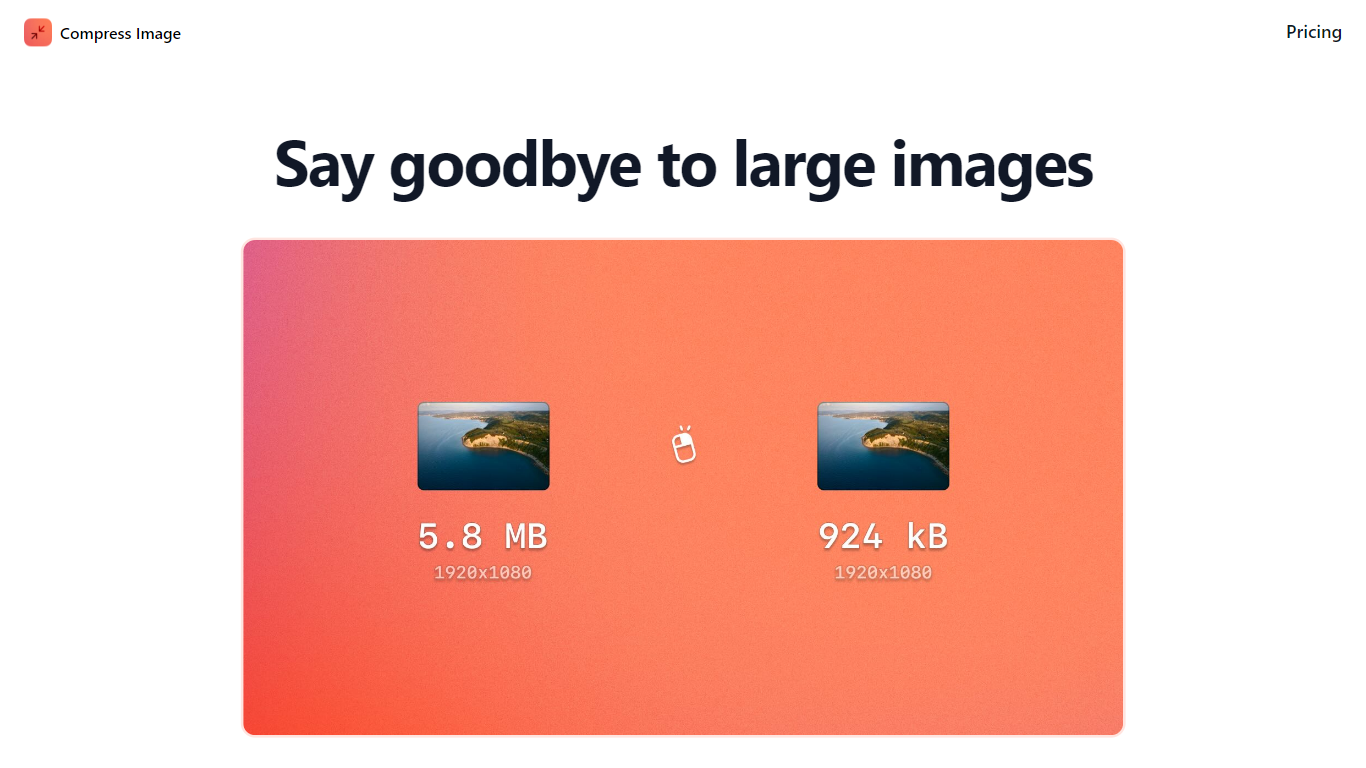

What is Compress Images?
Compress Images is a macOS Finder Quick Action that shrinks image files locally without uploading them to a server. Right-click a photo, pick Quick Actions, then Compress Image to run the tool from Finder. It targets Mac users who need smaller JPG and HEIC files for email, web uploads, or storage cleanup.
Browser compressors usually send files to remote servers. Compress Images runs offline on macOS 12 or later and advertises up to 90% size reduction with what it calls invisible compression. That trade-off favors privacy and speed over cross-platform access.
Graphic designers, photographers, and anyone juggling large HEIC exports from iPhones are the likely audience. Bulk conversion has no stated limit, and HEIC files can auto-convert to JPG during compression.
Pricing is a one-time $5.99 purchase with no subscription. The app works entirely through Finder, so there is no separate editor window to learn.
Image Tools Hub
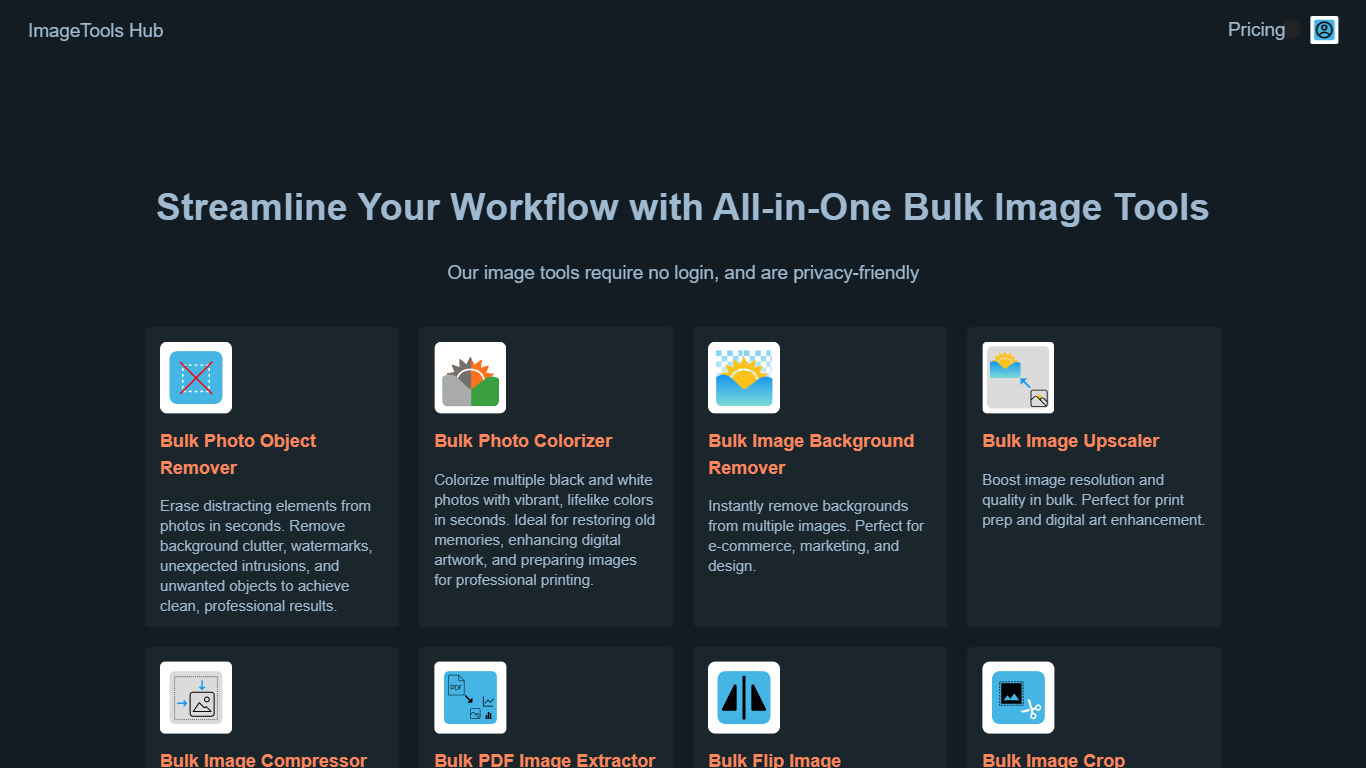
What is Image Tools Hub?
Image Tools Hub provides a collection of browser-based tools that enable users to process multiple images simultaneously. It offers functionalities such as background removal, colorization, compression, format conversion, and more, all accessible without requiring user login. This ensures that images remain private and secure, as processing happens directly in the browser.
What distinguishes Image Tools Hub from other image editing solutions is its focus on bulk processing combined with privacy. Users can handle large volumes of images efficiently while benefiting from SSL encryption and on-device processing that keeps data secure. The platform supports popular image formats like PNG, JPG, and WebP, making it versatile for various professional needs.
The platform includes advanced features such as AI-powered background removal, photo colorization, and image upscaling. Integration options like Zapier and a REST API allow for automation and workflow enhancement. These capabilities make Image Tools Hub a valuable resource for professionals in e-commerce, marketing, design, and content creation who require fast, reliable, and privacy-conscious image editing tools.
Image Tools Hub also offers flexible pricing plans tailored to individuals, small businesses, and enterprises. Its user-friendly interface and comprehensive toolset streamline image editing tasks, helping users save time and improve productivity without compromising on security or quality.
Compress Images Upvotes
Image Tools Hub Upvotes
Compress Images Top Features
Finder Quick Action compresses images in two clicks on macOS 12+
Offline processing with no uploads to remote servers
Up to 90% file size reduction with invisible compression
Unlimited bulk conversion for large photo batches
Auto-converts HEIC files to JPG during compression
One-time $5.99 purchase with no subscription
Image Tools Hub Top Features
Bulk Photo Object Remover: Erase unwanted objects from multiple photos quickly for clean, professional results.
Bulk Photo Colorizer: Add vibrant colors to black and white photos instantly, ideal for restoration and artwork enhancement.
Bulk Image Background Remover: Remove backgrounds from many images at once, perfect for e-commerce and marketing visuals.
Bulk Image Upscaler: Enhance resolution and quality of images in bulk for printing or high-quality digital use.
Bulk Image Compressor: Reduce file sizes of multiple images efficiently with lossless or lossy compression.
Supports popular formats including PNG, JPG, and WebP for versatile image processing.
Integrates with Zapier and offers a REST API for automation and workflow enhancement.
Compress Images Category
- Image Editing
Image Tools Hub Category
- Image Editing
Compress Images Pricing Type
- Paid
Image Tools Hub Pricing Type
- Paid