Formula Bot (formerly Excel Formula Bot) vs GRID
In the battle of Formula Bot (formerly Excel Formula Bot) vs GRID, which AI Excel tool comes out on top? We compare reviews, pricing, alternatives, upvotes, features, and more.
Between Formula Bot (formerly Excel Formula Bot) and GRID, which one is superior?
Upon comparing Formula Bot (formerly Excel Formula Bot) with GRID, which are both AI-powered excel tools, There's no clear winner in terms of upvotes, as both tools have received the same number. Your vote matters! Help us decide the winner among aitools.fyi users by casting your vote.
Feeling rebellious? Cast your vote and shake things up!
Formula Bot (formerly Excel Formula Bot)

What is Formula Bot (formerly Excel Formula Bot)?
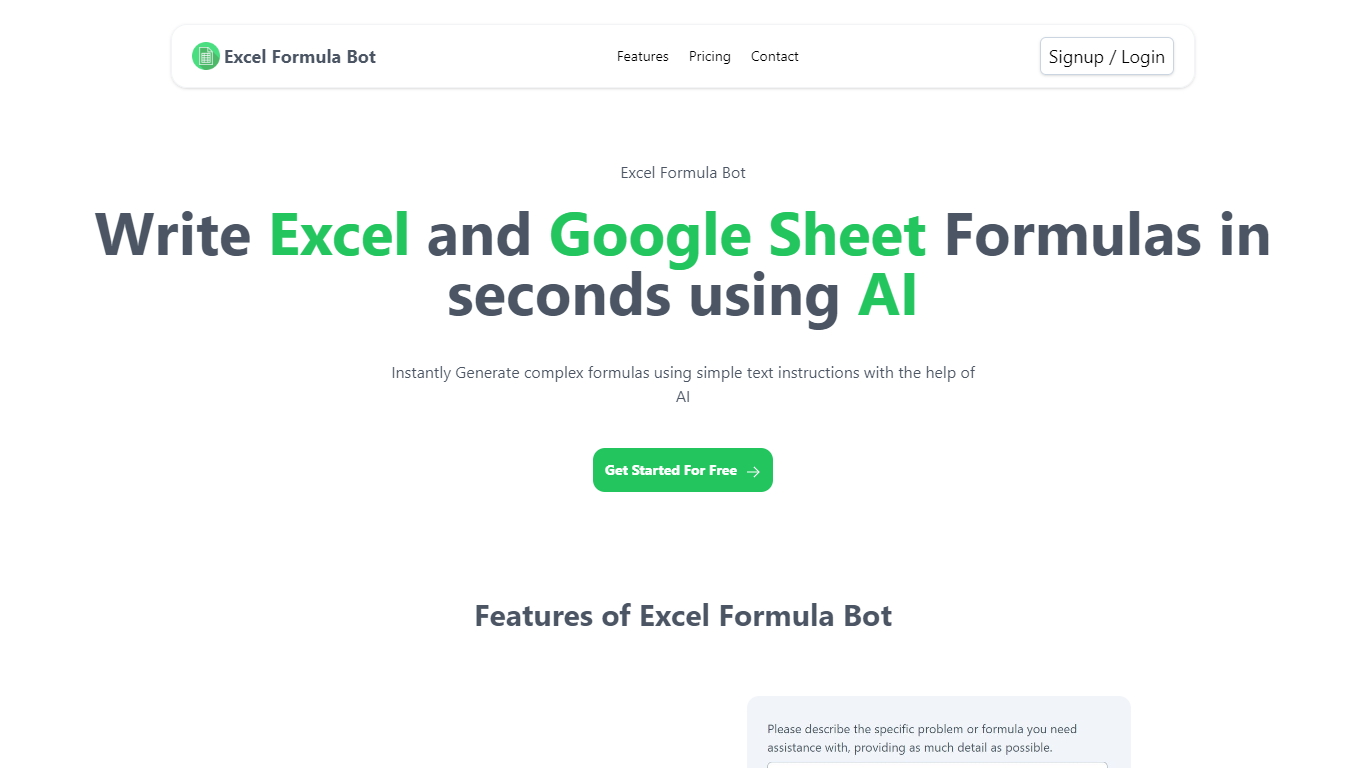
Formula Bot is a chat-based data analytics platform where you upload spreadsheets or connect databases, then ask questions in plain English to get formulas, charts, dashboards, and written insights back. It started as an Excel formula helper and now covers analysis, visualization, and scheduled reporting in one workspace.
The product runs analysis in an isolated sandbox and shows the Python, SQL, or R code behind each answer so you can verify results before exporting. You can also build interactive dashboards from templates, schedule Playbooks to refresh reports automatically, and embed analytics chat on your own site.
It fits analysts, finance teams, marketers, and business owners who live in Excel or Google Sheets but want faster answers without writing every formula or pivot by hand.
GRID
What is GRID?
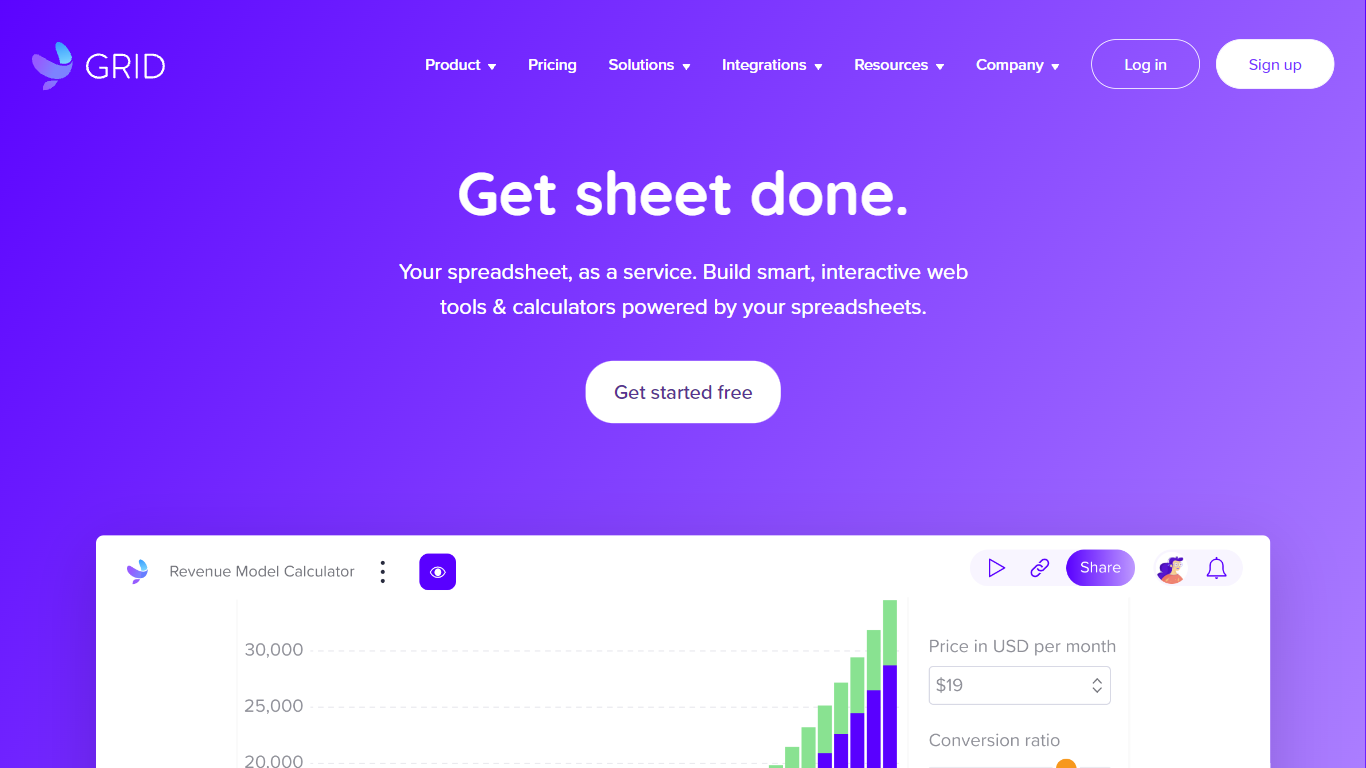
GRID is a spreadsheet engine built for agentic products. Developers install @grid-is/spreadsheet-engine from npm and embed Excel-compatible calculations directly in browsers, Node.js servers, or on-premise infrastructure. Agents call structured spreadsheet operations instead of generating code, which cuts token use and keeps recalculation deterministic.
The platform ships as a family of npm packages: a headless engine for logic, a themeable Spreadsheet Viewer for read-only display, a Spreadsheet Editor for in-product editing, and an Excel add-in for domain-specific skills inside Excel. GRID also publishes agent skills (npx skills add GRID-is/skills) so coding agents like Cursor and Claude Code can scaffold spreadsheet editors quickly.
GRID targets software teams that need spreadsheet reliability inside their own products. The engine runs nearly 200,000 automated unit tests and supports real-world Excel and Google Sheets compatibility. Major investment banks and a leading LLM provider use GRID as core spreadsheet infrastructure.
Founded in 2018 in Reykjavik, Iceland, GRID also offers Calculator Studio for interactive calculators built on spreadsheet models. Evaluation licenses are free for development and testing; commercial licenses are required when shipping to customers.
Formula Bot (formerly Excel Formula Bot) Upvotes
GRID Upvotes
Formula Bot (formerly Excel Formula Bot) Top Features
Describe a calculation in plain English and get a paste-ready Excel or Google Sheets formula
Upload .xlsx, .csv, or connect PostgreSQL, BigQuery, Snowflake, and 10+ other sources
Build interactive dashboards from templates with click-to-edit charts and scheduled refreshes
Run sentiment analysis, keyword extraction, and text categorization on review or survey data
Schedule Playbooks to rerun analysis daily, weekly, or monthly and deliver reports by email
Export generated Python, SQL, and R code so you can audit or reuse the logic elsewhere
Convert PDFs and bank statements into structured spreadsheet tables inside the same chat
GRID Top Features
Headless TypeScript engine (
@grid-is/spreadsheet-engine) runs in browser, Node.js, or your own serversAgents read, write, and recalculate spreadsheets through structured calls instead of generated code
Spreadsheet Viewer and Editor npm packages render themeable UI inside your product without a backend
Excel add-in runs domain skills with the engine so models never corrupt the underlying workbook
Nearly 200,000 automated unit tests back Excel and Google Sheets compatibility
Formula Bot (formerly Excel Formula Bot) Category
- Excel
GRID Category
- Excel
Formula Bot (formerly Excel Formula Bot) Pricing Type
- Freemium
GRID Pricing Type
- Freemium