Formula Bot (formerly Excel Formula Bot) vs Sheet Copilot
Explore the showdown between Formula Bot (formerly Excel Formula Bot) vs Sheet Copilot and find out which AI Excel tool wins. We analyze upvotes, features, reviews, pricing, alternatives, and more.
When comparing Formula Bot (formerly Excel Formula Bot) and Sheet Copilot, which one rises above the other?
When we contrast Formula Bot (formerly Excel Formula Bot) with Sheet Copilot, both of which are exceptional AI-operated excel tools, and place them side by side, we can spot several crucial similarities and divergences. Both tools are equally favored, as indicated by the identical upvote count. Join the aitools.fyi users in deciding the winner by casting your vote.
Think we got it wrong? Cast your vote and show us who's boss!
Formula Bot (formerly Excel Formula Bot)
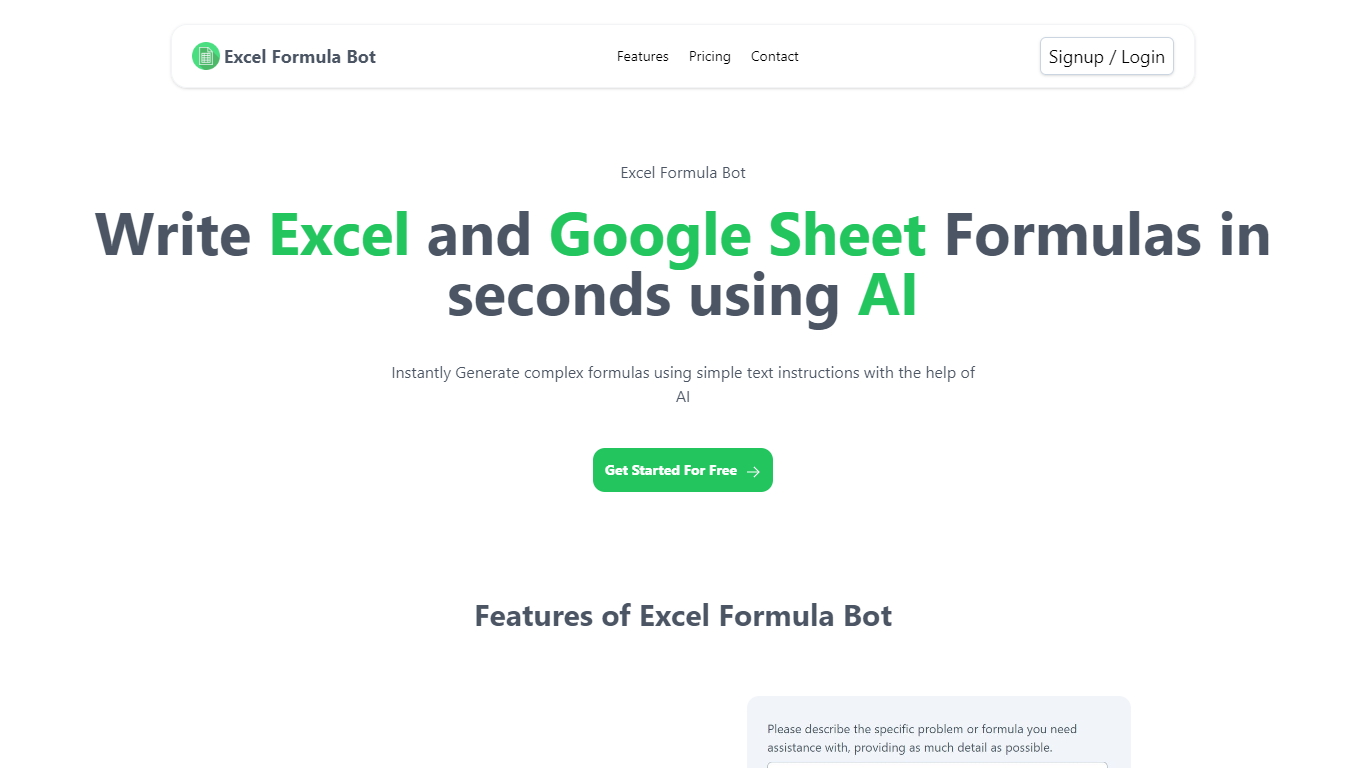

What is Formula Bot (formerly Excel Formula Bot)?
Formula Bot is a chat-based data analytics platform where you upload spreadsheets or connect databases, then ask questions in plain English to get formulas, charts, dashboards, and written insights back. It started as an Excel formula helper and now covers analysis, visualization, and scheduled reporting in one workspace.
The product runs analysis in an isolated sandbox and shows the Python, SQL, or R code behind each answer so you can verify results before exporting. You can also build interactive dashboards from templates, schedule Playbooks to refresh reports automatically, and embed analytics chat on your own site.
It fits analysts, finance teams, marketers, and business owners who live in Excel or Google Sheets but want faster answers without writing every formula or pivot by hand.
Sheet Copilot
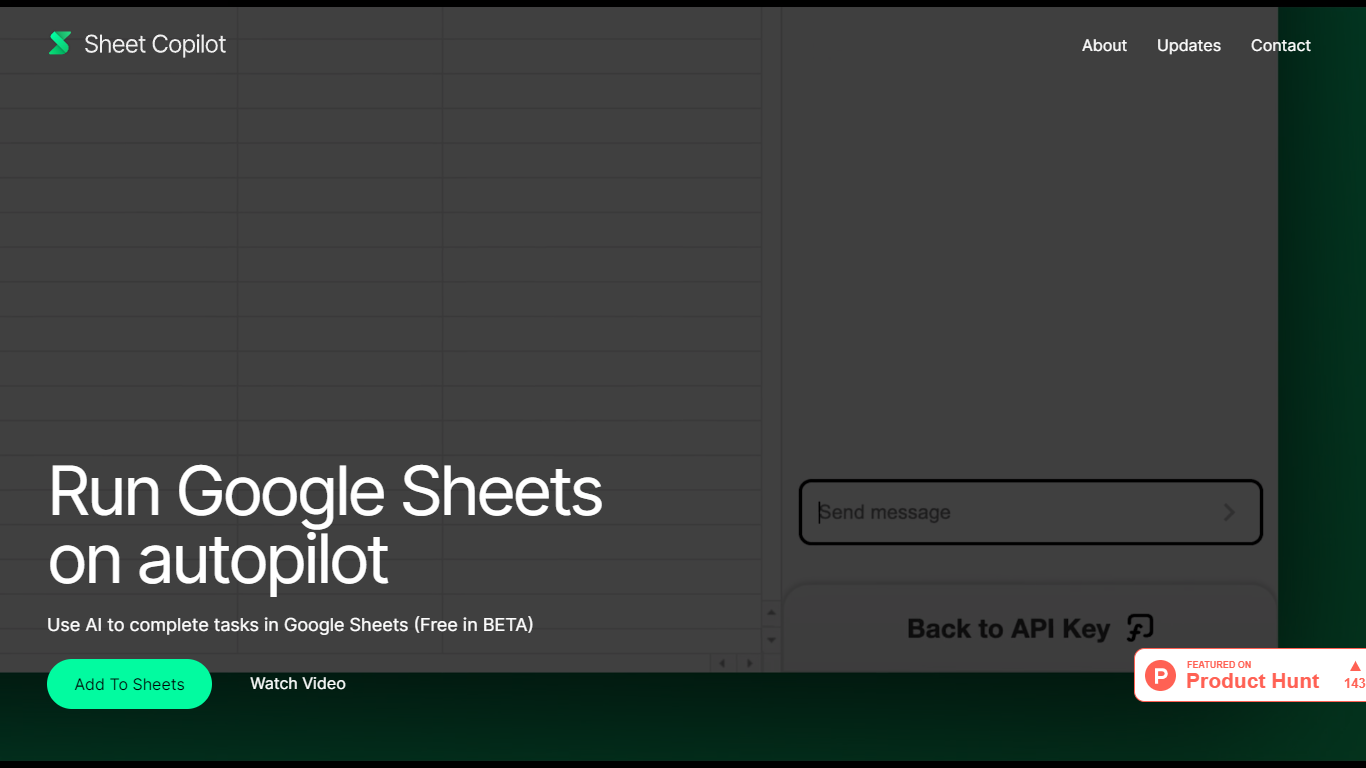
What is Sheet Copilot?
Sheet Copilot is a Google Sheets add-on that turns plain-language instructions into spreadsheet work. Install it from the Google Workspace Marketplace, connect your own OpenAI API key, and ask it to handle formulas, formatting, and charts while you stay inside the sheet.
The listing describes GPT-4 driving each task, with changes applied in real time so you can watch the assistant work step by step. You describe the outcome you want in chat, and Sheet Copilot carries out the spreadsheet operations needed to get there.
The add-on is free during its beta period on the marketplace, though you bring your own OpenAI API key and pay OpenAI for model usage. The listing states your key is stored in your Google account and is not kept on Sheet Copilot servers.
The marketplace listing shows more than 81,000 installations and was last updated in September 2024. Support contact listed there is [email protected]. The developer site sheetcopilot.ai is currently unreachable.
Formula Bot (formerly Excel Formula Bot) Upvotes
Sheet Copilot Upvotes
Formula Bot (formerly Excel Formula Bot) Top Features
Describe a calculation in plain English and get a paste-ready Excel or Google Sheets formula
Upload .xlsx, .csv, or connect PostgreSQL, BigQuery, Snowflake, and 10+ other sources
Build interactive dashboards from templates with click-to-edit charts and scheduled refreshes
Run sentiment analysis, keyword extraction, and text categorization on review or survey data
Schedule Playbooks to rerun analysis daily, weekly, or monthly and deliver reports by email
Export generated Python, SQL, and R code so you can audit or reuse the logic elsewhere
Convert PDFs and bank statements into structured spreadsheet tables inside the same chat
Sheet Copilot Top Features
Describe tasks in chat and Sheet Copilot executes them inside your spreadsheet
Uses GPT-4 to build formulas, apply formatting, and create visualizations
Shows changes in real time as the assistant works through your sheet
Free during beta on the Google Workspace Marketplace
Your OpenAI API key stays in your Google account, not on Sheet Copilot servers
Formula Bot (formerly Excel Formula Bot) Category
- Excel
Sheet Copilot Category
- Excel
Formula Bot (formerly Excel Formula Bot) Pricing Type
- Freemium
Sheet Copilot Pricing Type
- Freemium