Gempix 2 vs AID-Photo
Dive into the comparison of Gempix 2 vs AID-Photo and discover which AI Photo Editing tool stands out. We examine alternatives, upvotes, features, reviews, pricing, and beyond.
When comparing Gempix 2 and AID-Photo, which one rises above the other?
When we compare Gempix 2 and AID-Photo, two exceptional photo editing tools powered by artificial intelligence, and place them side by side, several key similarities and differences come to light. The upvote count favors Gempix 2, making it the clear winner. The number of upvotes for Gempix 2 stands at 7, and for AID-Photo it's 6.
Disagree with the result? Upvote your favorite tool and help it win!
Gempix 2


What is Gempix 2?
Gempix 2 runs a browser-based photo editing workspace where you upload an image, write a prompt up to 2,000 characters, and spend credits on AI edits or generations. The homepage lists Image Edit, Text to Image, Text to Video, Image to Video, Video Edit, and Wan Animate tabs powered by NanoBanana 2 and SeeDream V4.
Most online editors charge flat subscriptions before you test output quality. Gempix 2 starts with free credits, then sells monthly credit buckets on plans that include commercial licensing, 1080p output, batch generation, and no watermarks when you upgrade.
It targets creators who want quick prompt-driven retouching without installing desktop software. The site advertises no registration required on the homepage and routes paid users through monthly, annual, or one-time billing options on its pricing page.
AID-Photo
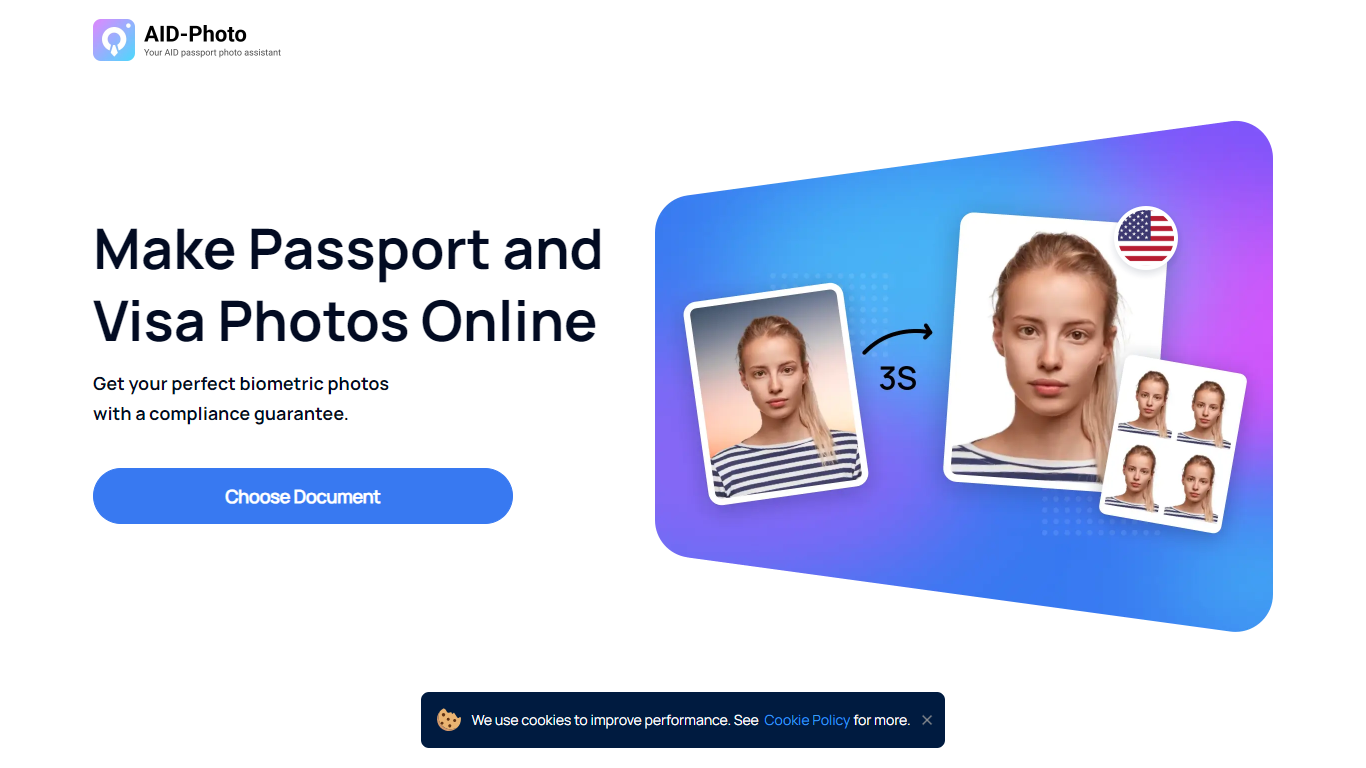
What is AID-Photo?
AID-Photo, also branded as AiPassportPhotos, is an online passport and visa photo maker from Alright Soft Inc. Upload a photo from your phone or camera, and the service crops it to official dimensions, checks compliance, and outputs a printable template you can use for government applications.
The site covers a long list of document types, including U.S. passport photos, USCIS photos, green card photos, baby passport photos, Canadian visa photos, and many other ID and visa formats. Each document page lists size specs, background rules, and common rejection reasons so you know what to fix before submitting.
The workflow is straightforward: upload an image, let the tool auto-crop to the right size, save a printable template, then print at a local store or submit digitally where allowed. The homepage FAQ notes the service can verify whether your photo meets requirements and suggest retakes when something is off.
It suits travelers, families, and anyone applying for passports, visas, or immigration documents who wants to skip the photo booth and handle the process at home.
Gempix 2 Upvotes
AID-Photo Upvotes
Gempix 2 Top Features
Homepage image edit flow shows a Generate button costing 20 credits
Prompt field accepts up to 2,000 characters with dimension and advanced settings
Pricing Basic plan includes 1,500 credits per month and 1080p HD output
Plus plan raises the allowance to 7,500 credits per month on the pricing page
Enterprise adds API access and dedicated support with a 2 hour response target
Batch generation and commercial licensing appear on all paid pricing tiers
AID-Photo Top Features
Upload a photo and get a cropped 2x2 inch passport image in seconds
Automatic compliance checks flag size, background, and pose issues before you submit
Background removal replaces busy scenes with plain white or off-white backdrops
Printable 4x6 templates you can take to Walmart, CVS, Walgreens, or Costco
Dozens of document presets from U.S. passports to USCIS, green card, and visa photos
Gempix 2 Category
- Photo Editing
AID-Photo Category
- Photo Editing
Gempix 2 Pricing Type
- Freemium
AID-Photo Pricing Type
- Freemium