Gempix 2 vs Magic Remover
Compare Gempix 2 vs Magic Remover and see which AI Photo Editing tool is better when we compare features, reviews, pricing, alternatives, upvotes, etc.
Which one is better? Gempix 2 or Magic Remover?
When we compare Gempix 2 with Magic Remover, which are both AI-powered photo editing tools, The community has spoken, Magic Remover leads with more upvotes. Magic Remover has attracted 11 upvotes from aitools.fyi users, and Gempix 2 has attracted 7 upvotes.
Not your cup of tea? Upvote your preferred tool and stir things up!
Gempix 2


What is Gempix 2?
Gempix 2 runs a browser-based photo editing workspace where you upload an image, write a prompt up to 2,000 characters, and spend credits on AI edits or generations. The homepage lists Image Edit, Text to Image, Text to Video, Image to Video, Video Edit, and Wan Animate tabs powered by NanoBanana 2 and SeeDream V4.
Most online editors charge flat subscriptions before you test output quality. Gempix 2 starts with free credits, then sells monthly credit buckets on plans that include commercial licensing, 1080p output, batch generation, and no watermarks when you upgrade.
It targets creators who want quick prompt-driven retouching without installing desktop software. The site advertises no registration required on the homepage and routes paid users through monthly, annual, or one-time billing options on its pricing page.
Magic Remover
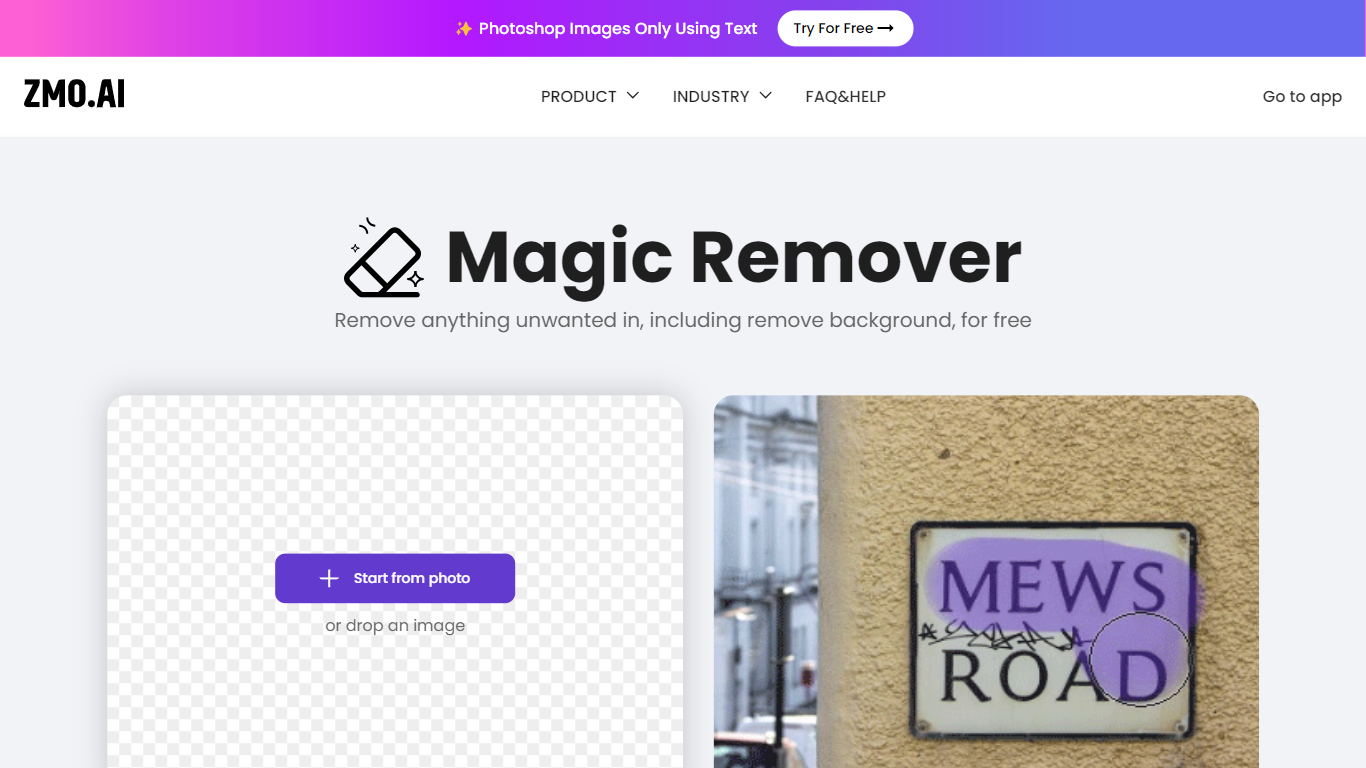
What is Magic Remover?
Magic Remover erases unwanted objects, people, text, and watermarks from photos using AI inpainting in the browser. You upload an image, brush over the area to remove, and the tool reconstructs the background behind the selection. ZMO.AI positions it for e-commerce cleanup, watermark removal, and fixing defects in generated images.
Dedicated background removers strip the whole canvas. Magic Remover targets selective cleanup with a brush mask so you delete one passerby, logo, or blemish while leaving the rest untouched. ZMO lists unlimited free edits with no image size cap, though high-resolution downloads may require a Pro membership on the broader ZMO platform.
Photographers, marketplace sellers, and social creators use it when Photoshop is overkill. The remover subdomain was unreachable during this check, but ZMO's ImgCreator suite still links to Magic Remover alongside a separate Background Remover tool at imgcreator.zmo.ai.
Gempix 2 Upvotes
Magic Remover Upvotes
Gempix 2 Top Features
Homepage image edit flow shows a Generate button costing 20 credits
Prompt field accepts up to 2,000 characters with dimension and advanced settings
Pricing Basic plan includes 1,500 credits per month and 1080p HD output
Plus plan raises the allowance to 7,500 credits per month on the pricing page
Enterprise adds API access and dedicated support with a 2 hour response target
Batch generation and commercial licensing appear on all paid pricing tiers
Magic Remover Top Features
Brush-select unwanted objects, people, text, or watermarks for AI inpainting removal
Reconstructs the background behind removed areas instead of leaving blank pixels
Unlimited free image edits with no file size limit according to ZMO documentation
Handles photo cleanup for e-commerce, watermark removal, and solo-shot editing
Part of the ZMO.AI ImgCreator suite alongside Background Remover and Magic Eraser
Web-based workflow with no desktop software installation required
High-resolution downloads may require a ZMO Pro membership per platform FAQ
Gempix 2 Category
- Photo Editing
Magic Remover Category
- Photo Editing
Gempix 2 Pricing Type
- Freemium
Magic Remover Pricing Type
- Freemium