Imagen vs AI Image Enlarger
In the battle of Imagen vs AI Image Enlarger, which AI Photo Editing tool comes out on top? We compare reviews, pricing, alternatives, upvotes, features, and more.
Between Imagen and AI Image Enlarger, which one is superior?
Upon comparing Imagen with AI Image Enlarger, which are both AI-powered photo editing tools, The users have made their preference clear, AI Image Enlarger leads in upvotes. The number of upvotes for AI Image Enlarger stands at 30, and for Imagen it's 9.
Feeling rebellious? Cast your vote and shake things up!
Imagen

What is Imagen?
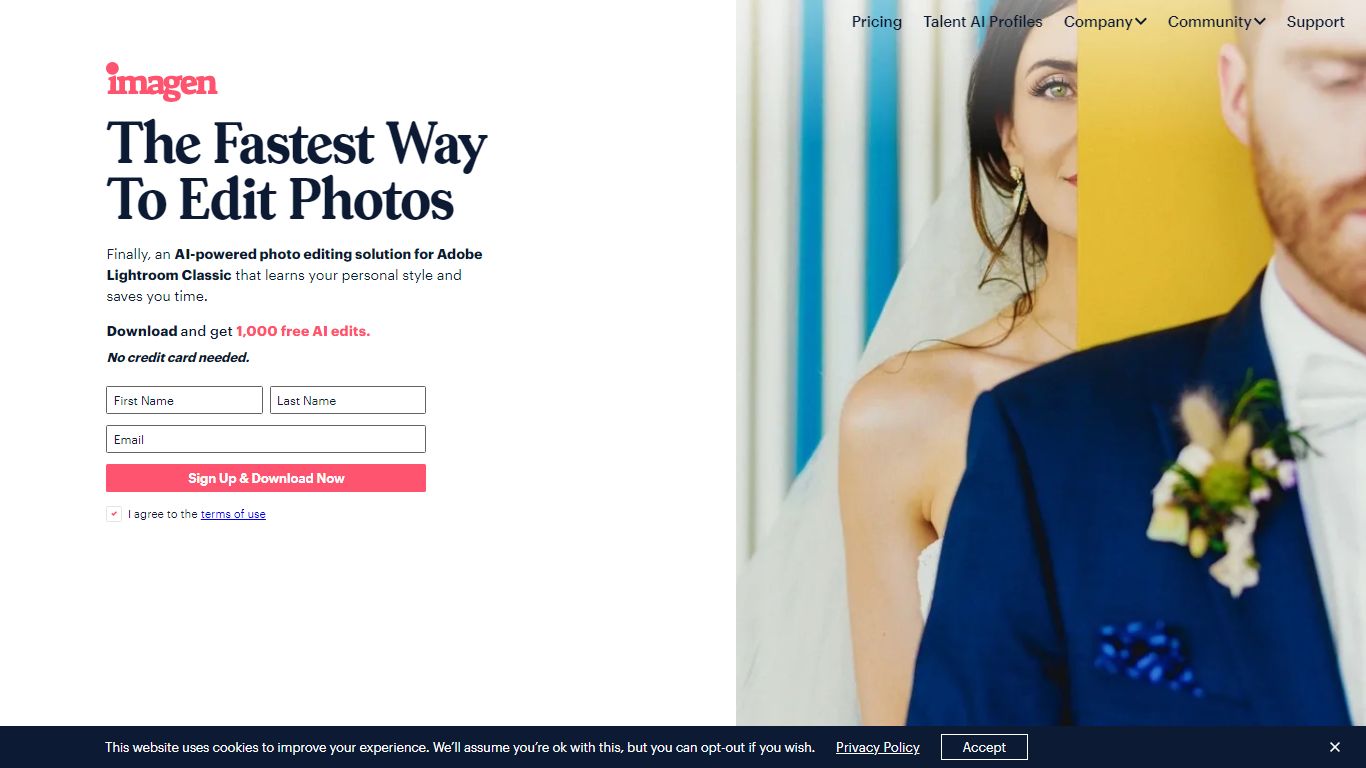
Imagen learns your Lightroom editing style and applies it across entire catalogs in Adobe Lightroom Classic. You build a Personal AI Profile from past edits or start with Talent AI Profiles from photographers like Taylor Jackson and Jose Villa, then batch-edit weddings, portraits, sports, and real estate shoots in minutes instead of hours.
Preset packs and manual batch syncing still eat time when every image needs different exposure tweaks. Imagen adjusts white balance, exposure, and color per photo while matching your profile, and claims 96% faster workflows with edits under half a second each. The trade-off is Lightroom Classic lock-in: this is not a standalone editor or a Capture One replacement.
Wedding, portrait, event, and real estate photographers use Imagen to cull, color-correct, mask, crop, and retouch before delivery. Pay-as-you-go starts at $0.50 per photo with a $7 monthly minimum, while the Limitless plan runs $179 per month on annual billing for unlimited solo editing and culling.
AI Image Enlarger
What is AI Image Enlarger?
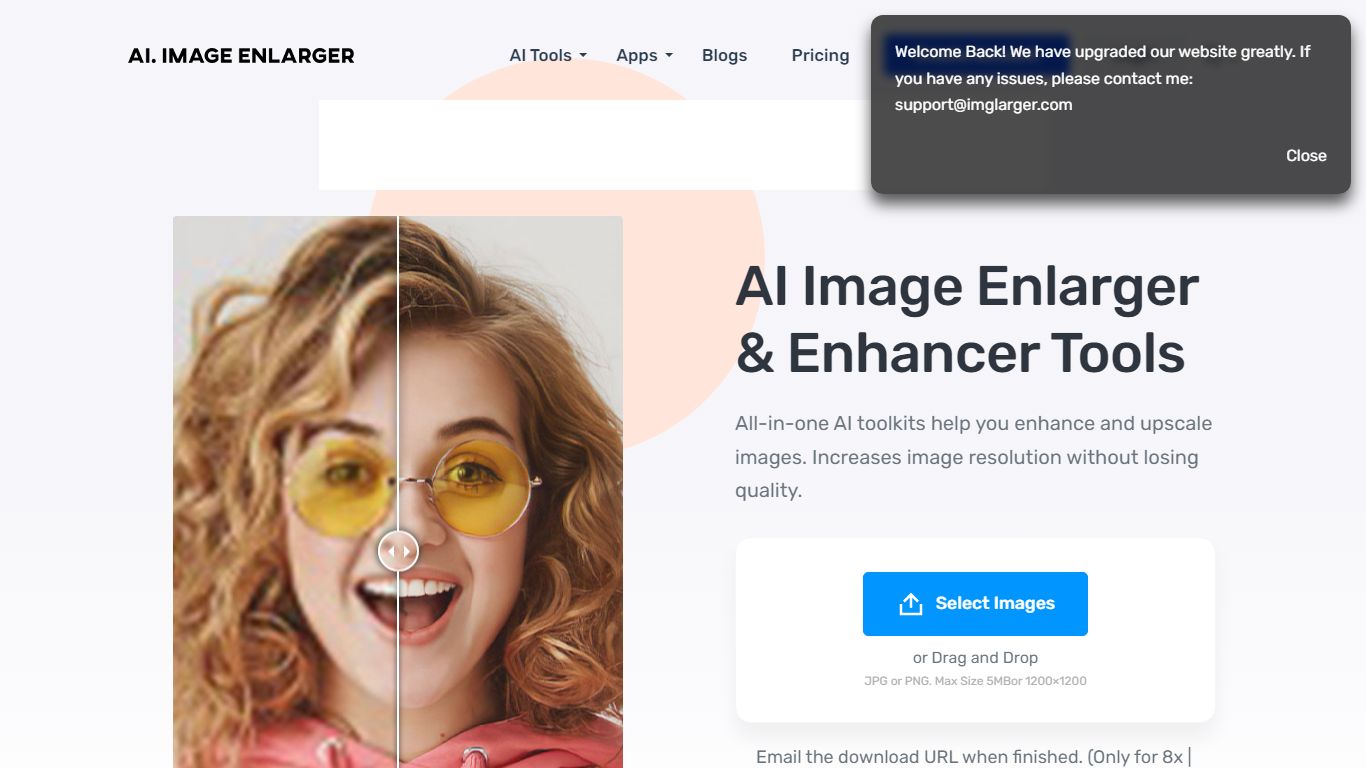
ImgLarger runs a browser-based suite of image editing tools centered on enlarging, upscaling, sharpening, and uncropping photos without desktop software. Upload a JPG, PNG, or WebP file, pick a dedicated workflow like AI Image Enlarger or AI Image Extender, preview the before-and-after, then download the result.
Basic photo editors stretch pixels and leave blocky artifacts; ImgLarger uses SRCNN-based models to rebuild edges and textures at 2x, 4x, or 8x scale. The free tier caps input at 1024px and 2x enlargement, while Premium unlocks 8x output and batch processing at $9.99 per month with 2,000 credits. Competitors like Let's Enhance or Topaz Gigapixel target pros with desktop apps; ImgLarger keeps everything in the browser with free converters and crop tools bundled in.
Photographers, ecommerce sellers, and anime fans use it for product shots, old photo restoration, background removal, and generative outpainting. Uploaded files auto-delete within six hours, and mobile browsers on iPhone and Android are supported alongside desktop.
Imagen Upvotes
AI Image Enlarger Upvotes
Imagen Top Features
Personal AI Profile learns your style from 2,000 previously edited photos in Lightroom Classic
Lite Personal AI Profile builds from a preset and a short questionnaire in minutes
Over 20 Talent AI Profiles from photographers including Taylor Jackson, Jose Villa, and Susan Stripling
Edits complete in under half a second per photo with claimed 96% workflow time savings
Pay-as-you-go from $0.50 per photo with a $7 monthly minimum that rolls over as credit
Limitless plan at $179 per month (annual billing) includes unlimited editing and AI culling
1,000 free AI edits on signup with no credit card required
AI Image Enlarger Top Features
Enlarge images by 2x, 4x, or 8x on Premium and Business plans
Free plan includes 100 credits per month with 2x scaling and 1024px max input
Premium at $9.99 per month provides 2,000 credits and batch processing
AI Image Extender adds generative outpainting to uncrop and change aspect ratios
Uploaded and processed files auto-delete within 6 hours
Supports JPG, JPEG, PNG, and WebP with free browser-based format converters
Imagen Category
- Photo Editing
AI Image Enlarger Category
- Photo Editing
Imagen Pricing Type
- Freemium
AI Image Enlarger Pricing Type
- Freemium