ImagesArt AI Image Editor vs Compress Images
Explore the showdown between ImagesArt AI Image Editor vs Compress Images and find out which AI Image Editing tool wins. We analyze upvotes, features, reviews, pricing, alternatives, and more.
In a face-off between ImagesArt AI Image Editor and Compress Images, which one takes the crown?
When we contrast ImagesArt AI Image Editor with Compress Images, both of which are exceptional AI-operated image editing tools, and place them side by side, we can spot several crucial similarities and divergences. The upvote count is neck and neck for both ImagesArt AI Image Editor and Compress Images. Be a part of the decision-making process. Your vote could determine the winner.
Does the result make you go "hmm"? Cast your vote and turn that frown upside down!
ImagesArt AI Image Editor
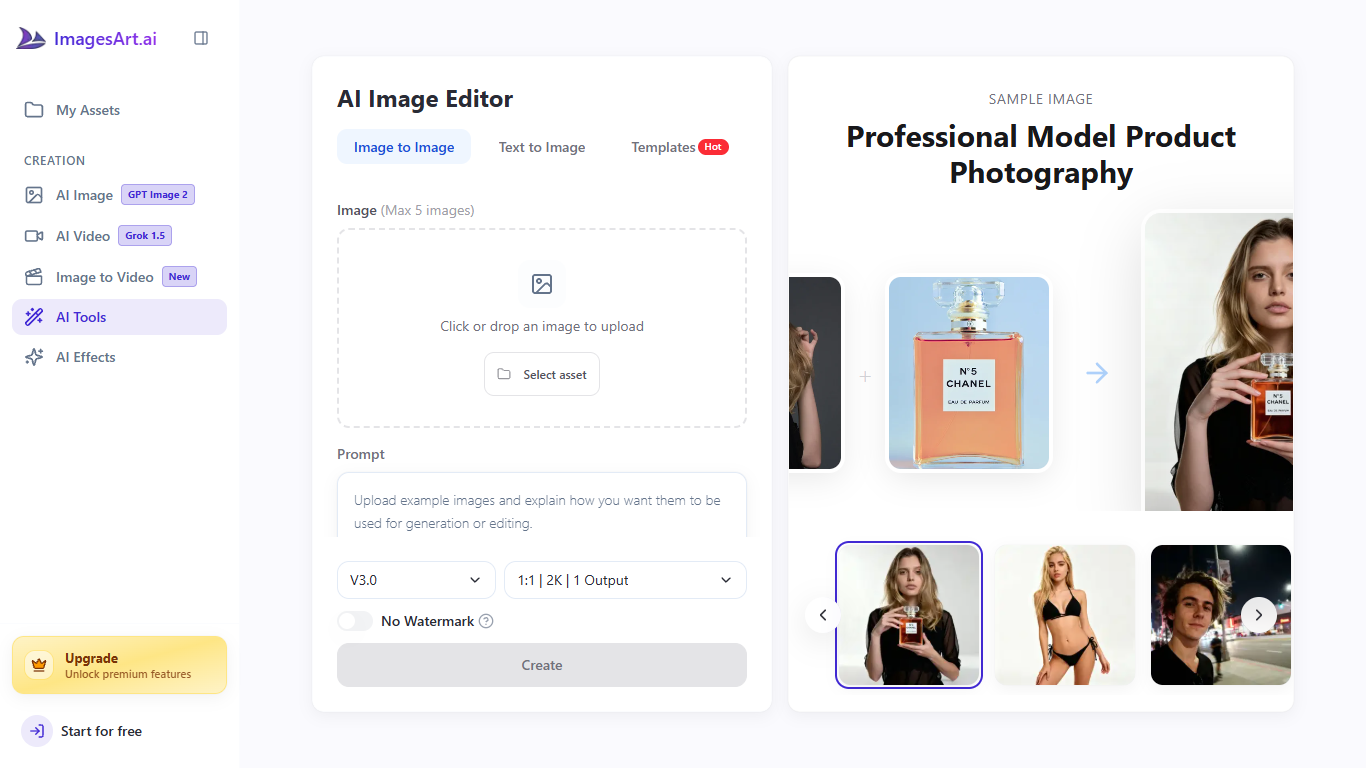

What is ImagesArt AI Image Editor?
ImagesArt AI Image Editor is a browser-based image editor where you upload a photo, type what should change, and download the result. You can recolor products, swap clothing, remove backgrounds, add text, or blend up to five reference images in one job without layer masks. It fits sellers, marketers, and casual photographers who want fast fixes instead of opening Photoshop.
Unlike a single-purpose inpainting tab, this page bundles image-to-image editing with shortcuts into ImagesArt.ai effect tools for Pixar, anime, cartoon, pose, and virtual try-on workflows. The site also advertises broad prompt latitude within legal limits and suggests running its separate image describer when you need help phrasing an edit.
E-commerce teams use it to keep listing photos consistent, while social creators restyle one shot for several placements. Most edits return in 10 to 30 seconds at up to 2K resolution using the on-page V3.0 defaults (1:1 aspect, one output).
Compress Images
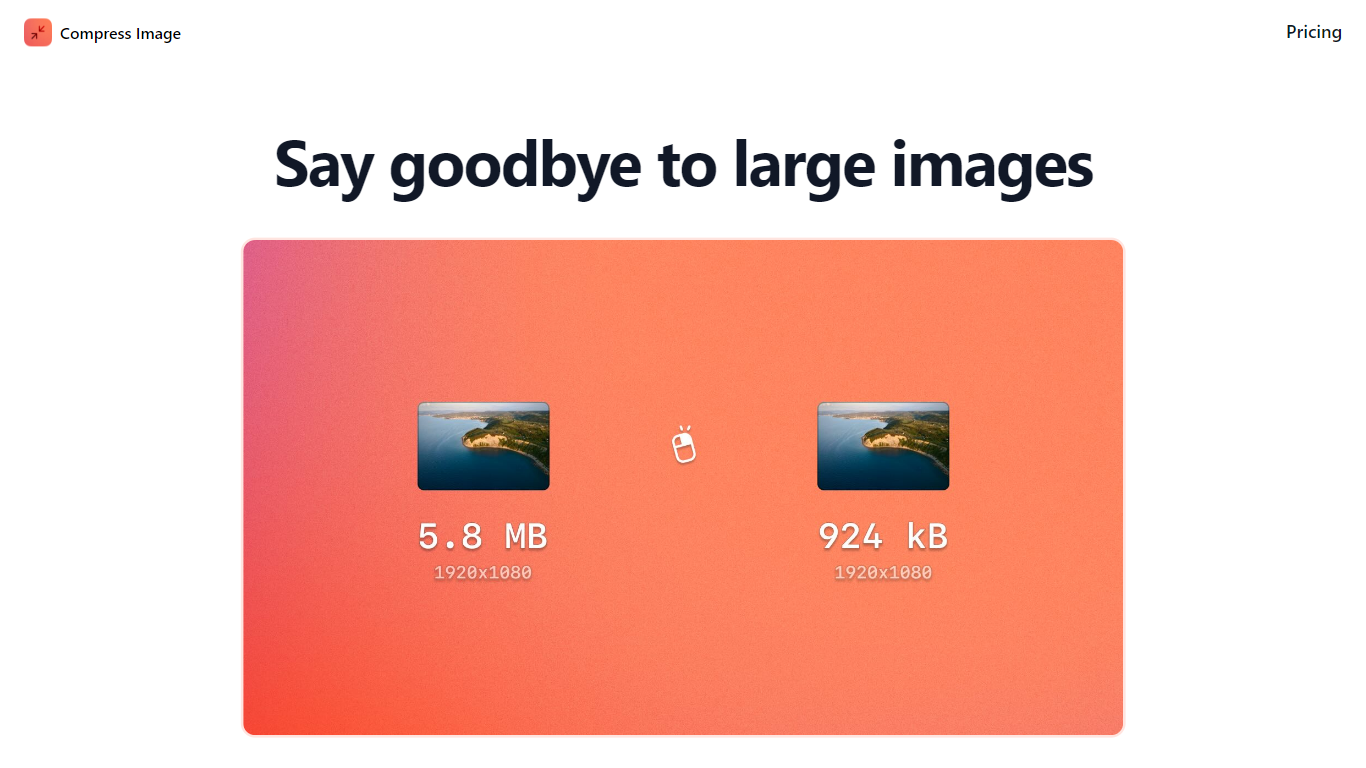
What is Compress Images?
Compress Images is a macOS Finder Quick Action that shrinks image files locally without uploading them to a server. Right-click a photo, pick Quick Actions, then Compress Image to run the tool from Finder. It targets Mac users who need smaller JPG and HEIC files for email, web uploads, or storage cleanup.
Browser compressors usually send files to remote servers. Compress Images runs offline on macOS 12 or later and advertises up to 90% size reduction with what it calls invisible compression. That trade-off favors privacy and speed over cross-platform access.
Graphic designers, photographers, and anyone juggling large HEIC exports from iPhones are the likely audience. Bulk conversion has no stated limit, and HEIC files can auto-convert to JPG during compression.
Pricing is a one-time $5.99 purchase with no subscription. The app works entirely through Finder, so there is no separate editor window to learn.
ImagesArt AI Image Editor Upvotes
Compress Images Upvotes
ImagesArt AI Image Editor Top Features
Upload up to five images per edit session
500-character prompt box for each generation
V3.0 defaults ship at 2K, 1:1 aspect, one output
Most edits finish in 10 to 30 seconds
One-click jumps to Pixar, anime, pose, and try-on effects
Compress Images Top Features
Finder Quick Action compresses images in two clicks on macOS 12+
Offline processing with no uploads to remote servers
Up to 90% file size reduction with invisible compression
Unlimited bulk conversion for large photo batches
Auto-converts HEIC files to JPG during compression
One-time $5.99 purchase with no subscription
ImagesArt AI Image Editor Category
- Image Editing
Compress Images Category
- Image Editing
ImagesArt AI Image Editor Pricing Type
- Freemium
Compress Images Pricing Type
- Paid