Img Sharpen By Media.io vs Colorcinch
In the clash of Img Sharpen By Media.io vs Colorcinch, which AI Photo Editing tool emerges victorious? We assess reviews, pricing, alternatives, features, upvotes, and more.
If you had to choose between Img Sharpen By Media.io and Colorcinch, which one would you go for?
Let's take a closer look at Img Sharpen By Media.io and Colorcinch, both of which are AI-driven photo editing tools, and see what sets them apart. The upvote count reveals a draw, with both tools earning the same number of upvotes. Every vote counts! Cast yours and contribute to the decision of the winner.
Disagree with the result? Upvote your favorite tool and help it win!
Img Sharpen By Media.io
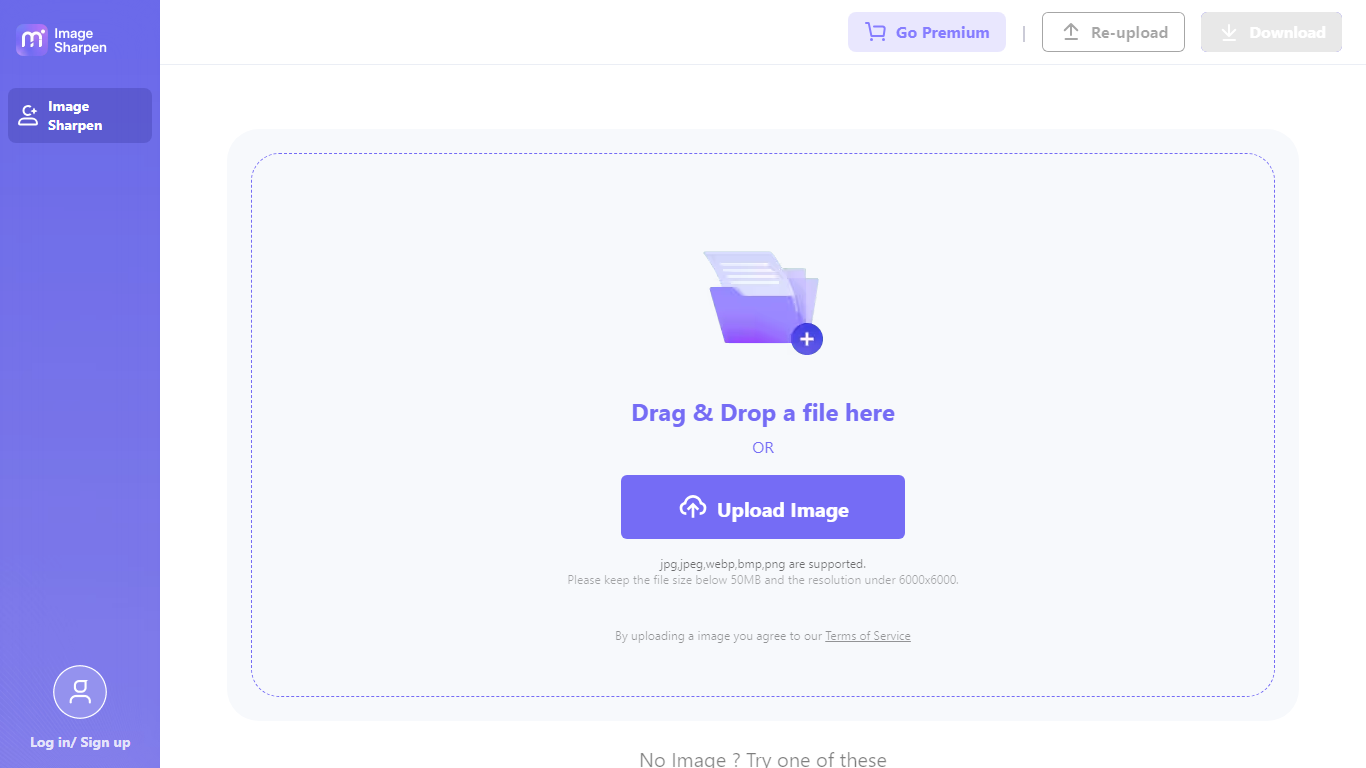

What is Img Sharpen By Media.io?
Img Sharpen By Media.io is a browser-based photo enhancer from Media.io that sharpens blurry images, upscales low-resolution files, and restores older pictures without opening desktop editing software. You upload a JPG, PNG, JPEG, WebP, or BMP file, pick an enhancement type, and download a clearer result in a few clicks.
Where many photo editors bury sharpening inside manual sliders, this tool runs enhancement through preset modes like Smart enhancer, Portrait Enhancer, and Image Upscaler with Lite or Pro quality tiers. Media.io also advertises watermark-free outputs on the free tier, which is uncommon among online upscalers that stamp branding on first exports.
It fits content creators fixing soft phone shots, online sellers cleaning product photos, and families improving scanned old pictures. The workflow stays entirely in the browser, with free credits granted on signup or login for first-time tests.
Colorcinch
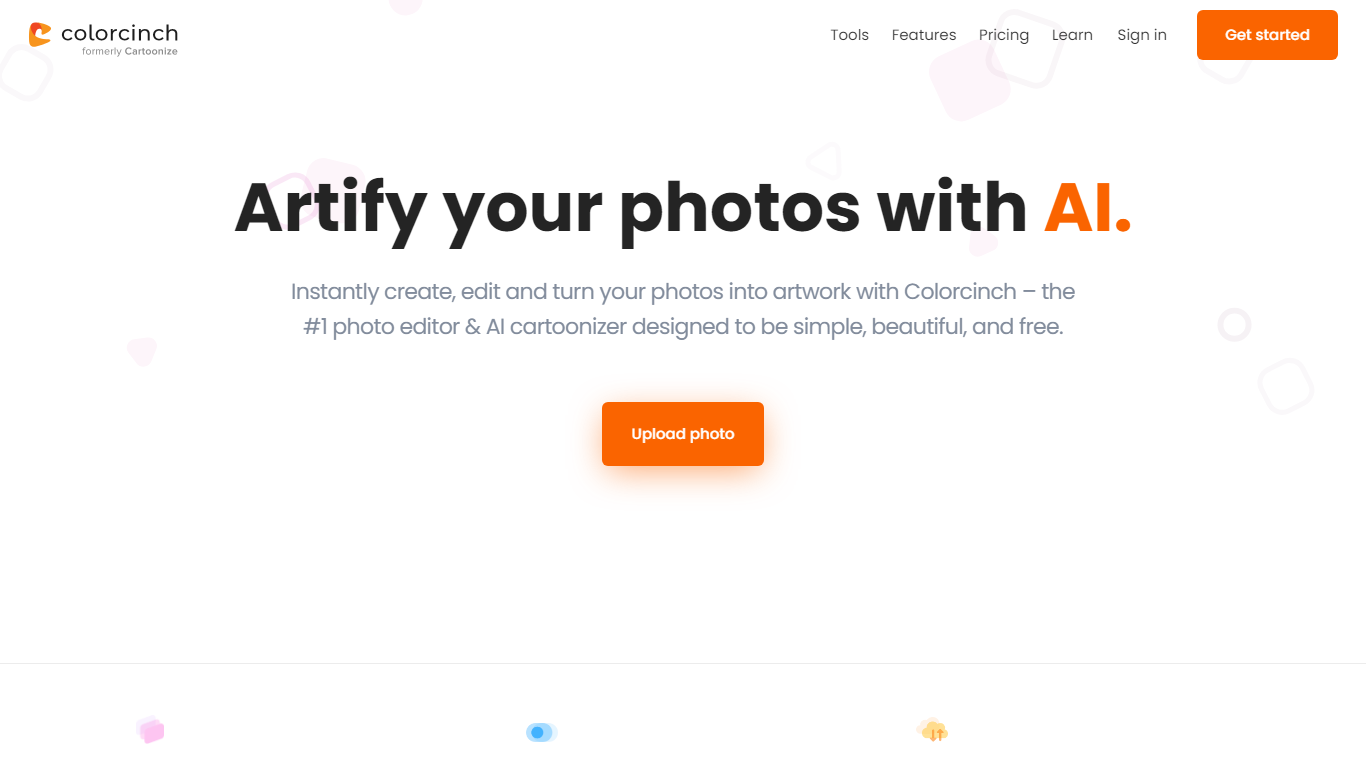
What is Colorcinch?
Colorcinch turns photos into cartoons, sketches, and stylized artwork from a browser editor at cartoonize.net. Upload a photo and pick from cartoonizer effects, background removal, upscaling, face restoration, inpainting, and collage tools without opening desktop software. The site also ships a mobile app for iOS and Android with the same one-tap effects.
Most cartoonizer sites stop at a single filter. Colorcinch bundles a full photo editor with layers, masks, overlays, 400 DPI print export, and a library of 4 million stock photos, vectors, and icons. That breadth targets creators who want stylized output plus cleanup tools in one tab.
Hobby photographers, social media creators, and small business owners use it for avatars, product shots, and quick marketing graphics. You can start without signing up, though premium assets and advanced exports may require an account.
The free tier covers basic uploads and editing, with paid options for heavier use. Projects can be accessed online or offline, and exports support JPG, PNG, and PDF formats.
Img Sharpen By Media.io Upvotes
Colorcinch Upvotes
Img Sharpen By Media.io Top Features
Accepts JPG, PNG, JPEG, WebP, and BMP uploads directly in the browser
Five enhancement types: Smart enhancer, Portrait Enhancer, Restore Old Photos, Color Correction, and Image Upscaler
Lite and Pro processing modes let you trade speed against output quality
Free credits on signup or login, with watermark-free downloads advertised for free outputs
Rated 4.7 out of 5 from 162,357 user votes on the Media.io platform page
Colorcinch Top Features
One-click photo to cartoon, sketch, and specialty filter effects
AI background removal, inpainting, face restoration, and image upscale tools
4 million stock photos, vector graphics, and icon sets built in
Layer-based editor with masks, overlays, frames, and freehand drawing
Export images up to 400 DPI for print-ready output
Free iOS and Android app with cartoonize, restore, and HD export tools
Img Sharpen By Media.io Category
- Photo Editing
Colorcinch Category
- Photo Editing
Img Sharpen By Media.io Pricing Type
- Freemium
Colorcinch Pricing Type
- Freemium