Imgage vs Befront
In the battle of Imgage vs Befront, which AI Design tool comes out on top? We compare reviews, pricing, alternatives, upvotes, features, and more.
Between Imgage and Befront, which one is superior?
Upon comparing Imgage with Befront, which are both AI-powered design tools, The upvote count is neck and neck for both Imgage and Befront. Since other aitools.fyi users could decide the winner, the ball is in your court now to cast your vote and help us determine the winner.
Want to flip the script? Upvote your favorite tool and change the game!
Imgage

What is Imgage?
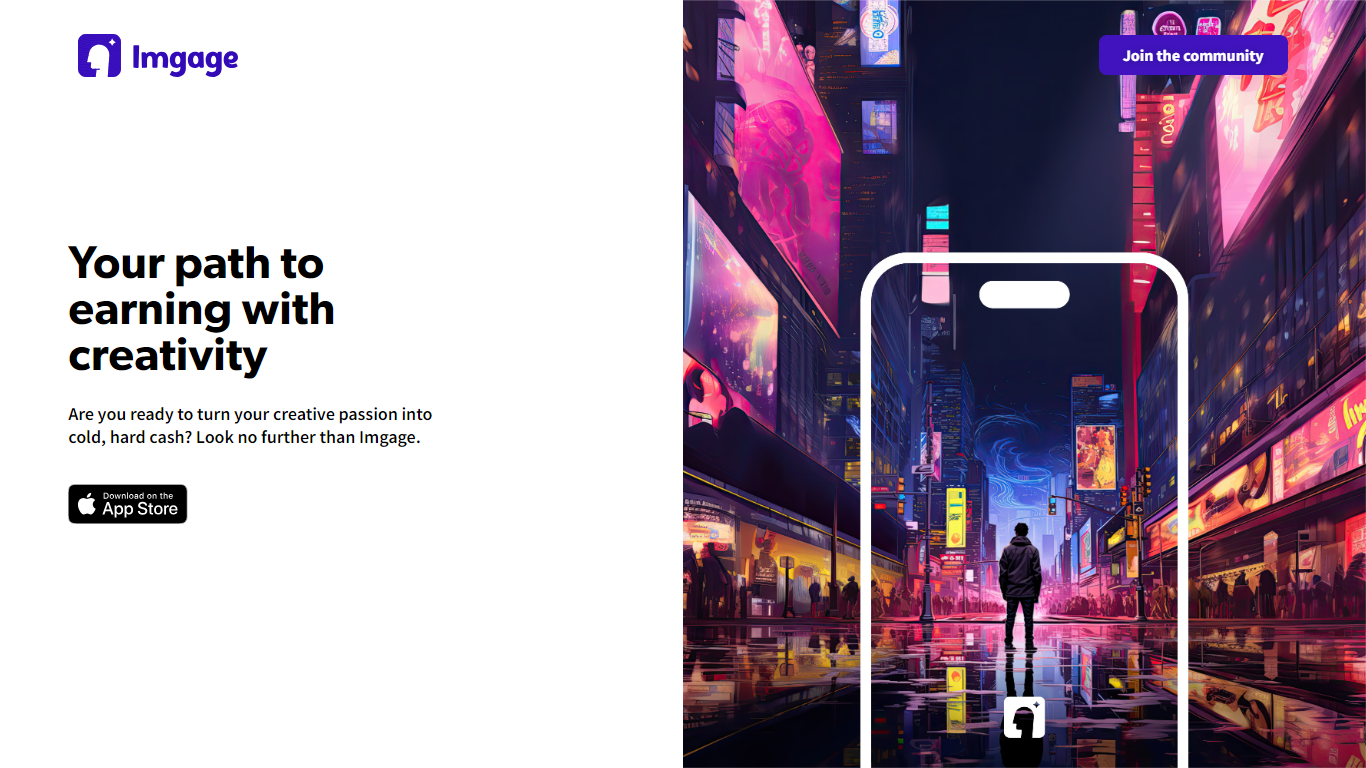
Imgage is a dynamic platform designed specifically for creative individuals looking to monetize their artwork. With Imgage, users have the opportunity to transform their creative ideas into stunning, unique images using advanced AI algorithms. Artists can select from a diverse range of styles such as watercolor, oil painting, and sketches to generate breathtaking pictures that resonate with their creative vision.
The platform offers a community where users can share their artwork, grow their audience, and connect with other art enthusiasts globally. By selling their images and prompts directly on Imgage, creators can easily earn income, track their earnings in real-time, and enjoy a seamless transaction process.
Imgage encourages everyone to unleash their inner artist, offering inspiration through its extensive gallery of artworks from around the world. Whether you're looking to share your creations with a wider audience or turn your passion into profit, Imgage provides the tools and community support to achieve your goals.
Befront
What is Befront?
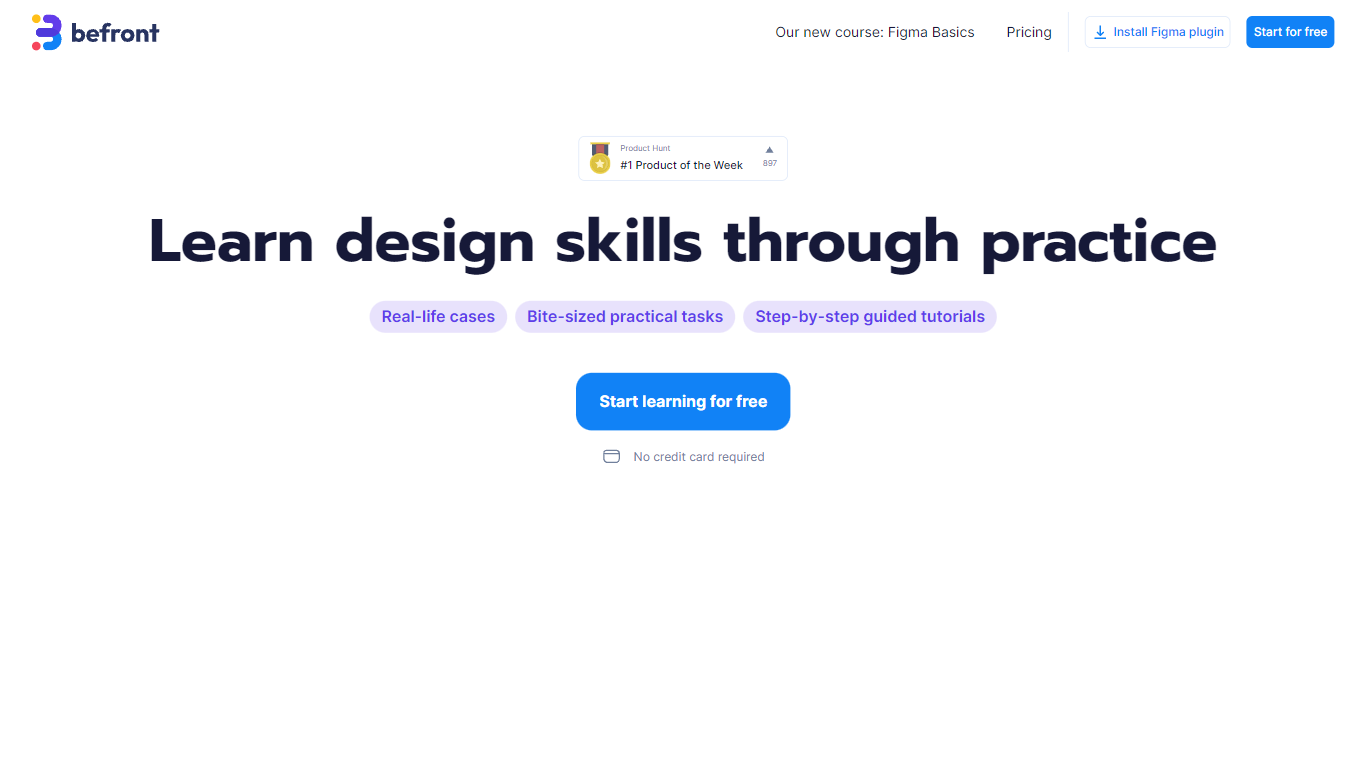
Befront is a state-of-the-art Interactive UI/UX Design Simulator that brings digital design concepts to life. It offers a unique and immersive experience that enables users to create, test, and iterate on user interface and user experience designs in a dynamic, real-time environment. With Befront, designers, product teams, and educators can explore design variations quickly and efficiently, making the design process more intuitive and collaborative. By simulating various user interactions and visual layouts, Befront helps in crafting interactive components and flows that are both aesthetically pleasing and functionally robust. Its user-friendly interface and powerful simulation capabilities make it an essential tool for modern UI/UX design development, ensuring that your digital products are crafted to meet the highest standards of usability and design excellence. Streamline your design workflow and unlock creative potential with Befront, the ultimate companion for innovative UI/UX exploration.
Imgage Upvotes
Befront Upvotes
Imgage Top Features
Generate Personalized Images: Create stunning pictures based on your prompts using various artistic styles.
Monetize Artwork: Sell your images and prompts on the platform for earnings.
Community Engagement: Share your work, grow your audience, and connect with fellow creatives.
Inspiration Gallery: Explore a vast collection of global artworks for inspiration and artistic discovery.
User-Friendly Tools: Employ AI-powered tools to craft spectacular images with ease.
Befront Top Features
Real-time Design Simulation: Quickly visualize and test UI/UX concepts in a dynamic environment.
Intuitive User Interface: Easy-to-navigate interface that simplifies the design process.
Interactive Components: Develop and prototype interactive elements to assess functionality.
Collaborative Workflow: Enhance teamwork with tools designed for multiple users to co-create designs.
Aesthetic and Functional: Balance visual appeal with user-friendly experience during the design phase.
Imgage Category
- Design
Befront Category
- Design
Imgage Pricing Type
- Freemium
Befront Pricing Type
- Paid