Lexidesk vs CreateDraft
In the battle of Lexidesk vs CreateDraft, which AI Legal tool comes out on top? We compare reviews, pricing, alternatives, upvotes, features, and more.
Between Lexidesk and CreateDraft, which one is superior?
Upon comparing Lexidesk with CreateDraft, which are both AI-powered legal tools, The upvote count is neck and neck for both Lexidesk and CreateDraft. Every vote counts! Cast yours and contribute to the decision of the winner.
Think we got it wrong? Cast your vote and show us who's boss!
Lexidesk

What is Lexidesk?
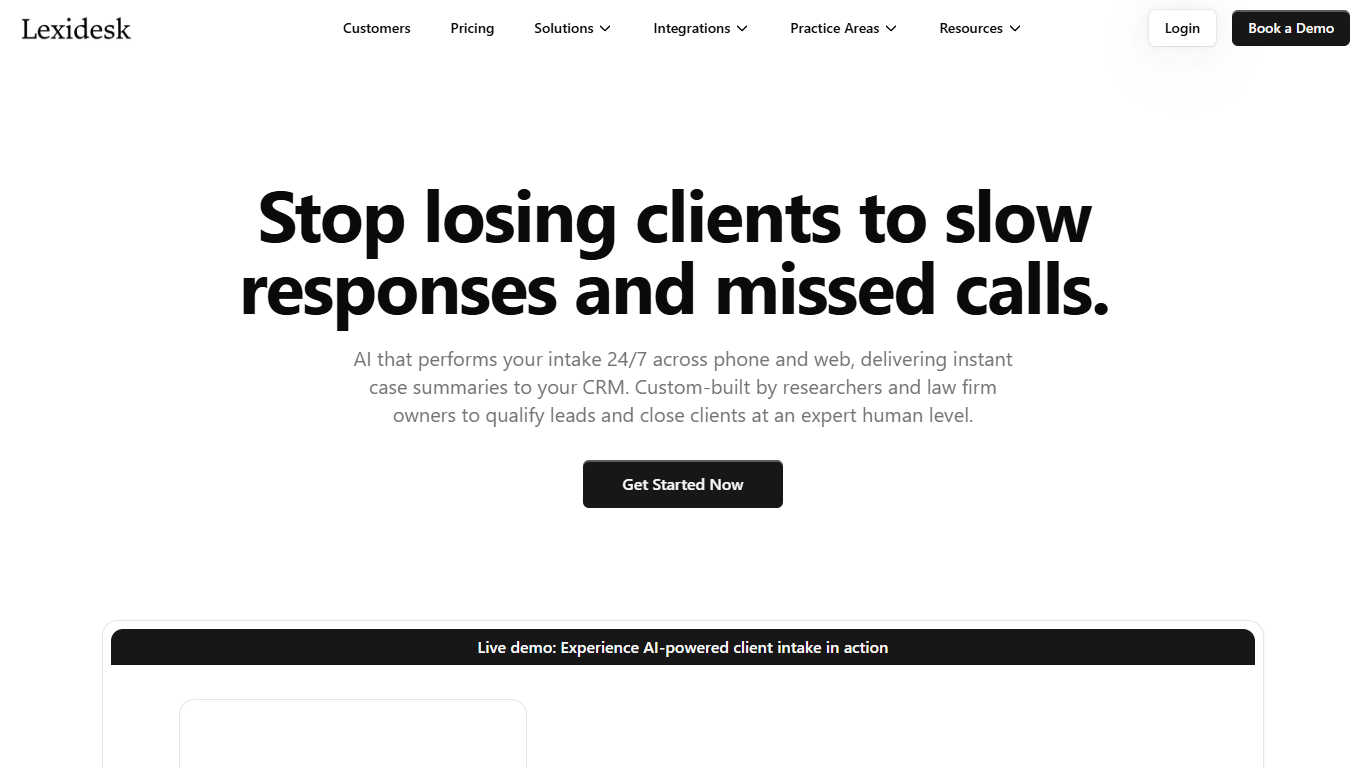
Lexidesk answers law firm phones and website chats around the clock, runs your intake script, scores each caller from 1 to 10, and books consultations or warm-transfers qualified leads with a full matter summary. The Emma voice agent discloses it is AI, records transcripts, and pushes contacts into Clio, HubSpot, Lawmatics, or HighLevel without manual data entry.
Traditional answering services return a name and callback number. Lexidesk captures the full matter, qualification reasoning, recording, and priority score so intake teams can call 8s, 9s, and 10s first instead of working identical callback slips. It also books paid consultations after hours, routes matters to the right attorney calendar, and runs Lead Lock follow-up sequences by text and email when a caller does not book.
Family law, personal injury, immigration, criminal defense, and estate planning firms use Lexidesk for overflow, nights, and weekends. Case studies cite a lead-to-schedule jump from 31% to 49% at Modern Law and nine paid weekend consultations at King Law Offices. Onboarding typically takes 3 to 5 business days with unlimited tweaks during the first two weeks live.
CreateDraft
What is CreateDraft?
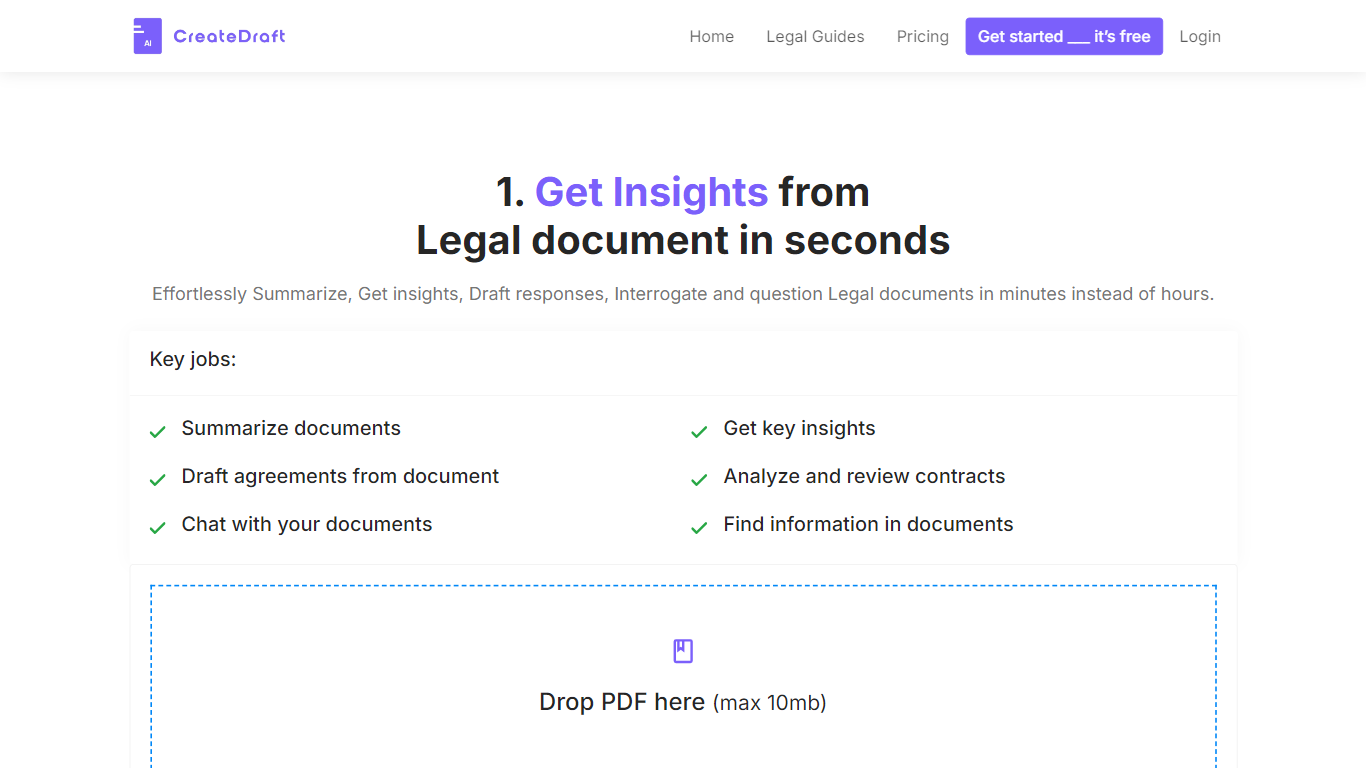
CreateDraft is a browser-based legal drafting assistant built around contract templates, a rich text editor, and a guided wizard. You pick from 373 agreement types (NDAs, employment contracts, lease agreements, and more), set jurisdiction and language, then generate and edit the draft in one workspace. Guests get 5,000 words to try it; signing up unlocks unlimited credits with no credit card required.
Most AI writing tools treat legal work like generic copy. CreateDraft centers the workflow on structured agreements: the Draft Wizard walks through title, section outlines, and full draft in three steps, with jurisdiction and language selectors before generation. You can also open any template straight in the TinyMCE editor, switch between models like GPT 5 and GPT 4o, and export to MS Word, HTML, or plain text.
It fits solo attorneys, in-house counsel, legal assistants, and small firms that need a first draft fast without opening a blank document. Use it to spin up NDAs, employment offers, service agreements, or partnership terms, then proofread and translate inside the same editor.
Lexidesk Upvotes
CreateDraft Upvotes
Lexidesk Top Features
Scores every caller from 1 to 10 on fit and urgency using firm-defined qualification rules
Books consultations, sends scheduling links, or warm-transfers qualified leads with context
Native integrations with Clio Grow, Clio Manage, HubSpot, Lawmatics, and HighLevel
Supports 25-plus languages on phone and web chat for immigration and diverse client bases
Lead Lock automated text and email follow-up runs until a caller books or opts out
Hosted on Microsoft Azure with encryption in transit and at rest plus role-based access
CreateDraft Top Features
Choose from 373 legal templates covering NDAs, employment agreements, lease contracts, and more
Guest users can draft up to 5,000 words before creating an account
Draft Wizard runs a three-step flow: title, section outlines, then full draft
Select jurisdiction and one of 50+ output languages before generating text
Switch between GPT 5, GPT 4.1, GPT 4o, GPT o1, and GPT o3 inside the editor
Export finished drafts as plain text, HTML, a text file, or an MS Word document
Lexidesk Category
- Legal
CreateDraft Category
- Legal
Lexidesk Pricing Type
- Paid
CreateDraft Pricing Type
- Freemium