Littlecook vs NocoAI
In the clash of Littlecook vs NocoAI, which AI Web Apps tool emerges victorious? We assess reviews, pricing, alternatives, features, upvotes, and more.
When we put Littlecook and NocoAI head to head, which one emerges as the victor?
Let's take a closer look at Littlecook and NocoAI, both of which are AI-driven web apps tools, and see what sets them apart. Neither tool takes the lead, as they both have the same upvote count. Be a part of the decision-making process. Your vote could determine the winner.
Don't agree with the result? Cast your vote and be a part of the decision-making process!
Littlecook

What is Littlecook ?
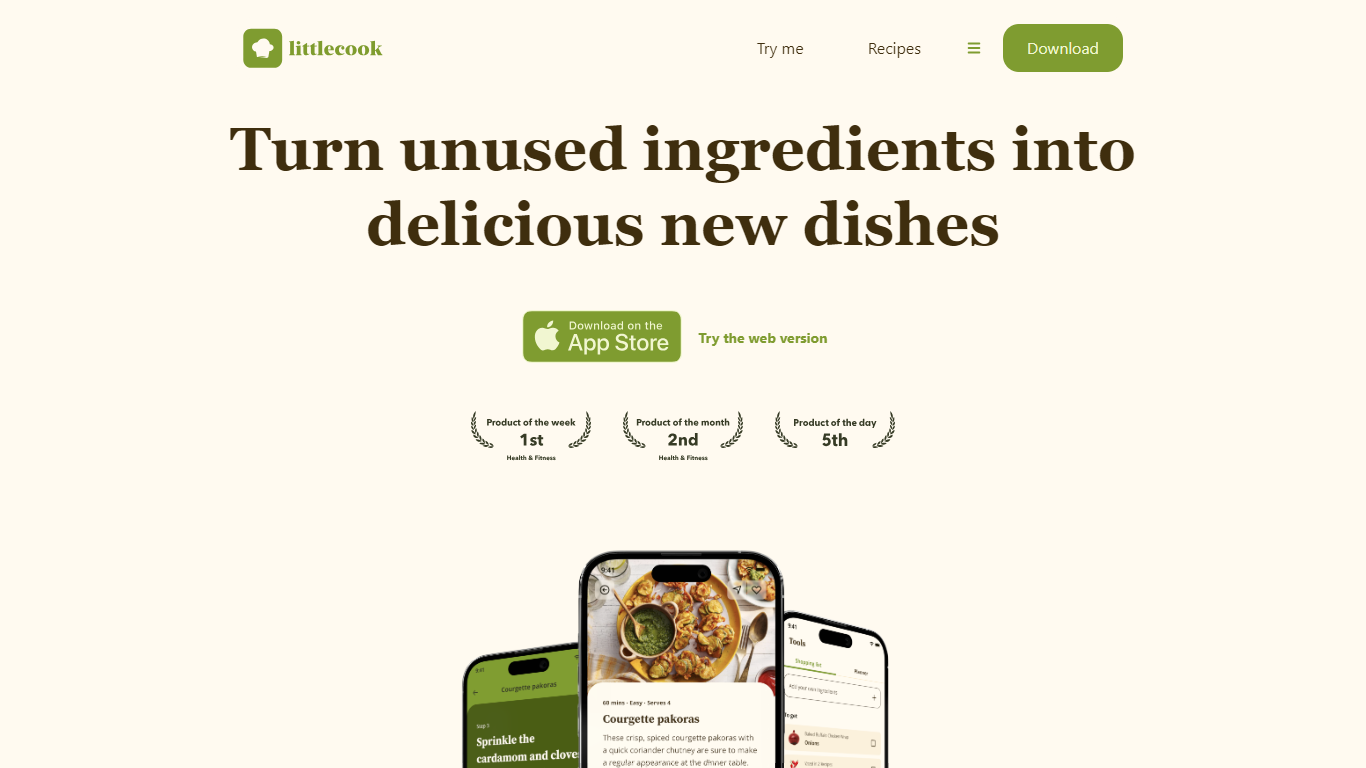
Littlecook turns the ingredients already in your pantry into recipe ideas, meal plans, and shopping lists through a browser web app and mobile apps. You log what you have on hand, and Littlecook suggests dishes so you cook with food before it spoils. The site also offers a browser-based try-me flow at littlecook.io/try-me without installing anything.
Recipe apps that start from a blank search assume you will shop for every dish. Littlecook starts from inventory you already own, which is why it quotes savings of about £12 per week when you use staples instead of buying extras. Pantry tracking, weekly meal planning, and smarter shopping lists all tie back to that same ingredient-first workflow.
Home cooks trying to cut food waste, plan weekly meals, or hit nutrition goals without constant grocery runs get the most out of it. Littlecook lists Free, Premium (£4 per month), and Unlimited (£8 per month) plans with tiered caps on ingredients, saved recipes, meal plans, and weekly AI suggestions.
NocoAI
What is NocoAI?
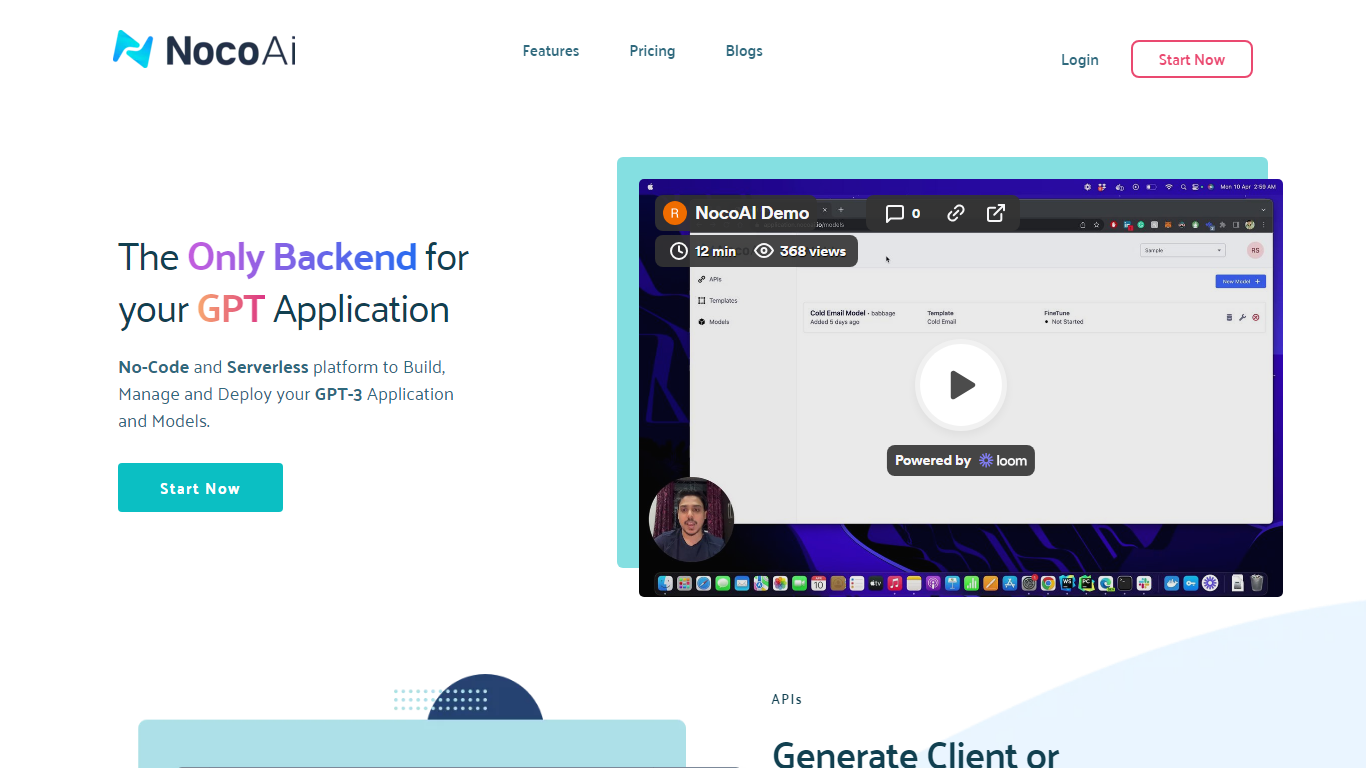
NocoAI revolutionizes the deployment of GPT-based applications with its no-code, serverless platform, designed for simplicity and effectiveness. It empowers businesses to create custom models and API endpoints that cater to the client or backend needs. With NocoAI, you gain the ability to define prompt templates using the Mustache template engine, leading to highly personalized input for fine-tuning applications. The platform offers a unique feature enabling you to control OpenAI costs with request and user limits on your APIs, while the upcoming feature to analyze API usage promises an even more refined custom model optimization. Moreover, the NocoAI team stands ready to assist non-developers in adding datasets for further model fine-tuning via a user-friendly interface.
Littlecook Upvotes
NocoAI Upvotes
Littlecook Top Features
Browser try-me page lets you pick ingredients and test recipes without installing the app
Pantry tracking logs ingredients so you use food before it spoils
Weekly meal planning with saved recipe slots across Free, Premium, and Unlimited tiers
Free plan includes 25 ingredients, 25 recipe saves, 5 meal plans, and 3 weekly AI suggestions
Premium at £4 per month raises limits to 100 ingredients, 100 saves, and 8 AI suggestions
Unlimited plan at £8 per month removes caps on ingredients, saves, meal plans, and AI suggestions
Homepage claims users can save about £12 weekly by cooking with ingredients already at home
NocoAI Top Features
No-Code Platform: Utilize a serverless environment to build and deploy GPT applications without coding.
API Generation: Easily generate client or backend APIs with custom or inbuilt models.
Template Customization: Define prompt templates and variables with the Mustache template engine for personalized API inputs.
Cost Control: Implement request and user limits to manage OpenAI costs effectively.
Non-Developer Friendly: Engage the NocoAI team for assistance in dataset addition and model fine-tuning.
Littlecook Category
- Web Apps
NocoAI Category
- Web Apps
Littlecook Pricing Type
- Freemium
NocoAI Pricing Type
- Freemium