LogoRemover.ai vs Compress Images
In the battle of LogoRemover.ai vs Compress Images, which AI Image Editing tool comes out on top? We compare reviews, pricing, alternatives, upvotes, features, and more.
Between LogoRemover.ai and Compress Images, which one is superior?
Upon comparing LogoRemover.ai with Compress Images, which are both AI-powered image editing tools, The upvote count favors LogoRemover.ai, making it the clear winner. LogoRemover.ai has been upvoted 7 times by aitools.fyi users, and Compress Images has been upvoted 6 times.
Think we got it wrong? Cast your vote and show us who's boss!
LogoRemover.ai
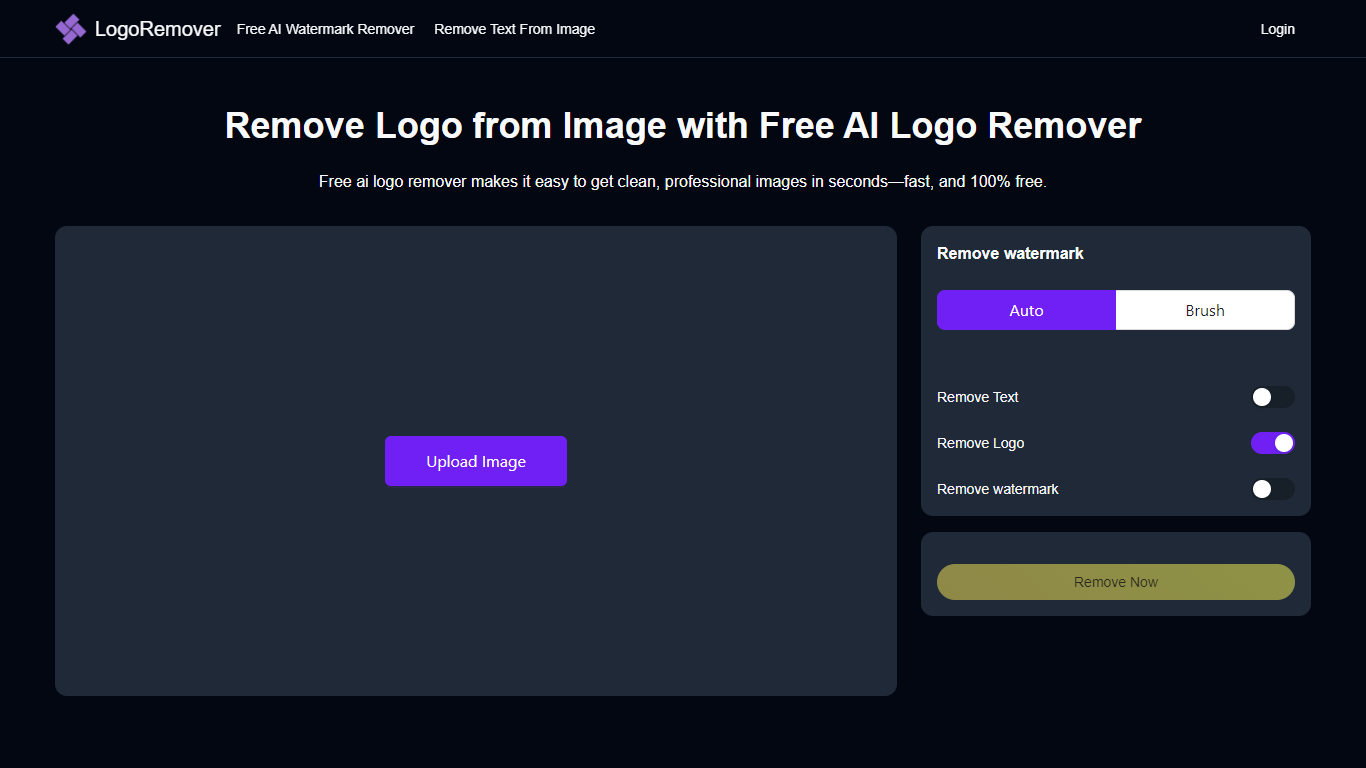

What is LogoRemover.ai?
LogoRemover.ai removes logos, watermarks, and unwanted marks from photos and videos through a browser upload flow. Drop a JPG, JPEG, PNG, or WEBP image and the site detects logos automatically, or mark a logo area on video with brush or rectangle tools before processing.
General erasers often leave smeared backgrounds on branded stock photos. LogoRemover.ai focuses on logo and watermark cleanup across several dedicated pages, including separate tools for text removal, object removal, background cleanup, and AI logo generation.
Marketers, ecommerce sellers, and social editors use it when they need a quick clean image without opening Photoshop. The homepage advertises a free AI logo remover with no signup, and the watermark page describes unlimited free online removal with instant upload and download.
Compress Images
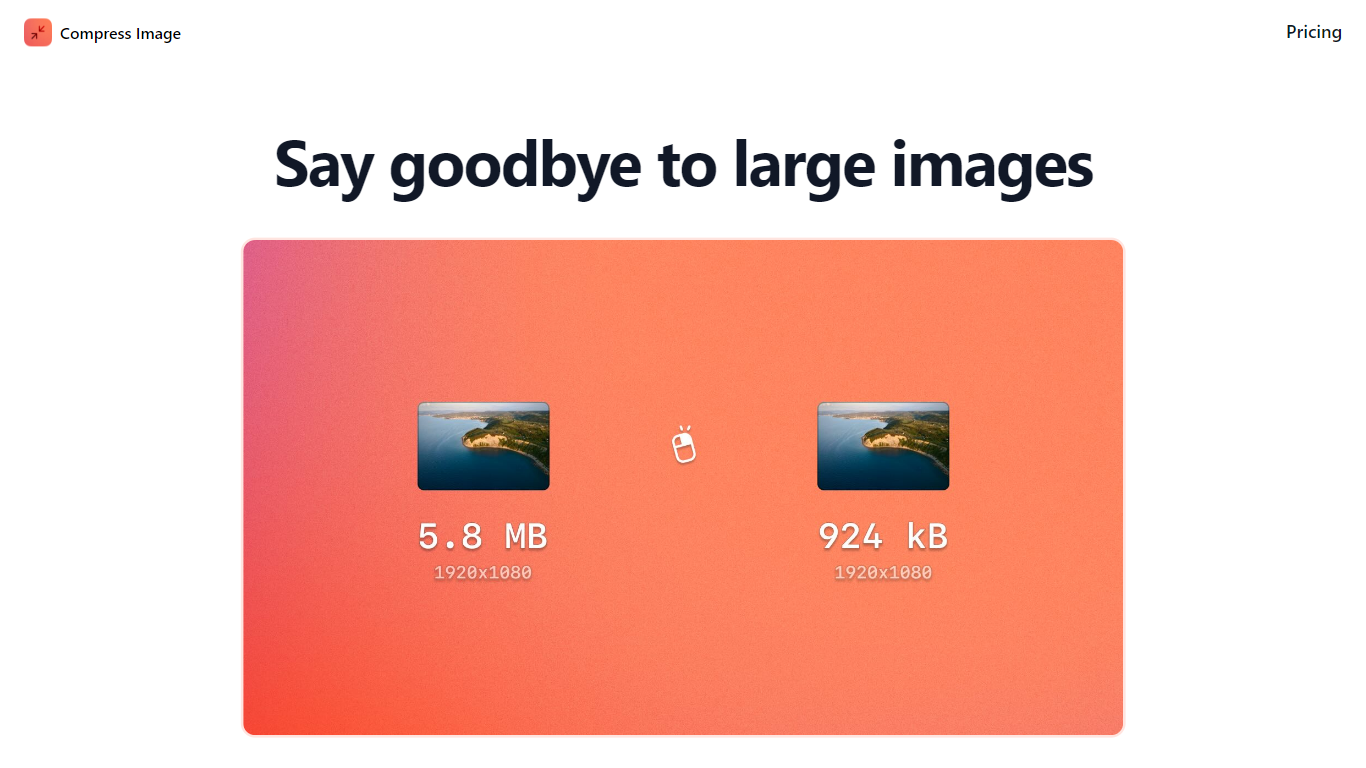
What is Compress Images?
Compress Images is a macOS Finder Quick Action that shrinks image files locally without uploading them to a server. Right-click a photo, pick Quick Actions, then Compress Image to run the tool from Finder. It targets Mac users who need smaller JPG and HEIC files for email, web uploads, or storage cleanup.
Browser compressors usually send files to remote servers. Compress Images runs offline on macOS 12 or later and advertises up to 90% size reduction with what it calls invisible compression. That trade-off favors privacy and speed over cross-platform access.
Graphic designers, photographers, and anyone juggling large HEIC exports from iPhones are the likely audience. Bulk conversion has no stated limit, and HEIC files can auto-convert to JPG during compression.
Pricing is a one-time $5.99 purchase with no subscription. The app works entirely through Finder, so there is no separate editor window to learn.
LogoRemover.ai Upvotes
Compress Images Upvotes
LogoRemover.ai Top Features
Automatic AI logo detection and removal for JPG, JPEG, PNG, and WEBP images
Free online image watermark remover with brush touch-up option
Video logo remover with brush or rectangle selection tools
Separate pages for text removal, object removal, and logo background cleanup
AI logo generator alongside removal utilities on the same site
No signup required on the free watermark remover page
Compress Images Top Features
Finder Quick Action compresses images in two clicks on macOS 12+
Offline processing with no uploads to remote servers
Up to 90% file size reduction with invisible compression
Unlimited bulk conversion for large photo batches
Auto-converts HEIC files to JPG during compression
One-time $5.99 purchase with no subscription
LogoRemover.ai Category
- Image Editing
Compress Images Category
- Image Editing
LogoRemover.ai Pricing Type
- Free
Compress Images Pricing Type
- Paid