Mermaid Chart vs GitMind
In the contest of Mermaid Chart vs GitMind, which AI Project Management tool is the champion? We evaluate pricing, alternatives, upvotes, features, reviews, and more.
If you had to choose between Mermaid Chart and GitMind, which one would you go for?
When we examine Mermaid Chart and GitMind, both of which are AI-enabled project management tools, what unique characteristics do we discover? Interestingly, both tools have managed to secure the same number of upvotes. Every vote counts! Cast yours and contribute to the decision of the winner.
Does the result make you go "hmm"? Cast your vote and turn that frown upside down!
Mermaid Chart
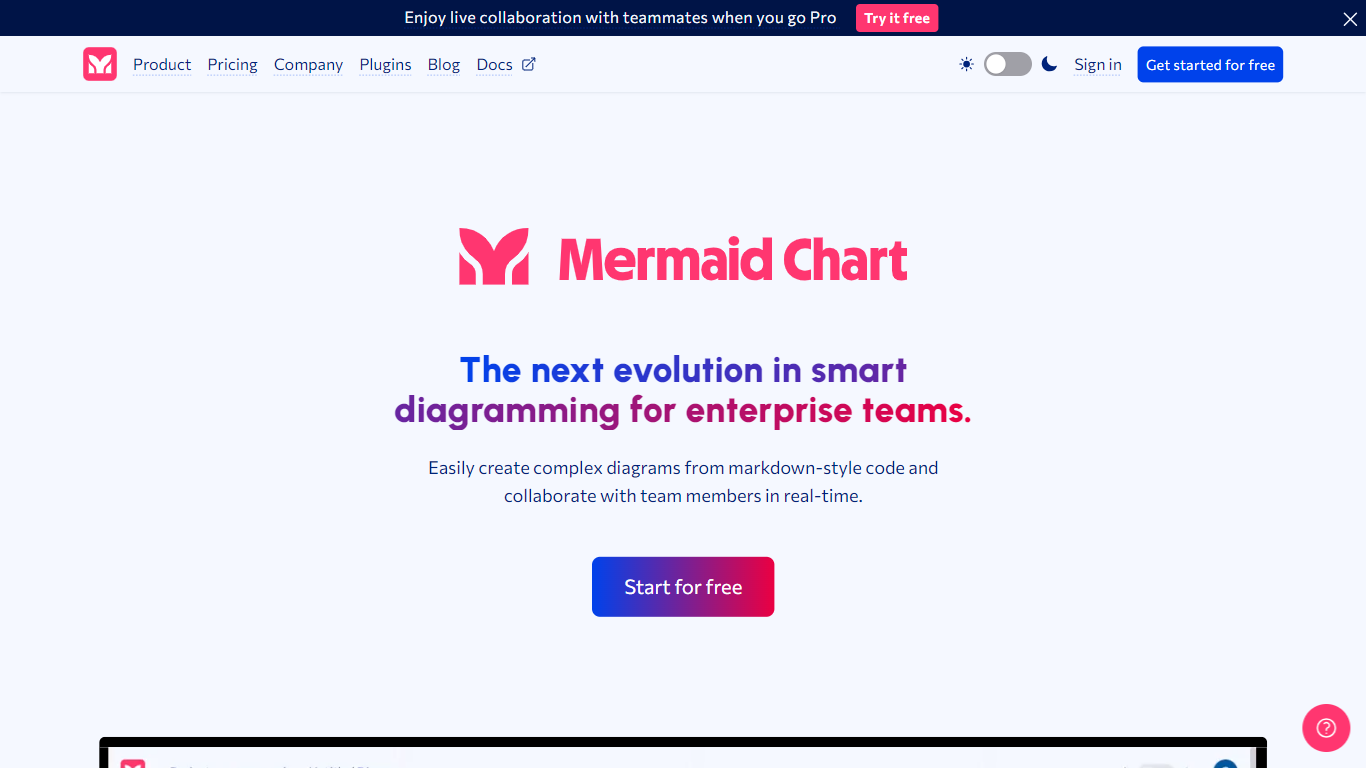

What is Mermaid Chart?
Mermaid Chart converts text-based descriptions into a variety of diagrams such as flowcharts, sequence diagrams, Gantt charts, and ER diagrams. Users can create diagrams by typing, speaking, or uploading documents, with AI assistance to suggest the most suitable diagram types and layouts.
What sets Mermaid Chart apart is its seamless integration with popular tools like VS Code, GitHub, and Confluence, allowing diagrams to live alongside code and documentation. It also supports real-time collaboration with live co-editing, shareable links, and enterprise-grade security including SSO and SOC 2 compliance.
Mermaid Chart emphasizes keeping diagrams version-controlled and synchronized with the underlying logic, reducing manual formatting and improving clarity across teams. Its AI features help users generate, validate, and refine diagrams quickly, supporting workflows from project planning to system architecture and database modeling.
GitMind
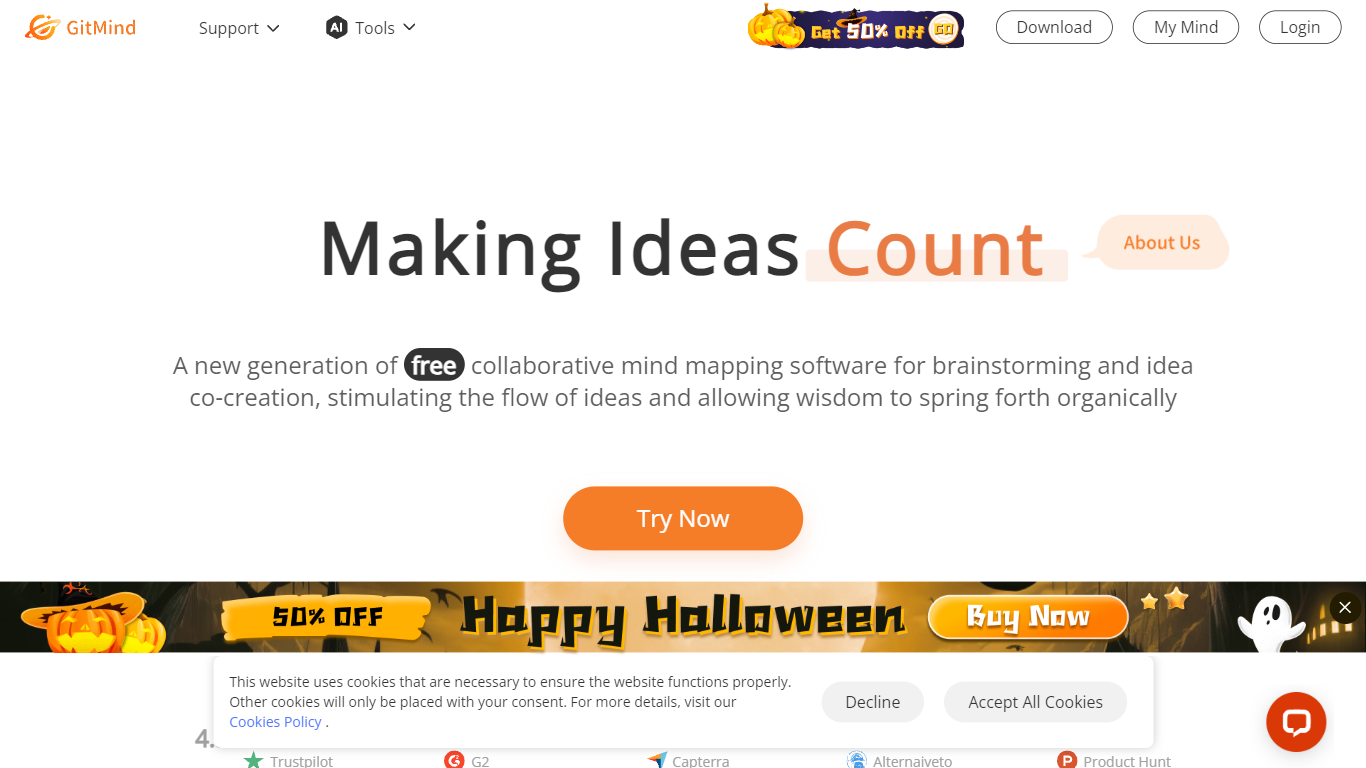
What is GitMind?
GitMind turns text, videos, audio, PDFs, websites, and images into mind maps, summaries, flowcharts, and infographics inside one visual workspace. Upload a file or paste a link, and the tool structures the content into editable diagrams you can share or present. Desktop and mobile apps sync projects across platforms for studying, research, and project planning.
Standalone mind map apps stop at diagram editing. GitMind bundles summarizers, OCR, YouTube transcript tools, and AI chat with ChatGPT, Claude, Gemini, and DeepSeek in the same canvas. That combination suits teams who want source material converted into visuals without switching between a note app, a diagram tool, and a separate AI chat tab.
Project managers, teachers, students, and researchers use GitMind to plan campaigns, summarize lectures, and generate UML or flowchart diagrams from prompts. The site reports 10 million users across 160 countries. Real-time collaboration and presentation mode support team workshops and classroom reviews.
Mermaid Chart Upvotes
GitMind Upvotes
Mermaid Chart Top Features
📝 Text-to-diagram conversion with AI suggestions for best diagram type
🤝 Real-time collaboration with live co-editing and shareable links
🔗 Integrates with VS Code, GitHub, Confluence, and other tools
🔒 Enterprise-grade security including SSO and SOC 2 compliance
📊 Supports diverse diagrams like flowcharts, Gantt charts, ER diagrams
💡 AI credits included: 15 (Basic), 300 (Plus), 2,000 (Premium) per year
📈 Diagram limits: up to 6 diagrams with limited size on Basic plan, unlimited on paid plans
GitMind Top Features
Converts videos, PDFs, audio, websites, and images into mind maps or summaries
Free tier includes up to 10 mind maps and whiteboards
YouTube summarizer handles 20 minutes of one video per day on the free plan
Generates flowcharts, UML diagrams, ERDs, and infographics from text prompts
Integrates ChatGPT, Claude, Gemini, and DeepSeek inside the workspace
Real-time collaboration with presentation mode for team reviews
Mermaid Chart Category
- Project Management
GitMind Category
- Project Management
Mermaid Chart Pricing Type
- Freemium
GitMind Pricing Type
- Freemium