Packmind vs SWOT Analysis
In the contest of Packmind vs SWOT Analysis, which AI Automation tool is the champion? We evaluate pricing, alternatives, upvotes, features, reviews, and more.
If you had to choose between Packmind and SWOT Analysis, which one would you go for?
When we examine Packmind and SWOT Analysis, both of which are AI-enabled automation tools, what unique characteristics do we discover? There's no clear winner in terms of upvotes, as both tools have received the same number. Join the aitools.fyi users in deciding the winner by casting your vote.
Does the result make you go "hmm"? Cast your vote and turn that frown upside down!
Packmind
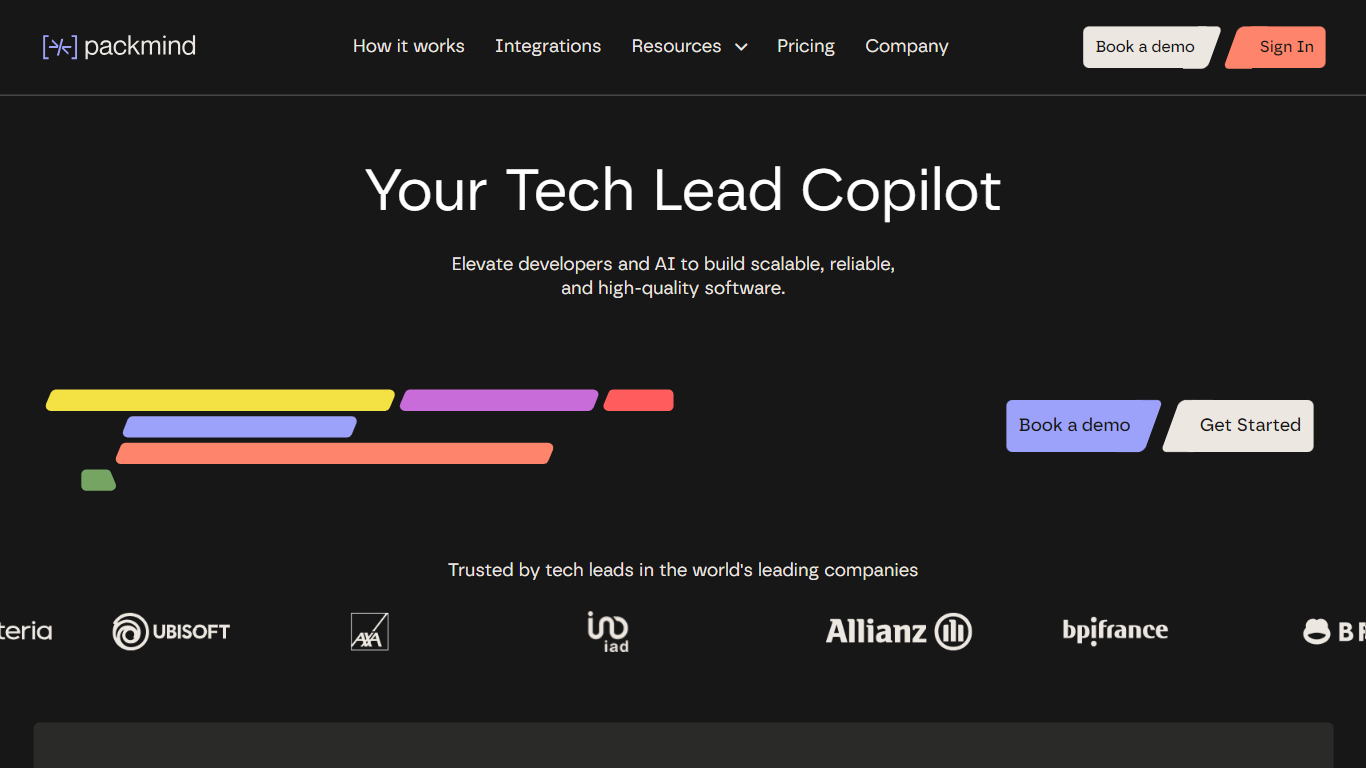

What is Packmind?
Packmind captures and governs your engineering playbook so AI coding agents across your repositories follow your team's standards instead of guessing from generic training data. It turns scattered decisions, patterns, and conventions into a versioned playbook, then distributes that context to assistants like Copilot, Cursor, Claude Code, and Gemini Code Assist.
Where generic assistants guess from training data, Packmind feeds them your team's rules. Its CLI can open pull requests that update copilot-instructions.md, AGENTS.md, and Cursor rules files, and its MCP server lets developers capture standards while coding. Violations show up in the IDE, CLI, or pre-commit with optional auto-fix before review.
Engineering leaders and platform teams use Packmind to scale agentic coding without losing consistency. The open source edition is free with unlimited developers and repositories; enterprise tiers add RBAC, SSO, SCIM, and audit trails. SOC 2 Type II certified since 2024, with public cloud or self-hosted Kubernetes deployment including air-gapped options.
SWOT Analysis
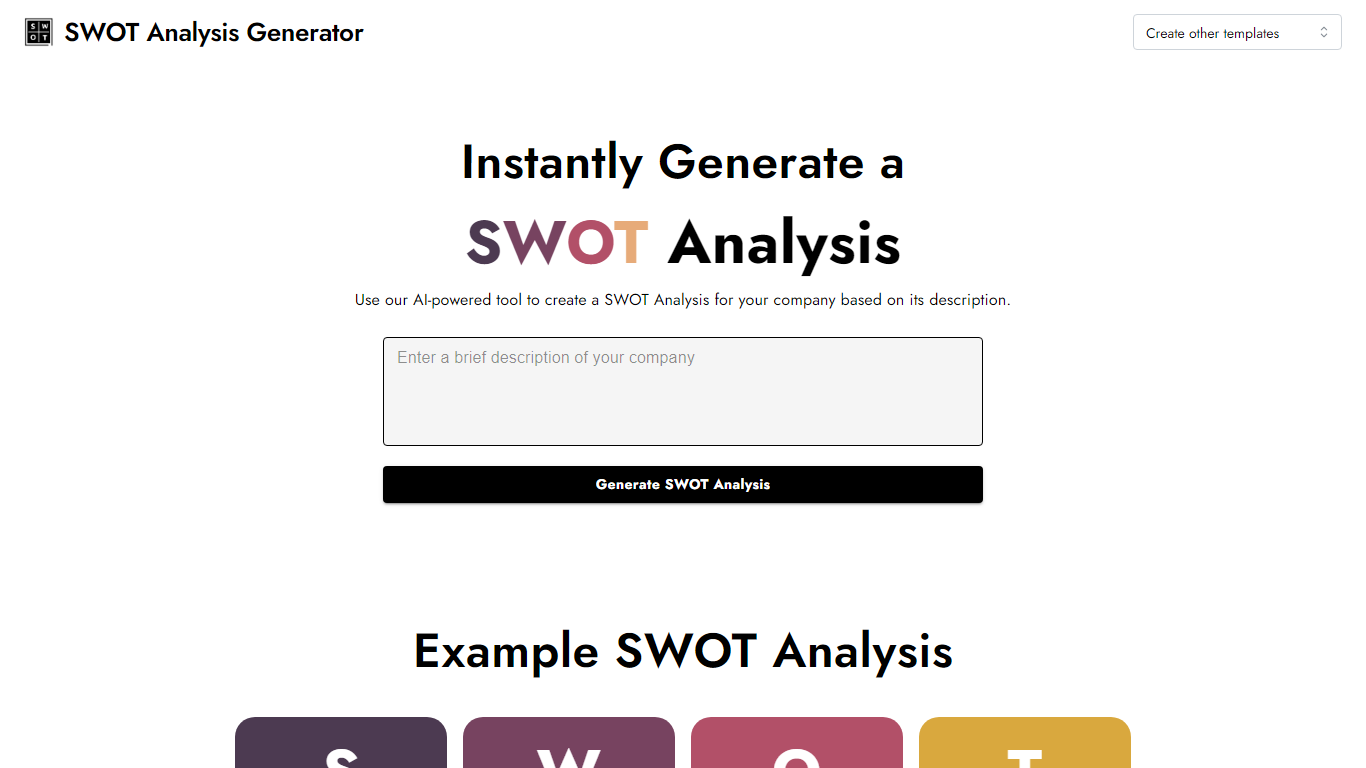
What is SWOT Analysis?
Turn a short company write-up into a finished SWOT grid in one pass. SWOT Analysis lives on InstantPersonas and automates the strengths, weaknesses, opportunities, and threats breakdown from the description you paste. You get four color-coded quadrants you can edit field by field, then export as an image for slides or client decks.
Most SWOT worksheets make you fill every box yourself. Here you describe the business once and the generator drafts all four sections, then leaves every quadrant editable before download. It sits alongside InstantPersonas' other free marketing tools with no signup gate, unlike the paid persona product on the same platform.
Startup founders, consultants, and marketing teams use it when they need a quick strategic snapshot without opening a spreadsheet template. It fits early planning sessions, pitch prep, and competitor positioning workshops where a visual SWOT beats a bullet list.
Packmind Upvotes
SWOT Analysis Upvotes
Packmind Top Features
Open source core is free with unlimited developers and repositories on GitHub and GitLab
CLI syncs standards to copilot-instructions.md, AGENTS.md, and Cursor rules via pull request
Imports standards from ADRs or Git docs, or captures rules via MCP while you code
Flags violations in VS Code, JetBrains, Visual Studio, CLI, or pre-commit with auto-fix
Distributes playbook context to Copilot, Cursor, Claude Code, Gemini Code Assist, and Junie
SOC 2 Type II certified since 2024 with cloud or self-hosted Kubernetes deployment
SWOT Analysis Top Features
Paste a company description and SWOT Analysis fills Strengths, Weaknesses, Opportunities, and Threats in four color-coded quadrants
Click any quadrant to edit the generated text before you finalize the grid
Download the completed SWOT breakdown as an image for reports or slide decks
Runs free with no signup, grouped with InstantPersonas' other free SEO and marketing tools
Accessible via swotanalysis.dev, which redirects to the InstantPersonas-hosted SWOT page
Packmind Category
- Automation
SWOT Analysis Category
- Automation
Packmind Pricing Type
- Freemium
SWOT Analysis Pricing Type
- Free