Pixlr vs Canva-Text to Image
When comparing Pixlr vs Canva-Text to Image, which AI Image Generation tool shines brighter? We look at pricing, alternatives, upvotes, features, reviews, and more.
Between Pixlr and Canva-Text to Image, which one is superior?
When we put Pixlr and Canva-Text to Image side by side, both being AI-powered image generation tools, Canva-Text to Image stands out as the clear frontrunner in terms of upvotes. Canva-Text to Image has received 107 upvotes from aitools.fyi users, while Pixlr has received 10 upvotes.
Want to flip the script? Upvote your favorite tool and change the game!
Pixlr
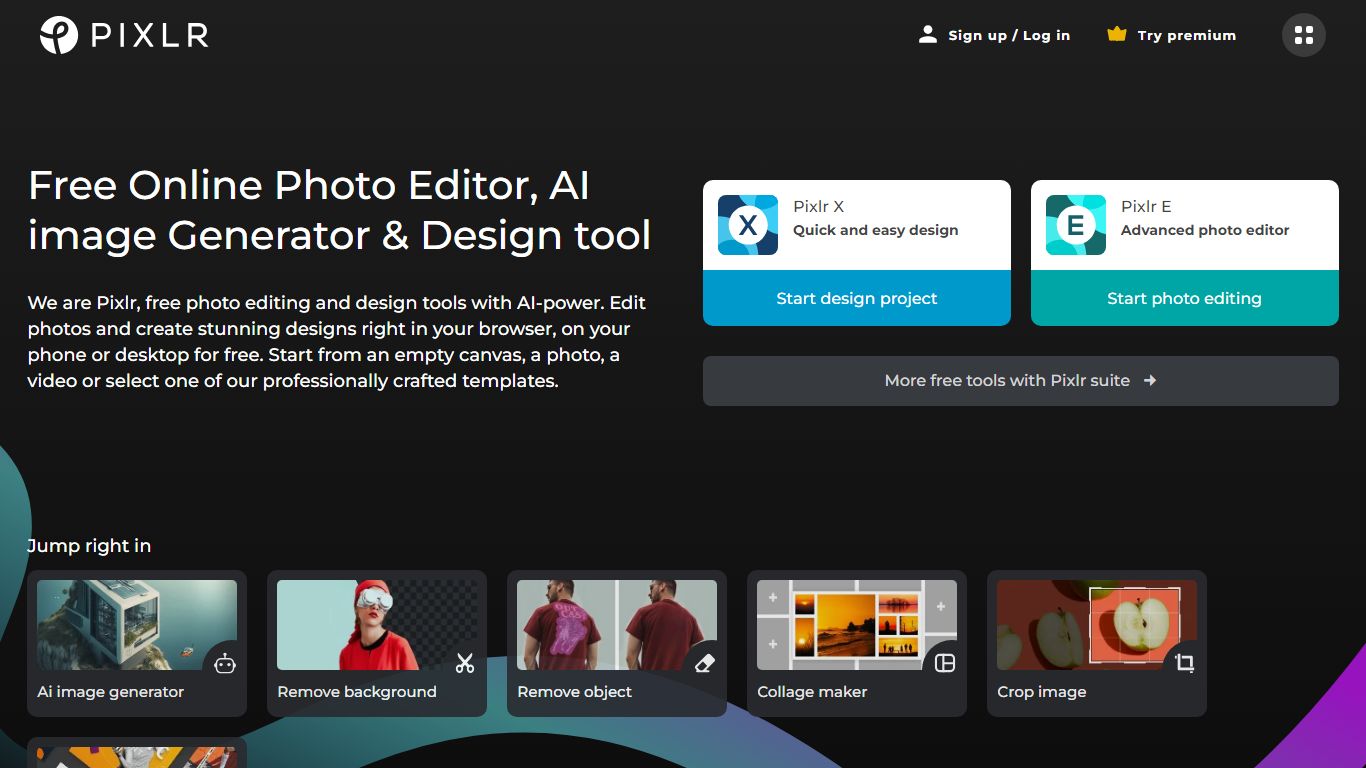

What is Pixlr?
Free Online Photo Editor, AI image Generator & Design tool
We are Pixlr, free photo editing and design tools with AI-power. Edit photos and create stunning designs right in your browser, on your phone or desktop for free. Start from an empty canvas, a photo, a video or select one of our professionally crafted templates.
Photomash Studio by Pixlr:Create high quality visual assets with just one click, for free! The one-click visual creator Photomash Studio instantly removes backgrounds from your photos to create amazing profile pictures, product images, Youtube thumbnails and more..
Design templates:Start designing from professionally crafted templates! Create a YouTube banner, Instagram story, resume, brochure, business card, presentation or the perfect sales pitch with a growing library of thousands of stunning and free templates.
Animations:Animate any design in just a few clicks with Pixlr. Use professional-looking animation presets or get into the gritty timeline details and capture your audience in way that simple images just can't.
Remove background:Erase backgrounds in your photos with ease! Instant AI-powered background removal in a single click! So fast, too easy. Now you can remove backgrounds from portraits, selfies, profile pictures and more in mere seconds.
Collage maker:Need to assemble photos on the fly? Create photo collages free online with our built-in pre-made collage templates. Just select a layout, upload images and start editing.
Filters & Effects:Transform your photos into artistic visuals with a variety of creative photo filters. Achieve the desired photo effects effortlessly in easy clicks!
Canva-Text to Image
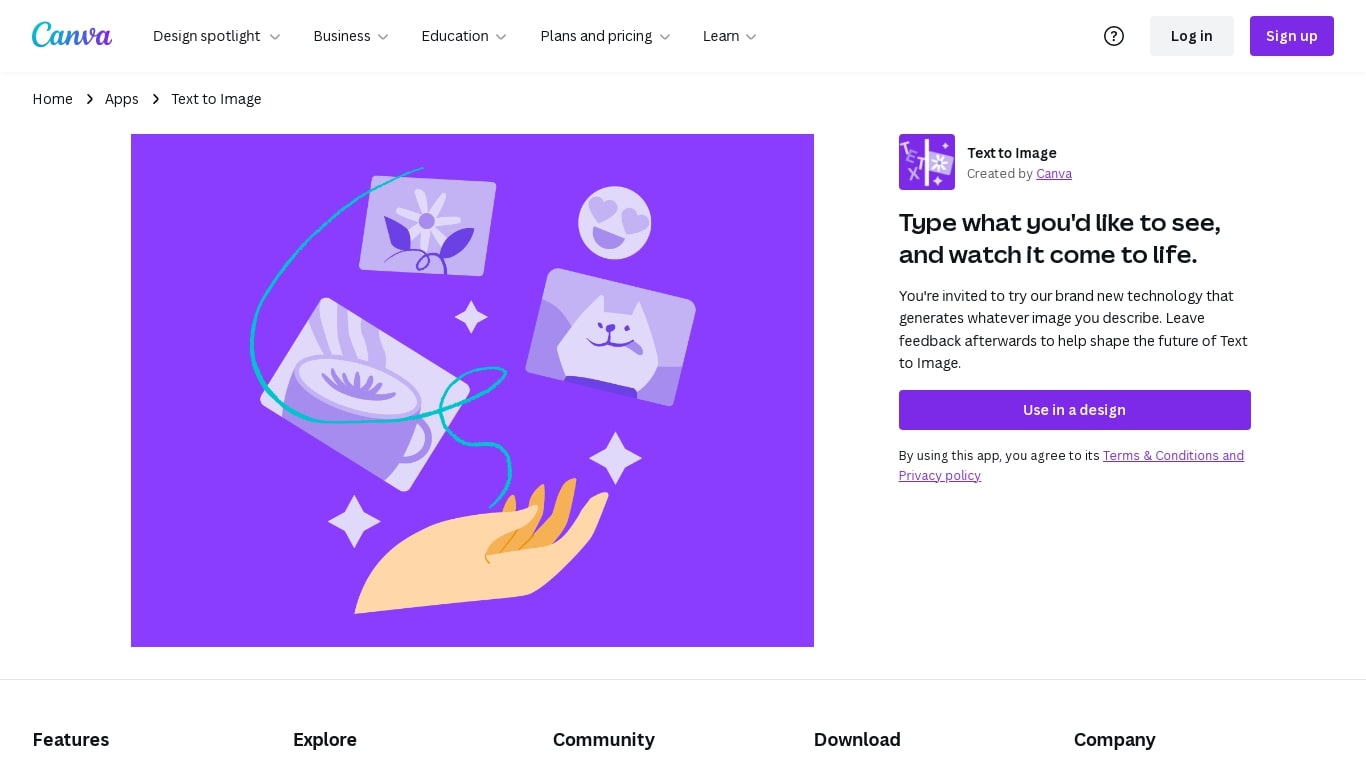
What is Canva-Text to Image?
Canva's Text to Image is a simple tool that turns words into images you can use in designs. Type a short description, pick an art style and aspect ratio, and the app will create several image options. You can use the results immediately in Canva layouts for social posts, presentations, posters, or any other design.
The tool is part of Canva’s Magic Media suite and sits alongside other AI apps like Create an image (powered by Dream Lab), DALL·E by OpenAI, and Imagen by Google Cloud. Text to Image offers many preset art styles, for example Watercolor, Filmic, Neon, Color Pencil, and Retrowave, so you can match the output to your project. It also supports different aspect ratios to fit banners, square posts, or tall stories.
Canva builds editing tools around the image generator. After you generate an image, use Canva’s Photo Editor to adjust lighting, color, and sharpness. Pro users can access Magic Edit to add or replace elements with a prompt, and Magic Eraser to remove unwanted parts. There’s also an upscale option in Create an image to produce sharper, higher-resolution versions when you need them.
The Text to Image app is available on desktop and mobile and offers limited use on free accounts. Upgrading to Canva Pro unlocks more generation credits and higher-end editing tools. Canva gives free accounts 5GB of storage and Pro accounts more storage and collaboration features like real-time commenting and a content planner for scheduling posts.
Canva has safety and usage rules built in. Prompts are checked automatically for content that breaks the platform rules, and users can report unsafe outputs. Canva also provides guidance about commercial use: you may use generated images for personal or commercial projects, but Canva does not guarantee exclusive rights or clearances. Users should check trademarks, public-figure rights, and any copyright concerns before using images commercially.
Overall, Canva’s Text to Image is made for creators who want quick, styled visuals without leaving the Canva editor. It is easy to try, works with other Canva tools, and gives practical controls for editing, exporting (JPG, PNG, PDF, PPTX), and sharing designs across teams or social channels.
Pixlr Upvotes
Canva-Text to Image Upvotes
Pixlr Top Features
No top features listedCanva-Text to Image Top Features
🎨 Multiple art styles — Watercolor, Filmic, Neon, Color Pencil, Retrowave and more to match your project.
🖼️ Text to Image + Create an image — Generate from text or use a reference photo (Dream Lab) to preserve composition.
✂️ Built-in editing — Photo Editor, Magic Edit (Pro) for prompt-based edits, and Magic Eraser (Pro) to remove objects.
⚙️ Export & collaborate — Export as JPG, PNG, PDF, PPTX; real-time collaboration, autosave, and a content planner (Pro).
🔒 Safety & usage guidance — Automated prompt checks, reporting tools, and clear notes about commercial use and rights.
Pixlr Category
- Image Generation
Canva-Text to Image Category
- Image Generation
Pixlr Pricing Type
- Freemium
Canva-Text to Image Pricing Type
- Freemium