Pixlr vs Getimg AI
In the face-off between Pixlr vs Getimg AI, which AI Image Generation tool takes the crown? We scrutinize features, alternatives, upvotes, reviews, pricing, and more.
When we put Pixlr and Getimg AI head to head, which one emerges as the victor?
If we were to analyze Pixlr and Getimg AI, both of which are AI-powered image generation tools, what would we find? The upvote count shows a clear preference for Pixlr. Pixlr has attracted 10 upvotes from aitools.fyi users, and Getimg AI has attracted 6 upvotes.
You don't agree with the result? Cast your vote to help us decide!
Pixlr

What is Pixlr?
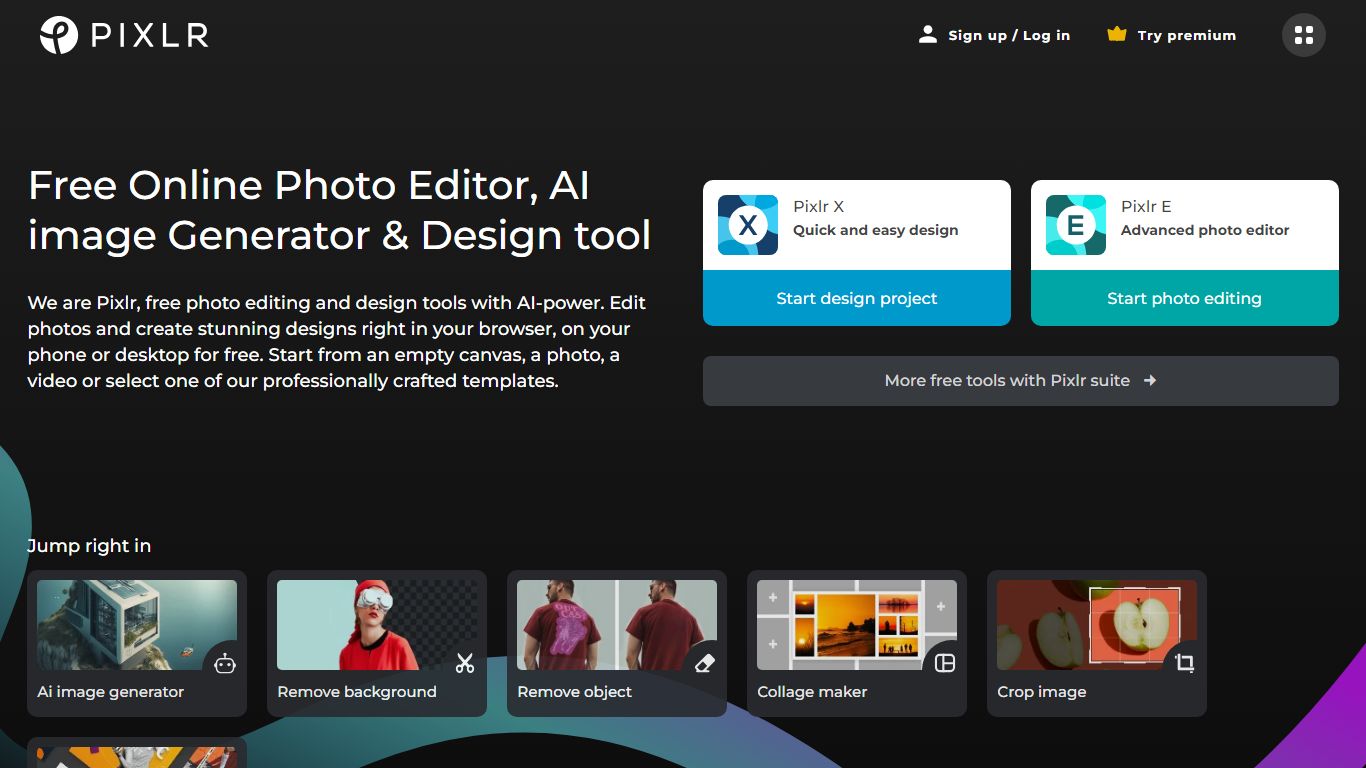
Free Online Photo Editor, AI image Generator & Design tool
We are Pixlr, free photo editing and design tools with AI-power. Edit photos and create stunning designs right in your browser, on your phone or desktop for free. Start from an empty canvas, a photo, a video or select one of our professionally crafted templates.
Photomash Studio by Pixlr:Create high quality visual assets with just one click, for free! The one-click visual creator Photomash Studio instantly removes backgrounds from your photos to create amazing profile pictures, product images, Youtube thumbnails and more..
Design templates:Start designing from professionally crafted templates! Create a YouTube banner, Instagram story, resume, brochure, business card, presentation or the perfect sales pitch with a growing library of thousands of stunning and free templates.
Animations:Animate any design in just a few clicks with Pixlr. Use professional-looking animation presets or get into the gritty timeline details and capture your audience in way that simple images just can't.
Remove background:Erase backgrounds in your photos with ease! Instant AI-powered background removal in a single click! So fast, too easy. Now you can remove backgrounds from portraits, selfies, profile pictures and more in mere seconds.
Collage maker:Need to assemble photos on the fly? Create photo collages free online with our built-in pre-made collage templates. Just select a layout, upload images and start editing.
Filters & Effects:Transform your photos into artistic visuals with a variety of creative photo filters. Achieve the desired photo effects effortlessly in easy clicks!
Getimg AI
What is Getimg AI?
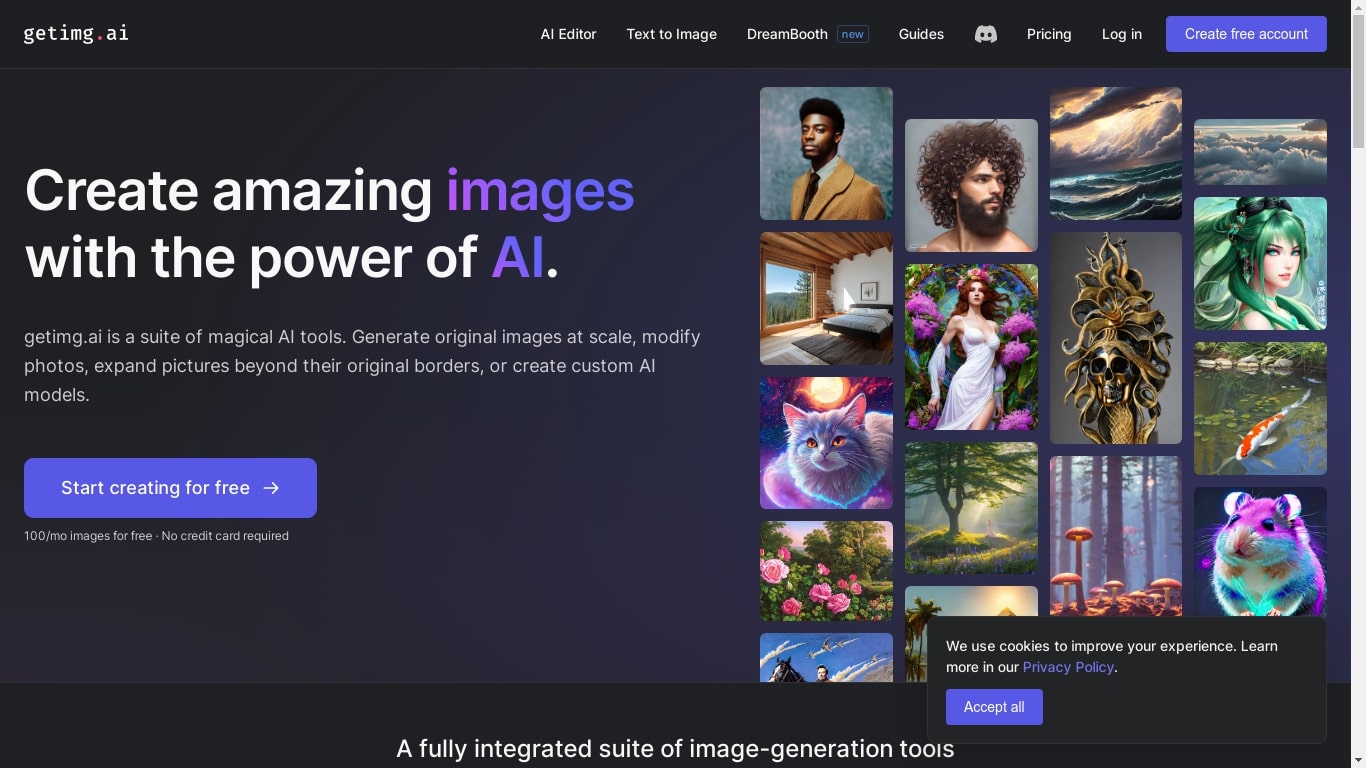
Getimg AI is an all-in-one creative studio for generating and editing images, video, music, and speech from text prompts. It bundles 48+ leading models (FLUX, Kling, Google Veo, Seedream, Sora, and more) into one subscription, with the platform auto-selecting the right model for each task so you can skip manual model research.
The interface is built around plain-language prompts rather than node graphs or complex workflows. You describe what you want, add reference images or Elements when needed, and iterate in seconds. Editing tools like background removal, upscaling up to 16K, smart resizing, and inpainting sit alongside generation in the same workspace.
Photographers, marketers, video creators, architects, and design teams use it to ship campaign assets, product shots, concept art, and social content without juggling multiple apps. Shared team workspaces, 20+ language support, and commercial rights on paid plans make it practical for agencies and in-house production teams.
Pixlr Upvotes
Getimg AI Upvotes
Pixlr Top Features
No top features listedGetimg AI Top Features
48+ image and video models in one subscription, auto-selected per task
Generate images, video, music, and speech without leaving the workspace
Elements let you lock in characters, products, or styles with @references
Upscale images to 16K, remove backgrounds, and resize for any platform
Team workspaces with shared folders, assets, and per-seat billing
Pixlr Category
- Image Generation
Getimg AI Category
- Image Generation
Pixlr Pricing Type
- Freemium
Getimg AI Pricing Type
- Paid