QR Code AI Art Generator - Hugging Face vs Befront
In the clash of QR Code AI Art Generator - Hugging Face vs Befront, which AI Design tool emerges victorious? We assess reviews, pricing, alternatives, features, upvotes, and more.
When we put QR Code AI Art Generator - Hugging Face and Befront head to head, which one emerges as the victor?
Let's take a closer look at QR Code AI Art Generator - Hugging Face and Befront, both of which are AI-driven design tools, and see what sets them apart. The upvote count is neck and neck for both QR Code AI Art Generator - Hugging Face and Befront. You can help us determine the winner by casting your vote and tipping the scales in favor of one of the tools.
Does the result make you go "hmm"? Cast your vote and turn that frown upside down!
QR Code AI Art Generator - Hugging Face
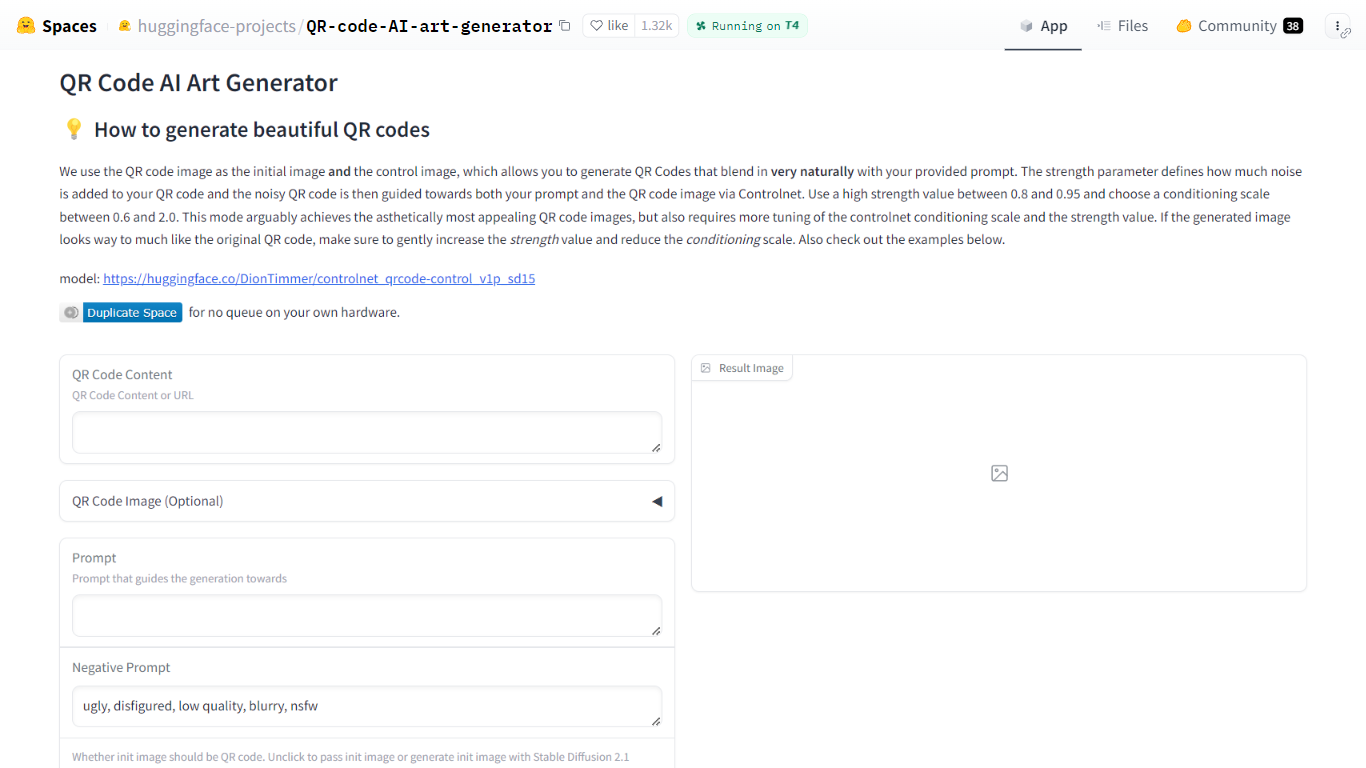

What is QR Code AI Art Generator - Hugging Face?
QR Code AI Art Generator is a free Hugging Face Space that turns scannable QR codes into styled artwork. You enter a URL or other QR payload, add a text prompt, and the Gradio app returns an image that still scans while matching your visual theme. It sits in the design and image generation category for anyone who needs branded codes rather than plain black-and-white squares.
Most QR stylizers treat the code as a loose overlay. This Space feeds the QR image as both the starting canvas and the ControlNet control image, so structure and style are guided together. Hugging Face recommends strength between 0.8 and 0.95 and a ControlNet conditioning scale between 0.6 and 2.0, which is more tuning than one-click generators but usually yields codes that blend into photos, illustrations, or posters.
It fits marketers, event teams, and designers who want campaign-ready QR art without running Stable Diffusion locally. The interface also accepts an uploaded QR image, optional init images, negative prompts, sampler choice, and seed control, with example presets on the page for quick starting points.
Befront
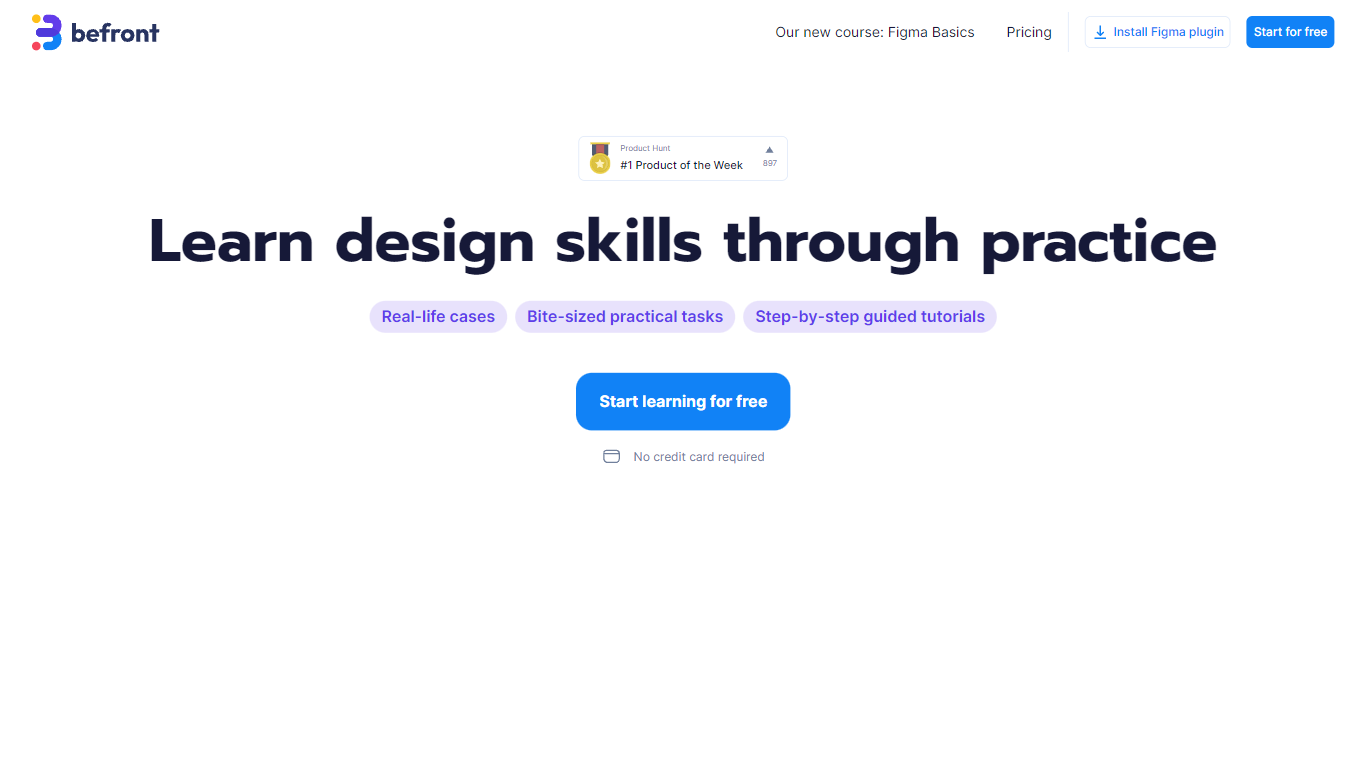
What is Befront?
Befront is a Figma Community plugin that works as a hands-on design trainer. You install it in Figma, pick a skill to train, and complete short UI tasks on real interfaces with instant feedback as you work. It focuses on practical layout and component work rather than passive theory.
Most design courses lean on video lectures that are easy to watch and hard to retain. Befront runs short drills you can finish in about five minutes, with topic picks like Auto Layout and components instead of a fixed syllabus. That makes it closer to a daily gym routine than a semester-long course.
The homepage positions Befront for designers who feel stuck in Figma, working designers who want more speed, and career switchers learning UX/UI from scratch. Developers, product managers, founders, and marketers who need to work confidently in Figma are also called out in the FAQ.
You track progress over time, compete with other designers, and can try design mini-games for quick interactive practice. A free trial offers access to trial lessons, while paid plans start at $11 per week or $30 per month for full access.
QR Code AI Art Generator - Hugging Face Upvotes
Befront Upvotes
QR Code AI Art Generator - Hugging Face Top Features
Uses DionTimmer/controlnet_qrcode-control_v1p_sd15 ControlNet model for SD 1.5
QR image serves as both init image and ControlNet control for tighter structure
Recommended strength range 0.8 to 0.95 with conditioning scale 0.6 to 2.0
Accepts URL or text payload, or upload your own QR code image
Built-in example table with guidance scale, strength, seed, and sampler presets
Duplicate the Space to run without the public queue on your own hardware
Befront Top Features
Daily drills you can finish in about five minutes with instant feedback inside Figma
Monthly plan at $30 per month or Weekly plan at $11 per week for full access to all content
Topic-specific training for Auto Layout, components, and other job-ready Figma skills
Design mini-games for quick interactive practice on real interfaces
Free Trial at $0 with access to trial lessons inside the Figma plugin
QR Code AI Art Generator - Hugging Face Category
- Design
Befront Category
- Design
QR Code AI Art Generator - Hugging Face Pricing Type
- Free
Befront Pricing Type
- Freemium