Reclaim.ai vs Transkriptor
Dive into the comparison of Reclaim.ai vs Transkriptor and discover which AI Meeting Assistant tool stands out. We examine alternatives, upvotes, features, reviews, pricing, and beyond.
When comparing Reclaim.ai and Transkriptor, which one rises above the other?
When we compare Reclaim.ai and Transkriptor, two exceptional meeting assistant tools powered by artificial intelligence, and place them side by side, several key similarities and differences come to light. Both tools are equally favored, as indicated by the identical upvote count. Join the aitools.fyi users in deciding the winner by casting your vote.
Feeling rebellious? Cast your vote and shake things up!
Reclaim.ai
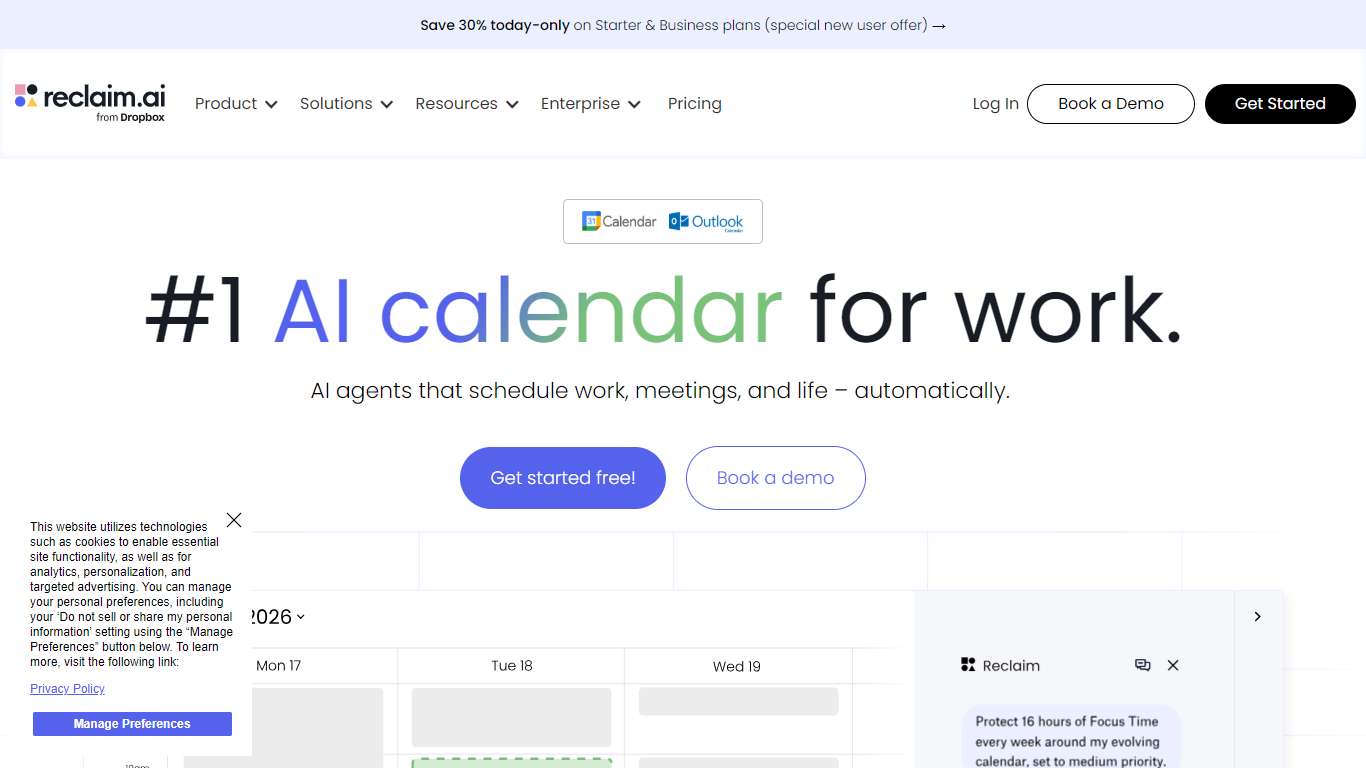

What is Reclaim.ai?
Reclaim.ai is an intelligent calendar assistant that schedules work, meetings, and personal routines on Google Calendar and Outlook. It defends focus time, flexibly books internal meetings, and reshapes your week as priorities change. Individuals and teams use it when they want a calendar that adapts instead of one they constantly rearrange by hand.
Most calendars show what is already booked. Reclaim treats scheduling as an ongoing optimization problem. Its agents rebalance focus blocks, tasks, habits, buffer time, and meetings around conflicts, shifting deadlines, and team availability. The product is now part of Dropbox, branded as Reclaim.ai from Dropbox on the live site.
Product and engineering teams defend deep work during sprints. Sales groups book external calls faster with scheduling links. Managers roll out company-wide initiatives like no-meeting days or focus time goals. Executive assistants coordinate multiple calendars with delegated access on larger plans.
Transkriptor
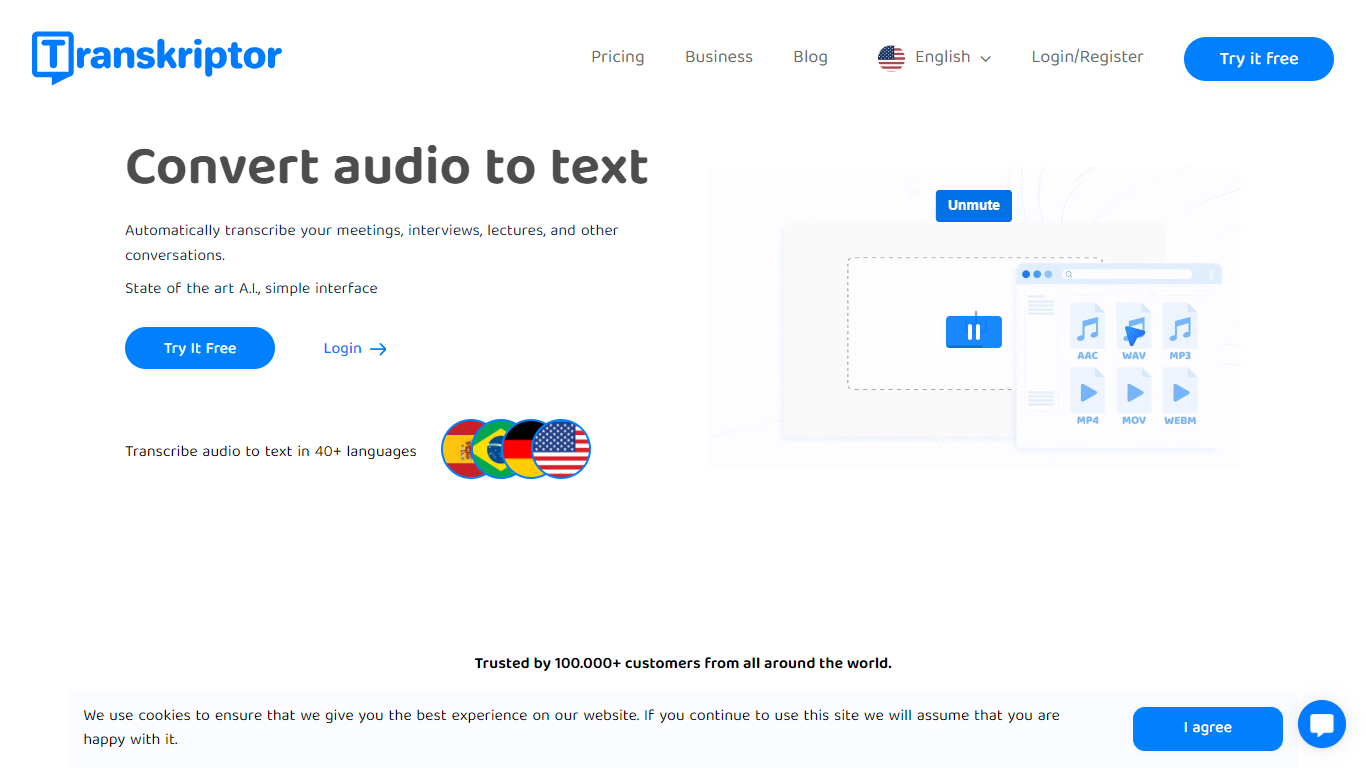
What is Transkriptor?
Transkriptor turns audio and video into editable text transcripts for meetings, interviews, lectures, podcasts, and phone calls. It is built for professionals, students, and teams who need accurate speech-to-text without spending hours on manual note taking.
Upload MP3, MP4, WAV, and other common formats, record live in the browser or mobile apps, or connect your calendar to capture Zoom, Microsoft Teams, and Google Meet sessions. Transkriptor transcribes in 100+ languages, identifies speakers, and adds summaries, action items, sentiment analysis, and an Ask feature to search across your transcript library with cited sources.
The product is available on web, Chrome extension, desktop, iOS, and Android. Integrations route transcripts and notes into CRM, storage, and productivity tools such as Salesforce, HubSpot, Notion, Slack, Google Drive, and Dropbox. Security certifications include SOC 2, ISO 27001, and GDPR compliance with EU-hosted infrastructure.
Reclaim.ai Upvotes
Transkriptor Upvotes
Reclaim.ai Top Features
Scheduling agents defend focus time, habits, and buffer blocks around your real calendar
Smart Meetings finds the best slot across every attendee schedule automatically
Scheduling Links share availability with controls that go beyond basic booking pages
Pull tasks from Asana, Jira, Linear, ClickUp, Todoist, or Google Tasks onto your calendar
Chat with the assistant to plan your day, resolve conflicts, or move meetings
Workforce Analytics breaks down team time across focus, meetings, and fragmentation
Slack status syncs from your calendar so coworkers know when you are heads-down
Transkriptor Top Features
Transcribe uploaded audio or video files, live recordings, and videoconference calls in 100+ languages
Auto-generate meeting summaries, action items, and speaker-labeled transcripts with sentiment analysis
Search across your transcript library with Ask Transkriptor to pull decisions and quotes with cited sources
Record meetings without a bot via desktop and mobile apps, or use calendar sync for Zoom, Teams, and Google Meet
Connect transcripts to CRM, storage, and productivity tools including Salesforce, Notion, Slack, and Google Drive
Reclaim.ai Category
- Meeting Assistant
Transkriptor Category
- Meeting Assistant
Reclaim.ai Pricing Type
- Freemium
Transkriptor Pricing Type
- Freemium